How to Get Photorealistic Renders: Steps to Follow
Lighting, materials, camera and render settings, model quality and post-production: the steps that lead to photorealistic renders.

There are a few clear steps you can follow if you want to know how to get photorealistic renders. Below, I have written an article that explains these steps in detail.
If you would like realistic, high-quality renders for your 3D projects, you can reach us through our contact page.
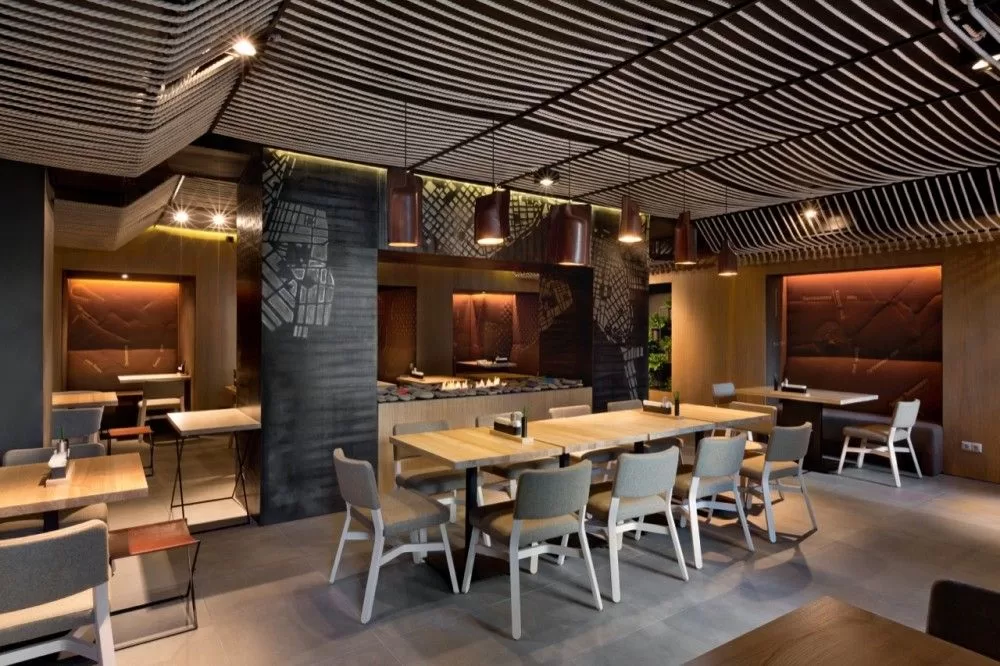
How to Get Photorealistic Renders: Key Steps
To get photorealistic renders, you need to apply a few basic principles and parameters with discipline; that is what takes you to the result you want.
- Lighting: To achieve a realistic render, you first need to use the right lighting techniques. Lighting is the most important factor that defines the atmosphere of a scene. By placing lights correctly, illuminating the scene fully and creating natural shadows, you can build a realistic environment.
- Material Settings: Material settings are very important for getting a realistic render. They define the surface properties of the objects in your scene, including reflection, glossiness, roughness and transparency. By configuring these settings correctly, you can give objects a realistic look.
- Camera Settings: Camera settings define the properties of the camera that views your scene. By setting the camera angle, focal length and aperture correctly, you can achieve a realistic image. You can also use depth-of-field effects to make objects look more realistic.
- Render Settings: Render settings define the parameters used during rendering. They include resolution, light intensity, color correction and shading quality. By configuring render settings correctly, you can prevent errors that may occur during the rendering process and, as a result, achieve a more realistic image.
- High-Quality Modeling: The quality of the models used is very important for a realistic render. Models need to be at the correct scale, have sufficient detail and have materials applied correctly. That is why using high-quality models helps you achieve a realistic render.
- High-Quality Models: Before rendering, you need to use high-quality models. Detailed, realistic models increase both the realism and the aesthetics of the render.
- Choosing a Render Engine: Your choice of render engine is also important for a realistic render. Different render engines can produce different results, so choosing the one best suited to your project helps you get a realistic outcome.
- Patience: Getting a realistic render can take some time. The quality, detail and size of the render can affect processing time. Being patient and reviewing the result once rendering is complete will help you get a realistic render.
When it comes to getting photorealistic renders, presenting 3D designs with high-quality visuals is essential for the design to be understood correctly and appreciated by the client. Below, I explain in detail the steps you can follow to create high-quality visuals.
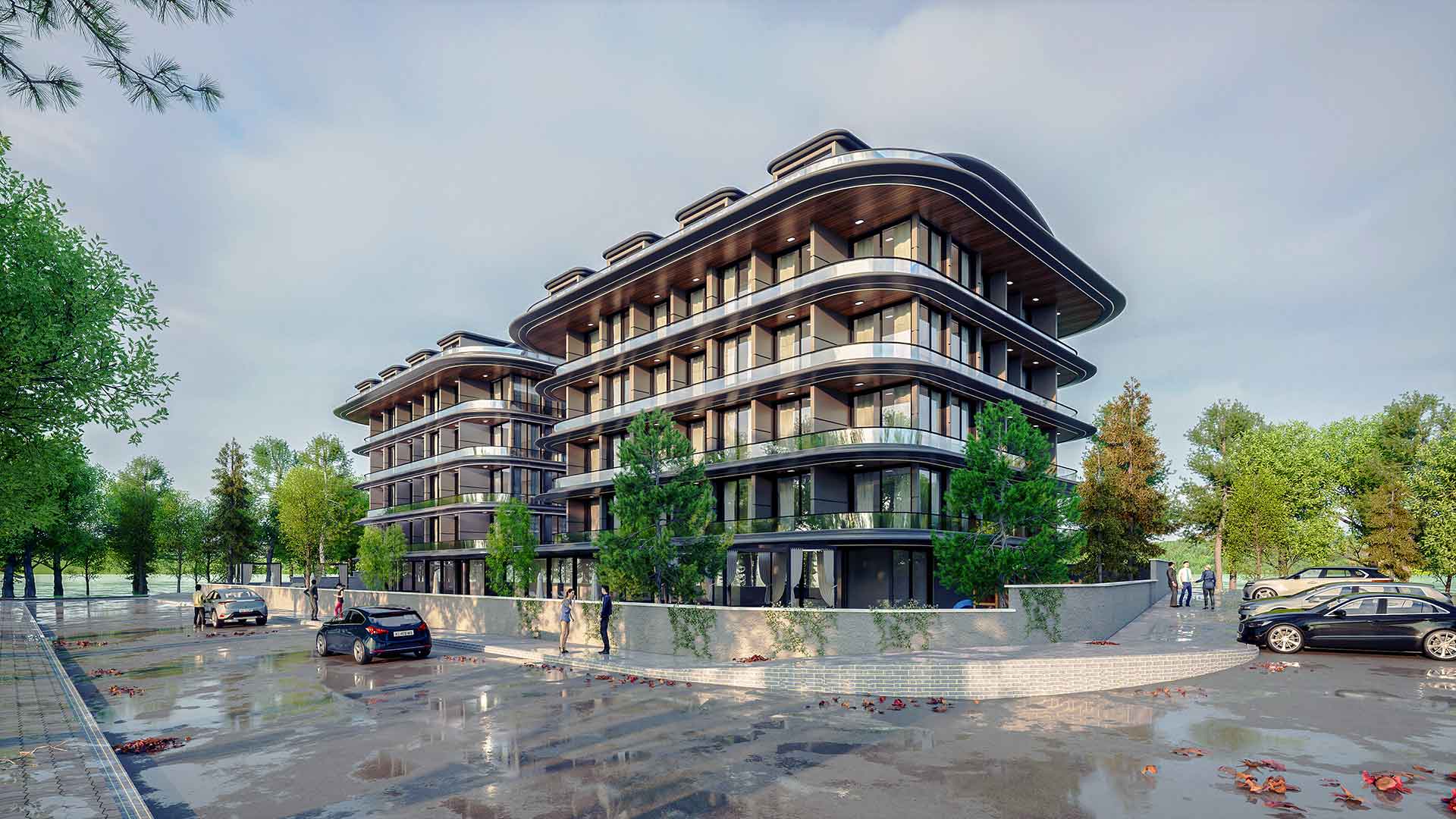
How to Create High-Quality Visuals in 3D Design
- Detailing the Models: To create a high-quality visual, the models must first be detailed. They need to be at the correct scale, have sufficient detail and have materials applied correctly. A detailed model produces a more realistic image and helps viewers connect with the design.
- Lighting: With the right lighting, you can make your 3D designs more realistic. Lighting is the most important factor that defines the atmosphere of a scene. By placing lights correctly, illuminating the scene fully and creating natural shadows, you can build a realistic environment.
- Editing and Post-Production: Once rendering is complete, you can move on to an editing and post-production stage to improve your visuals further. Here you can retouch your images, apply color corrections, adjust lighting and make your visuals even more realistic.
Contact us for your 3D visualization and design projects.