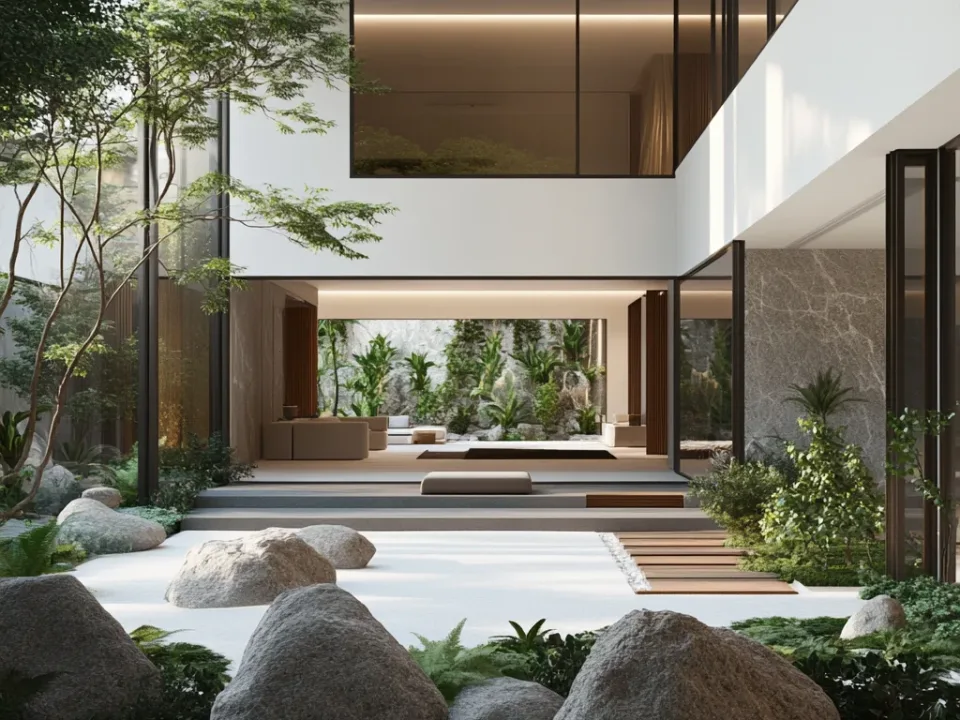
Common 3D Visualization Mistakes: What Is a Realistic Render?
The most common 3D visualization mistakes, what a realistic render really means, and how long it takes to learn popular render engines.

There are many misconceptions, especially about realistic renders.
3D visualization is a fairly complex process with plenty of room for error. Some common 3D visualization mistakes are:
- Insufficient detail: A visualization may lack detail, which reduces realism. The level of detail depends on factors such as the polygon count of the model and its resolution.
- Incorrect lighting: Wrong lighting can make an object look different from how it appears in the real world. Factors such as the direction, intensity and color of light must be set correctly.
- Faulty modeling: The model may be scaled or built incorrectly. These mistakes can make an object look very different from its real-world shape.
- Shadow errors: Incorrect shading can reduce the realism of a visualization. Shadow errors usually come from badly placed light sources or shadows that are not generated properly.
- Texture errors: Wrong or poorly applied textures can reduce realism. Textures should accurately reflect the surface properties and materials of an object.
- Render errors: A render error lowers the quality of the final image. Render errors can be caused by drawing errors, shadow errors, texture errors and other visual problems.
To avoid these mistakes, use suitable software and hardware, build the model correctly, set up the lighting properly, apply textures correctly and run the render process carefully. That is how you get a high-quality visualization.
-
Beyond Common 3D Visualization Mistakes: How Quickly Can I Learn Quality Visualization
(realistic rendering)?
Quality visualization (realistic rendering) is a skill that keeps evolving and needs constant attention. You need to keep practicing and set aside dedicated time for it.
If you jump into a pointless race with others before fully learning the subject, you can wear yourself out trying to be the best all the time.
Do not push yourself like a racehorse just to catch up with someone or beat them. You will lose the joy of the work.
This is work that needs dedicated time. If you try to learn it on the side while doing something else, the result will not be sound.
-
Which Render Engine Is Realistic?
There is no such thing as a truly realistic image. There is no realistic render, only the image closest to reality. Even cameras cannot capture a photo as close as what the eye sees, and every image made by a person in a 3D render engine has flaws. Even in the best image, you cannot fully capture reality.
“Quality image” is a good way to describe 3D work. A quality image brings together many skills, such as design sense, modeling and ergonomics.
-
Which Render Engine Should I Choose?
Right now, the easiest and most effective render engine on the market is Enscape Render. It is quick to learn and runs efficiently on laptops and desktop PCs. If you want a render engine you can learn in a short time, it is the ideal choice for both students and professionals doing commercial work. When it comes to realistic rendering, once you dive into the details and fine-tuning, it can give you surprising results.
Of course, an easy render engine does not mean you can sit down and produce quality images within a few days.
V-Ray render engine: 6 months
Enscape render engine: 3 months
Twinmotion: 2 months
Lumion: 2 months
are typical learning times at this stage. These times apply to people who study regularly and set aside at least 6 to 10 hours of learning per week. They vary from person to person. Note: these times cover the render engine only. When you add modeling and other important skills on top, you will start to see real progress in about a year.
Realistic rendering means that a visualization or animation resembles the real world. It requires careful adjustment of elements such as realistic shapes, surface properties, lighting, shading and movement. A realistic render produces an image similar to photos or videos of real-world objects and is commonly used in architecture, product design, games and film effects.
For realistic rendering, it is important to use 3D modeling software and good computer hardware. Surface materials, lighting, shading and other properties must also be set correctly so that objects behave like their real-world counterparts. Realistic rendering helps present a project convincingly and lets clients and target audiences understand it better.