D5 Render Training Course for Architectural Visualization
Why D5 Render speeds up architectural visualization, a practical workflow for better results and the mistakes that lower render quality.
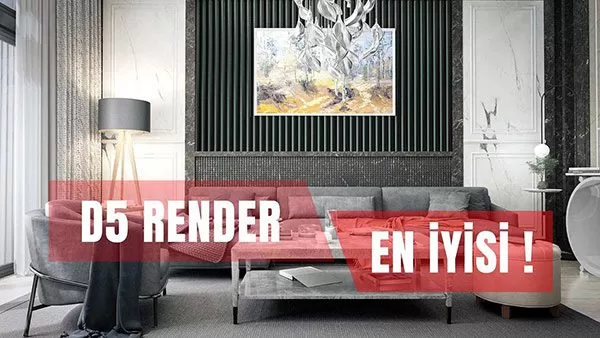
The D5 Render training course covers the D5 render engine, a recently released engine that uses AI technology and lets you produce high-quality renders quickly.
D5 Render works with many 3D programs. In architectural visualization, it is a render engine that lets you render efficiently and fast.
That is why we invite you to watch the trailer for our
D5 Render Training Course
in the introduction video below.
For 3D project modeling, we can use many modeling programs. When it comes to rendering, there is also a wide variety of render engines.
Spending a lot of time on design and details in our projects means we have less time left for the render engine.
As a result, low-quality render images are produced.
With the D5 render engine, however, we can produce higher-quality work while spending less time.
Since time matters so much in the design process, an easy render engine is very valuable.
That is why the D5 render engine stands out and is well worth using.
If you are looking for quality in your projects, contact us.
Steps to Follow When Working with D5 Render
The key to good results in a real-time render engine like D5 Render is preparing the scene correctly in your modeling program. No matter how fast the render engine is, a messy model will cause problems at the lighting and material stage. In architectural visualization, the following steps help you build an orderly workflow:
- Clean up the model: Fix flipped faces, delete unnecessary geometry and give materials meaningful names. These names speed up your work when you change materials in the render engine.
- Import the model and check the scale: After bringing it into the scene, confirm the model is the right size using a known dimension, such as a door height.
- Set up the light first: The sun angle and sky settings determine how materials will look. Adjusting materials after the lighting is settled gives more consistent results.
- Refine the materials: Adjust reflection, roughness and bump values by observing the real material, without exaggerating them.
- Complete the surroundings: Add scale and a sense of life to the scene with plants, people and vehicles.
- Camera and output: Choose eye-level camera angles that keep vertical lines straight, and save the views as separate scenes.
Common Mistakes That Lower Render Quality
The most common problem in real-time render engines is making every surface overly glossy and reflective, which gives the image an artificial look. Another mistake is not checking texture scale: a repeating parquet or stone texture that is too large or too small immediately catches the viewer’s eye. Filling the scene with too many plants and objects also lowers performance and pushes the architecture into the background. Finally, leaving vertical lines tilted in the camera view clearly shows the difference between a professional architectural render and an amateur image.
It is also a good habit to save different camera angles and lighting scenarios as separate versions when saving the scene. That way, you can quickly switch between daytime and evening views based on client feedback and prepare new variations without rebuilding the same model from scratch.
Frequently Asked Questions
Do I need to know modeling before learning D5 Render?
Yes, you should be able to work at least at a basic level in a modeling program. The render engine visualizes a ready-made model; the model’s organization and accuracy directly affect the result.
Does rendering fast mean sacrificing quality?
Not always. In real-time engines, quality is mostly determined by the lighting setup, material settings and composition. When these fundamentals are set up correctly, a fast workflow can still deliver satisfying results.