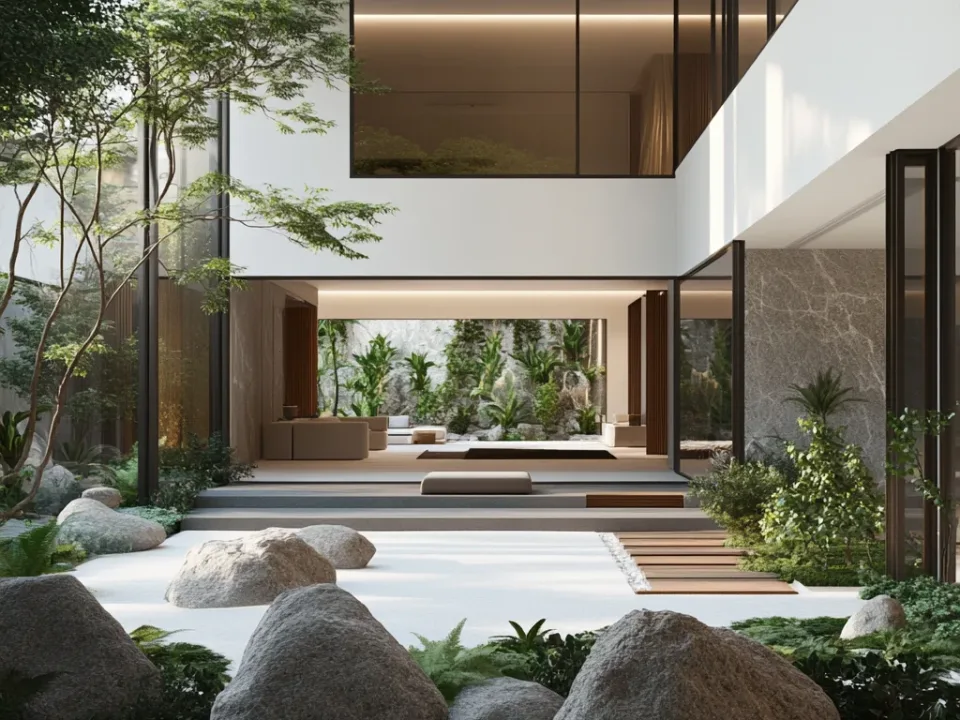
What Is Enscape? Enscape Render Engine Graphics Card Requirements
What the Enscape real-time render engine is, why it speeds up architectural workflows, which graphics cards it needs and where to learn it.

The Enscape render engine has become popular in recent years. Improving day by day, Enscape stands out as a pioneer in design visualization, and this article also covers the Enscape render engine graphics card requirements.
Real-time render engines keep attracting attention as they continue to evolve. Companies constantly bring new render engines to the wider market. It is fair to say this trend was started by Lumion, Unreal Engine and Twinmotion, and Enscape has grown thanks to them. It stands out with its simple interface and its light and material settings. This engine looks set to deliver excellent designs for both exteriors and interiors.
Enscape is a render engine capable of real-time rendering, used especially in architectural design and visualization. It allows designers to visualize and share their projects in real time.
Enscape supports many different model formats and integrates with other 3D modeling software. Designers can easily view models created in Revit, SketchUp, Rhino, ArchiCAD and many other programs in Enscape and produce realistic renders.
Enscape offers a real-time view that lets users review their designs and make changes instantly. Designers can change viewpoints, edit material and lighting settings and even create walkthrough tours.
Enscape has an easy-to-use interface, so designers can visualize and share their projects quickly. It also offers features such as realistic lighting, shading and material properties, so users can create realistic and vivid renders.
In conclusion, Enscape is a render engine capable of real-time rendering that lets users view their designs and make changes instantly. It is widely used in architectural design and visualization and helps users present their projects realistically and vividly.
Why Designers Choose Enscape: Enscape Render Engine Graphics Card Requirements
The Enscape render engine is chosen mainly to speed up the workflow. The Enscape render engine is widely used to finish work quickly. Engines of this kind rely heavily on the graphics card, so your system needs adequate hardware. Laptops often do not deliver the performance render engines need. If you plan to work on a laptop, make sure the graphics card is at least a 1060 or higher. A series above the 1060 will serve you better.
Compatible AMD hardware should be at least the 1600 series. An AMD graphics card at this level is enough to run the program.
For comfortable use, we recommend a 2070S or higher graphics card.
Where Can You Find Enscape Tutorials?
To download the Enscape plugins, register on the official website. You can test the software for 14 days. When purchasing, you will choose between two types of license: Floating and Fixed (single-seat). It is possible to use these licenses on more than one machine.
Enscape is very valuable in terms of ease of use. To watch Enscape tutorials, visit the official website, where you will find original lessons prepared by the Enscape team. You can also find many lessons about the program on YouTube. Enscape Render brings significant improvements to project presentations during revision stages. You also do not need to learn any extra software to use Enscape. It will make a big contribution during the design stage.
You can watch the render tutorials we have prepared for you below. For more, visit our YouTube channel.
Related articles: Rendering in SketchUp: Render Engines · The Best 3D Visualization Specialist · What Is the V-Ray Render Engine?
Looking for photorealistic visuals for your project? Browse our architectural visualization projects or send us your drawings on WhatsApp.