V-Ray Render Engine Features for Architecture
An overview of the Chaos V-Ray render engine, its technical features and why architects rely on it for realistic visualization.

The V-Ray render engine is a system developed by Chaos Group. It is a render engine used in 3D graphics applications, and this article covers the key V-Ray render engine features for architecture.
The V-Ray render engine produces highly professional work in the visualization industry. It is used by professionals everywhere. Render examples made with V-Ray technology are the result of many different features. It offers both 64-bit and 32-bit support for programs such as Autodesk VIZ, Autodesk Maya and Autodesk 3ds Max. It is also available for compatible programs such as Softimage XSI, SketchUp, Rhinoceros, Maxon Cinema 4D and Caligari trueSpace.
V-Ray Render Engine Features for Architecture: A Technical Overview
V-Ray is a render engine developed by Chaos Group and used especially in architecture, interior design, film and video games. It is used to create high-quality, realistic images and animations and can integrate with many different 3D modeling programs.
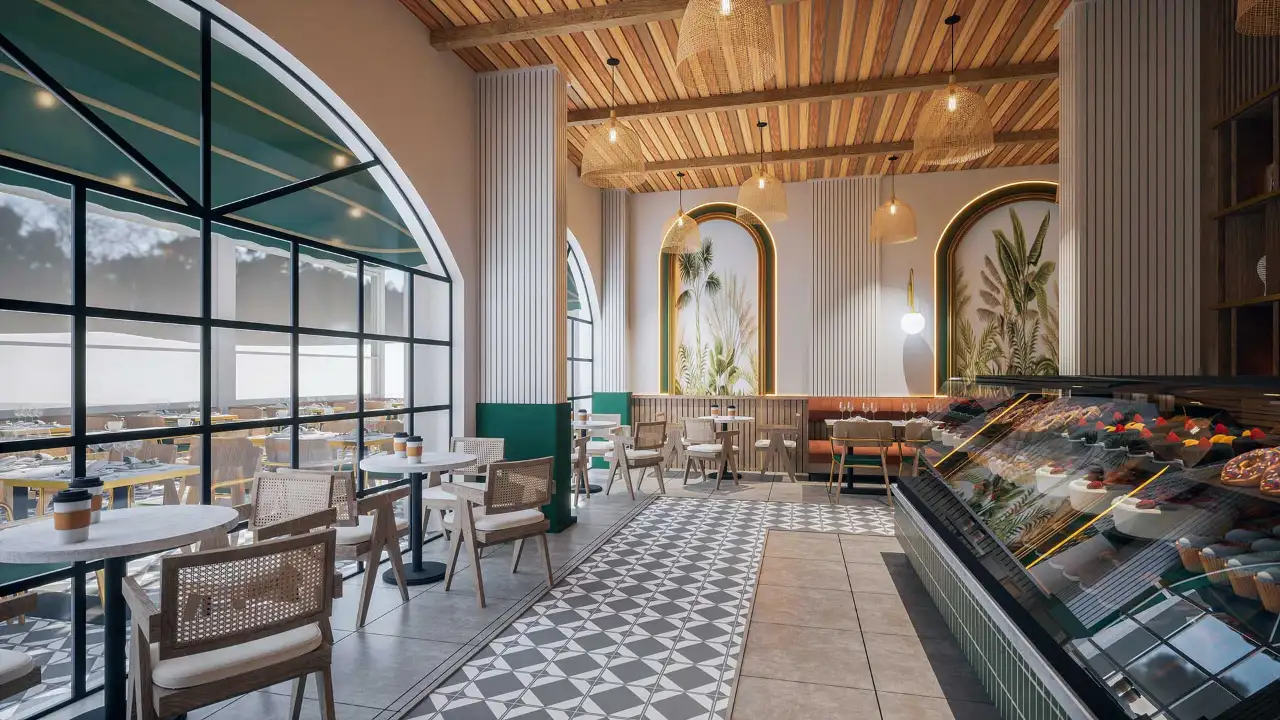
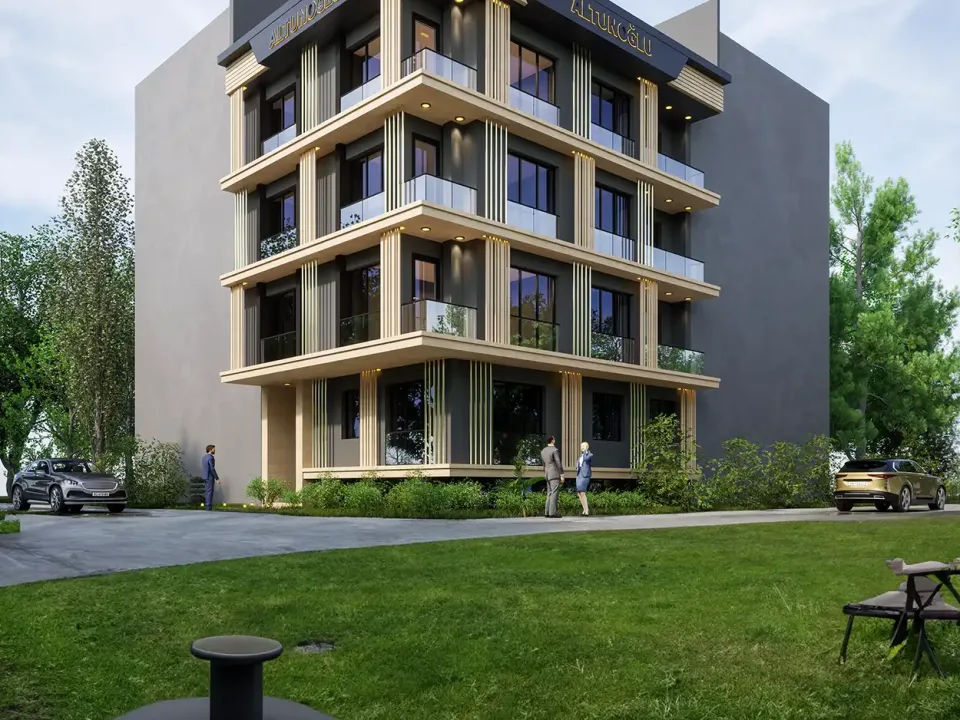
V-Ray is designed especially for architectural visualization and can be used to visualize interiors, exterior landscapes, furniture, products and much more. It supports many features such as realistic material properties, lighting, shading, reflection and refraction. Thanks to these features, users can create realistic, vivid and detailed renders.
V-Ray includes a dedicated material system that can simulate different material types and surfaces. This allows users to achieve a realistic look for wood, glass, metal, fabric and other materials. V-Ray also comes with IES light profiles, HDRI images, physical cameras and many other settings that help users make their projects more detailed and realistic.
V-Ray is a fast and efficient render engine, and thanks to its parallel computing capabilities it can process even large projects quickly. It also offers different render quality levels and settings, so users can easily adjust render settings according to their priorities and needs.
In conclusion, V-Ray is a render engine used to create realistic, vivid and detailed renders. Used in architectural design, interior design, film and video games, it integrates with many different 3D modeling programs and lets users process their projects quickly and efficiently.
What Is V-Ray Render Used For?
V-Ray render is used mostly in architecture. It is one of the leading techniques for visualization in the architecture industry. It is practical for creating fast, realistic images and is ideal for shading, lighting and integrated solutions. In recent years, it has also become very common in feature films.
V-Ray render is used in virtually every field where visuals matter. Many technological advances have been made possible through rendering. Another important reason it is used in architecture is its high quality. It also matters in mechanical visualization. Because it works so reliably, the V-Ray render tool gets full marks from designers.
It continues to compete head-to-head with newer render engines.
If you would like us to create renders for you with V-Ray, you can reach us through our contact page.
How to Set Up an Architectural Scene with the V-Ray Render Engine
Knowing V-Ray’s features is not enough to get a good image; what decides the result is the order in which the scene is built. The workflow we follow in the studio is fairly simple. First, the model is cleaned up: unnecessary layers are deleted, overlapping faces are removed and we make sure units are at real-world scale. Because the physical camera and realistic light calculation depend on scale, a scene set up in the wrong units will never look natural, no matter how much you tweak the settings.
The second step is light. Before touching materials, we cover the scene in a neutral gray material and test it with only the sun, the sky or an HDRI. If the shadows and the direction light enters the room are wrong at this stage, no texture added later will save the image. Then come the materials; reflection and roughness values are tuned one by one for surfaces such as wood, glass and metal. Throughout this stage we run low-quality, small-resolution test renders. The final image is calculated at high quality only after the camera angle, lighting and materials are approved. This discipline is how you get cleaner results in much less time on the same computer.
Common Mistakes and Who V-Ray Is Right For
The most common mistake V-Ray users make is making everything too shiny. In the real world, pure white walls or floors that reflect like a perfect mirror are rare; slightly dirty, slightly matte surfaces make an image believable. The second mistake is adding too many lights. An interior where you cannot tell where the light comes from looks artificial. The third is sharp edges; adding a small bevel or rounding to table and countertop edges lets them catch the light.
V-Ray is a strong choice for photorealistic stills, high-resolution print images and interiors where material accuracy matters. For quick design meetings and situations that need instant changes, real-time engines can be more practical. Our render engine comparison for architecture and our step-by-step guide on how to get photorealistic renders will help you make that call.
Frequently asked questions
Is V-Ray hard to learn?
The basics of V-Ray are not hard to learn, but mastering it takes time. Anyone who understands the logic of light, cameras and materials can produce acceptable images fairly quickly. Truly photorealistic results, however, require observing real spaces, paying attention to scale and running many test renders. You learn a way of seeing more than a program.
What kind of computer do you need for V-Ray?
A powerful multi-core processor and plenty of memory for large scenes are the most important criteria for V-Ray. If you plan to render on the graphics card, you also need a strong GPU with generous video memory. Fast storage shortens texture loading times. The exact needs depend on scene size and the resolution you want.
Should I choose V-Ray or a real-time render engine?
The choice depends on the purpose of the work. If you need stills with the highest material accuracy and print quality, V-Ray is the better fit. If you need quick variations, live presentations, virtual reality or fast animation, real-time engines come out ahead. Many studios use both: they develop the design in real time and produce the final image in V-Ray.