High-Quality 3D Bedroom Models for Interior Renders
Download high-quality 3D bedroom models and learn how to scale, texture, lay out and light them for convincing bedroom renders.
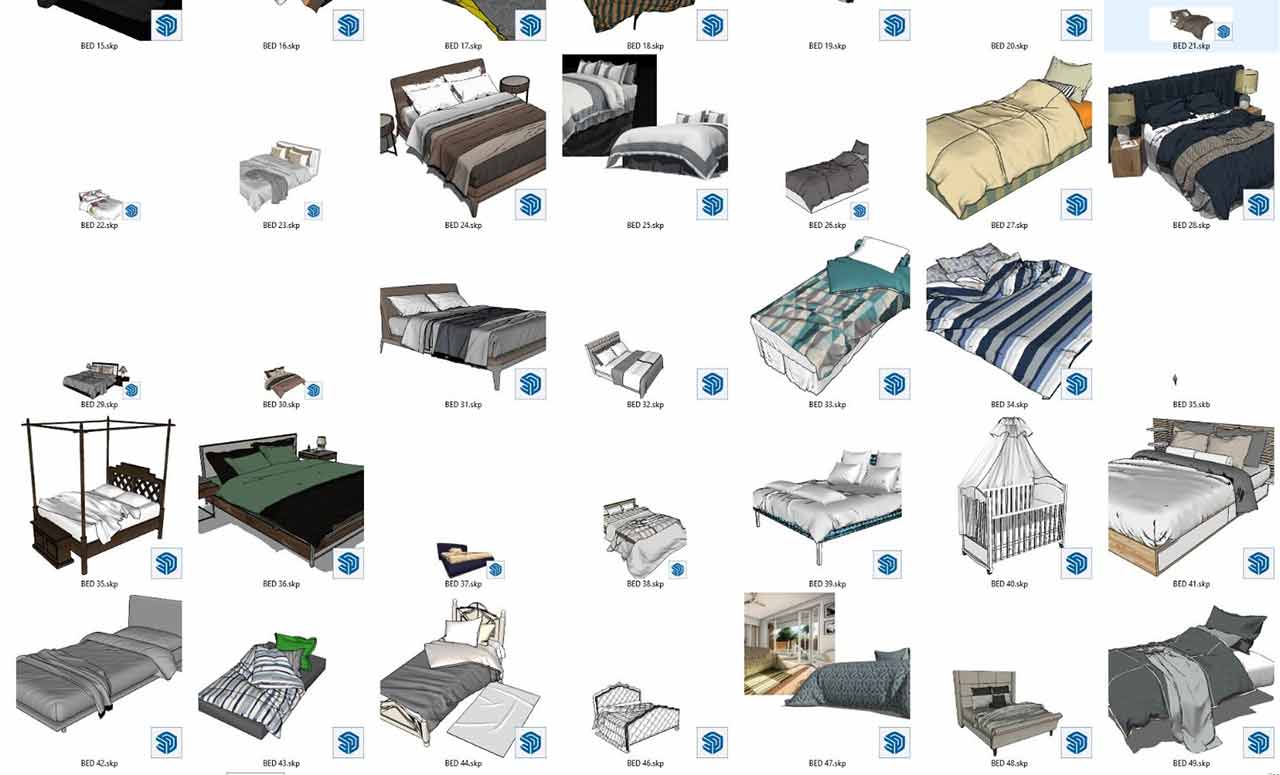
High-quality 3D bedroom models play an important role in architecture because bedrooms are the spaces people use to rest, recharge and relax. Good bedroom design gives the user a comfortable environment and matters for aesthetics and functionality as well.
Why High-Quality 3D Bedroom Models Matter in Architectural Projects
- Functionality: High-quality 3D bedroom models should be arranged to suit the user’s daily routines. This means positioning essential furniture such as the bed, wardrobe and nightstand correctly, providing enough storage and creating a layout that makes it easy to move around.
- Comfort: Good bedroom design should give the user a restful sleep experience. This involves factors such as choosing the right mattress and pillows, suitable lighting, and sound and thermal insulation. Material choices and color harmony can also help the user relax.
- Aesthetics: Bedroom models should create a visually pleasing environment. The color palette, materials, furniture design and decorative elements define the overall atmosphere of the room. An aesthetically pleasing bedroom can help the user relax mentally and emotionally.
- Personal needs: Bedroom models should meet the user’s personal needs. Everyone’s preferences and needs are different, so bedroom design should be customizable. For example, a work area may matter to one person, while a reading nook may matter more to another. The design can be tailored around the user’s needs and preferences.
- Good usability: Bedroom models should make daily life easier and be practical to use. Factors such as furniture placement, storage and the position of electrical outlets can make the user’s daily routines more efficient.
In conclusion, bedrooms are important spaces that affect people’s everyday quality of life.
[git url=”https://www.mediafire.com/file_premium/rwk396dea3in838/yatakodasi-mimari3d.com.rar/file” sn=”10″ text=”Default Download”]CLICK TO DOWNLOAD[/git]
Using Bedroom Models Correctly in Your Project
High-quality bedroom models save time in interior visualization, but simply dropping a ready-made model into a scene does not guarantee a realistic result. The model has to be adapted to the project. These steps make it easier to work with the 3D bedroom models you download:
- Check the scale: After importing the model, compare it with known dimensions such as bed width or nightstand height. Models prepared in different units can appear at the wrong size.
- Adapt the materials to the project: Change the colors of the bedding, wood and fabrics to match the overall color palette of the space.
- Keep items as groups or components: Keeping furniture in separate groups makes it easier to change the layout and try different arrangements.
- Reduce unnecessary detail: Very dense meshes on objects far from the camera slow performance; use simpler versions where needed.
Dimension and Layout Principles for Bedroom Design
A realistic bedroom visual comes not only from beautiful furniture but from the right layout. Basic rules such as leaving comfortable clearance on both sides of the bed, keeping room for wardrobe doors and drawers to open, and not blocking the window are felt in the image too. Squeezing the bed directly opposite the door or under the window can cause problems for both use and visual balance.
Lighting is also decisive in a bedroom. Adding bedside lamps and indirect lighting to the general ceiling light creates a warm, restful atmosphere in the scene. Slight wrinkles on fabric surfaces and natural dents in pillows look far more convincing than perfectly smooth surfaces.
For the color palette, earth tones, off-whites and soft pastels are often chosen to suit the restful character of a bedroom. Natural textures such as wood, linen and wool support this palette and add warmth to the scene. Using a single accent surface on one wall is an easy way to add character without overwhelming the space.
Framing the headboard wall as the focal point of the shot and choosing an angle that shows the depth of the room makes the whole layout easier to read.
Frequently Asked Questions
Do ready-made bedroom models work in every render engine?
Geometry can usually be transferred between programs, but material settings vary by render engine. After importing, check the materials and adjust them if necessary.
How can a small bedroom look more spacious in a visualization?
Light-colored surfaces, simple furniture, a wide but undistorted camera angle and an emphasis on natural light from the window make the space look more spacious and easier to read than it really is.