40 Excellent 3D Armchair Models: Download Pack
Download a 3D armchair models pack with 40 seating models and learn why quality furniture improves scale, atmosphere and realism in renders.
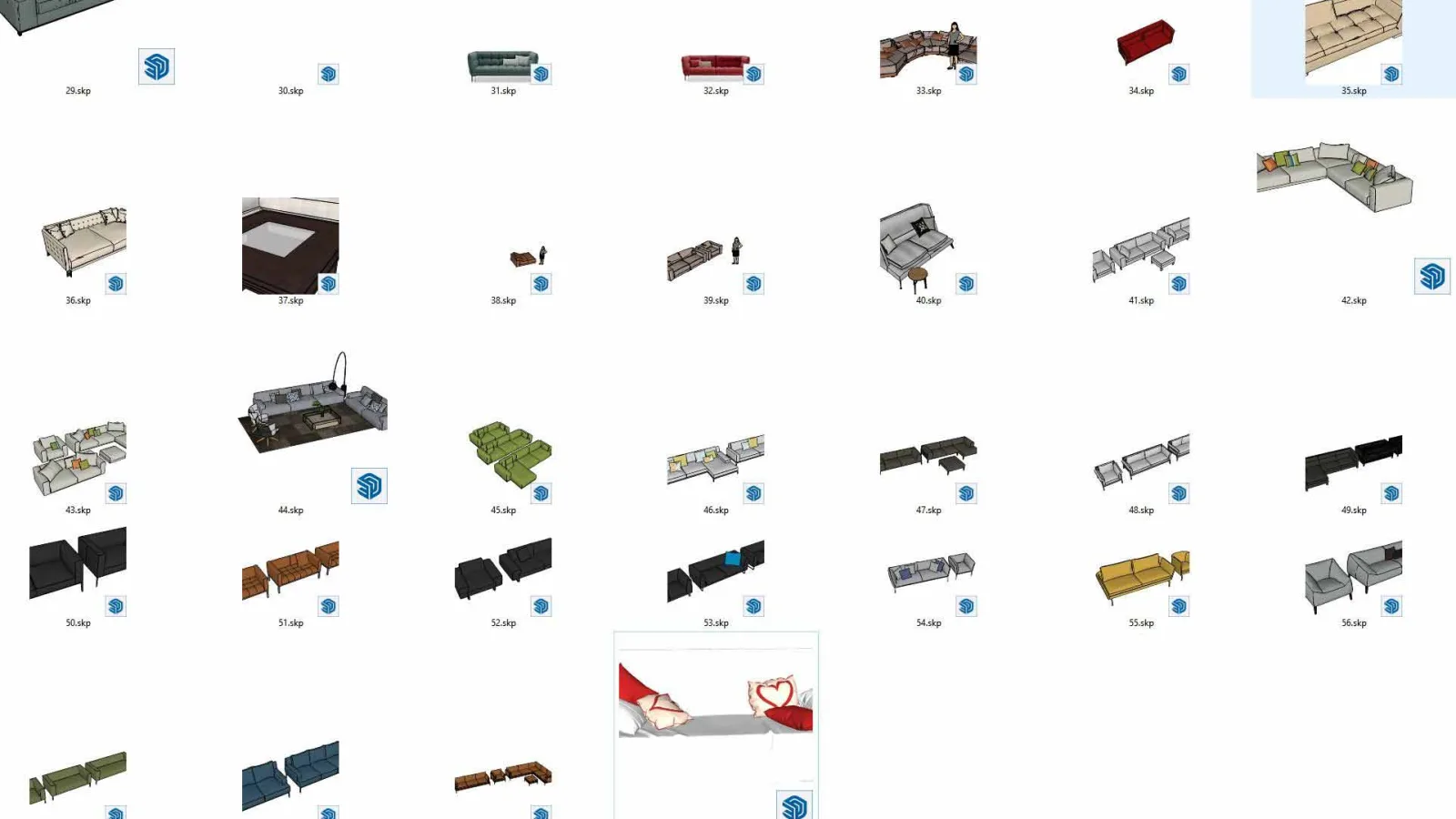
Hello everyone, we are sharing a pack of 40 excellent 3D armchair models with you.
As you know, the most important steps toward a high-quality visual are using quality models and a good furniture library.
The higher the quality of the models you use, the higher the quality of your visuals will be.
Why a 3D Armchair Models Pack Matters in Architectural Visualization
- Aesthetics and Visual Imagery: 3D armchair models help visualize more realistically how architectural projects will look aesthetically and visually. Seating is an important element of interior design, and thanks to 3D models, designers and clients can get a better idea of the overall aesthetics and atmosphere of the project.
- Scale and Harmony: 3D armchair models help assess the scale and harmony of architectural projects. Armchairs and sofas with the right size and proportions are important for the functionality and comfort of an interior. 3D models make it possible to see whether the seating works in harmony with other furniture, decor and spatial elements.
- Feeling the Space: Armchair models help you sense the atmosphere that will be created in the interior of an architectural project. The placement, colors, materials and design details of the seating can define the overall ambiance of the project. 3D models help us better understand the emotional and perceptual experience of the architectural design.
- Interior Functionality: Seating matters for factors such as comfort, seating arrangement and the efficient use of available space. 3D armchair models allow designers and clients to evaluate the position, ergonomics and ease of use of the seating. This improves the functionality of the interior.
- Communication and Decision-Making: 3D armchair models help architectural projects communicate more effectively among stakeholders. With realistic 3D visuals, designers, clients and other project stakeholders can agree more easily, share ideas and contribute to decisions. This can speed up the project and reduce errors.
In conclusion, 3D armchair models are important in architectural visualization because well-designed, realistic models help us better understand the aesthetics, functionality and atmosphere of an interior. For architectural render images, model quality is crucial in both interior and exterior visualization.
The programs in which 3D models are easiest to create are Blender, SketchUp, 3ds Max and Cinema 4D.
[git url=”https://www.mediafire.com/file_premium/zmaibu1i1nfznyv/mimari.com_koltuk_modelleri.rar/file” sn=”10″ text=”Default Download”]CLICK TO DOWNLOAD[/git]
How to place a 3D armchair models pack in your scene
However good the 3D armchair models you download are, they will stand out in the wrong way if they are not placed in the scene properly. The first check is scale: models made in different programs can open in your scene as giants or toys because of unit differences. Verify the size by comparing the armchair with something you know, such as a door height or a table. Make sure the model sits exactly on the floor, not floating above it or sunk into the rug; the small contact shadow where it meets the floor is key to realism.
On the material side, the mistake we see most often is upholstery texture at the wrong scale. A large-patterned fabric turns into visual noise when it is scaled down. Slightly soft edges on the fabric and visible seam lines bring an armchair to life. Avoid perfect symmetry in the layout too: a cushion sitting a little crooked or a throw left on the seat makes the space feel lived in.
How the armchair relates to its surroundings matters as much as the model itself. Leave comfortable walking space between the coffee table and the seat, pull the armchair slightly away from the wall instead of pushing it flat against it, and let light from a lamp or window create a soft gradient across the fabric. Placing the camera close to the eye level of a seated person conveys the armchair’s scale most naturally and makes the interior image feel more inviting.
Keeping your model library organized
As a library grows, finding the right model takes time. Sorting models into folders by type and style, adding a short description to the file name and keeping a small preview image for each model saves you from opening and closing dozens of files on every project. When models are converted between programs, material and texture links can break, so keep textures in the same folder as the model.
For heavy models, think about the whole scene: an armchair close to the camera can be highly detailed, while those in the background can be swapped for lighter versions. On commercial projects, you also need to check the model’s license. You can learn how to make models shine in a scene in our guide on how to get photorealistic renders, and see how furniture choices shape a space in our interior design visualization work.
Frequently asked questions
Why does a downloaded 3D model look bad in my render?
Most of the time the problem is the settings, not the model. Wrong scale, broken texture links, materials that don’t suit your render engine and placement that doesn’t sit on the floor all make a model look fake. Rebuilding the materials for your own render engine’s material system and fixing texture scale usually makes a big difference.
Do highly detailed armchair models slow down the scene?
Yes, very high-polygon models slow the scene noticeably, especially when copied many times. If you use the same armchair more than once, duplicating it as a component or instance saves memory. Using simpler models for objects far from the camera and detailed ones for close-ups strikes a good balance between speed and quality.
Can free 3D models be used in commercial projects?
It depends on the model’s license. Some models are shared for personal or educational use only, while others allow commercial use. Read the source’s terms before using a model in images you deliver to a client. If you are not sure, modeling the piece yourself or getting professional modeling support is the safest option.
If your project needs custom furniture models, take a look at our 3D architectural modeling services.
Related articles: 20 Quality 3D Sofa Models for Interior Visualization · What Are Exterior Architectural Drawings? · High-Quality 3D Bedroom Models for Interior Renders