People in Architectural Renders: Scale, Story and Realism
How human figures show scale, use and emotion in renders: eye level, placement, 3D people or photo cut-outs, and the most common mistakes.

An empty square, a café where no one is sitting, a pavement nobody walks along: even a technically flawless image can look cold and staged when there are no people in it. The viewer cannot imagine themselves in that space. Used well, people in architectural renders turn the image into a living place in an instant: the size of the building becomes readable and it is clear how the space will be used. In this article we explain why human figures matter for scale, storytelling and realism, and which mistakes come up most often.
Why do people in architectural renders matter?
In architectural visualization, human figures are part of what the industry usually calls “entourage”: the trees, vehicles, furniture and small objects that complete a scene. Yet people have three jobs that set them apart from the rest.
They communicate scale
The human eye reads the size of a space most easily by comparing it with a person. Ceiling height, the width of a staircase, the size of a lobby or a square become obvious the moment a figure stands next to them. Without figures, the same space can be read as smaller or larger than it really is.
They show how a space is used
Children playing in a park, colleagues meeting in an office, two people chatting in a café: figures tell who a space is designed for and what it is for, in a single frame. This is especially valuable when presenting a project that has not been built yet to buyers or investors.
They add emotion
People make it easier for viewers to place themselves in the scene. A figure sitting on a balcony in evening light creates a much stronger “I would love to live here” feeling than the same balcony left empty.
Human scale figures: the basics of correct placement
Eye level and the horizon line
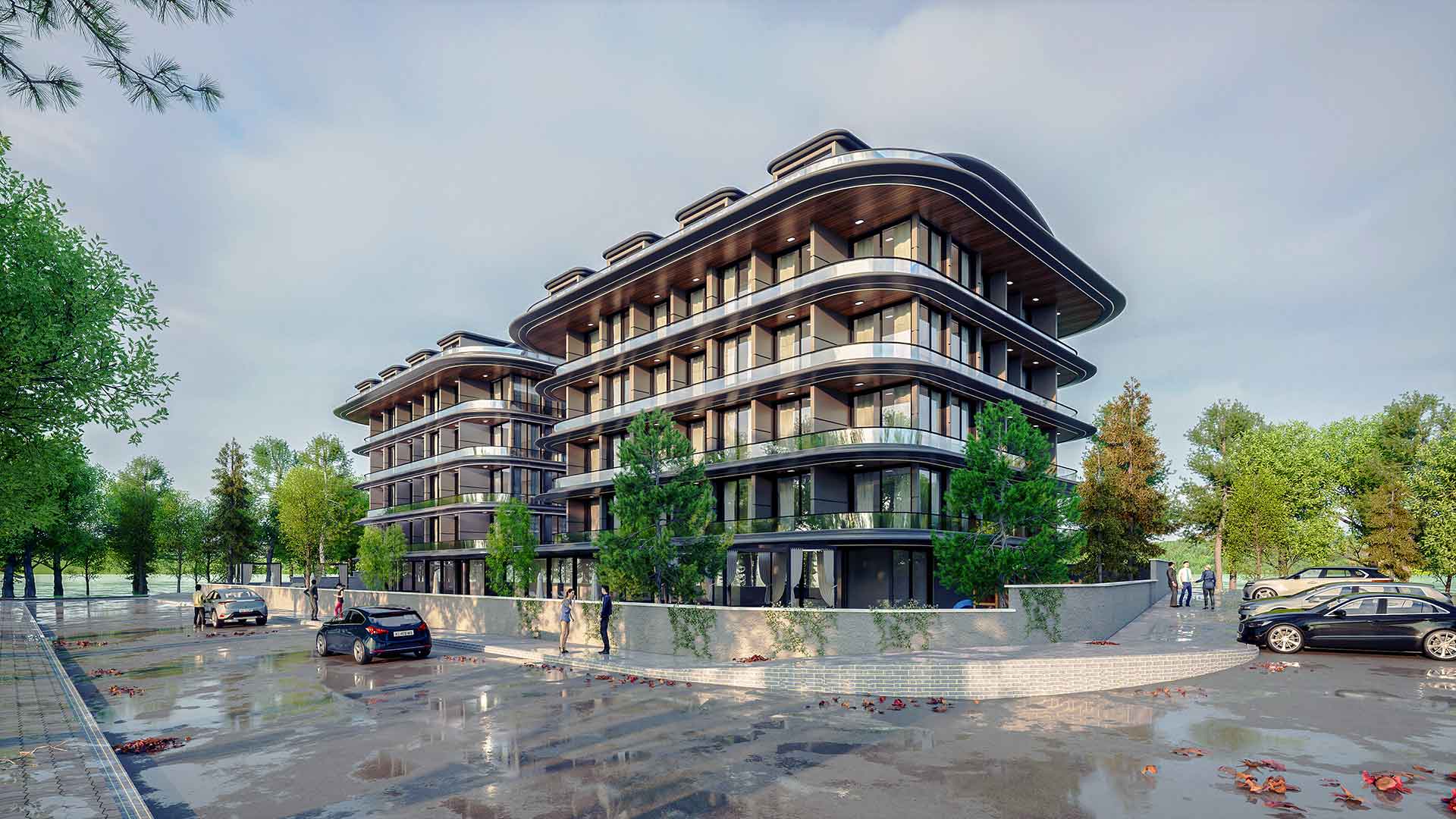
When the camera is roughly at eye level, the heads of adult figures standing on flat ground gather around the horizon line; a nearby figure looks large and a distant one small, but their heads stay at the same height. If a figure’s head sits far above or below the horizon, either its scale or its ground level is wrong. We cover framing and eye level in detail in our architectural rendering composition article.
Feet on the ground
Floating feet are among the most noticeable mistakes. A figure’s feet must touch the ground, and its shadow must fall in line with the light direction of the scene. On stepped ground, stairs and ramps, check separately that every figure stands at the right level.
Foreground, middle ground and background
For depth, it works better to spread figures across different distances than to line them up: a figure partly visible at the edge of the frame in front, a group using the space in the middle, small walking people at the back. The foreground figure should not hide an important part of the building, such as the entrance or a shop front.
Common mistakes
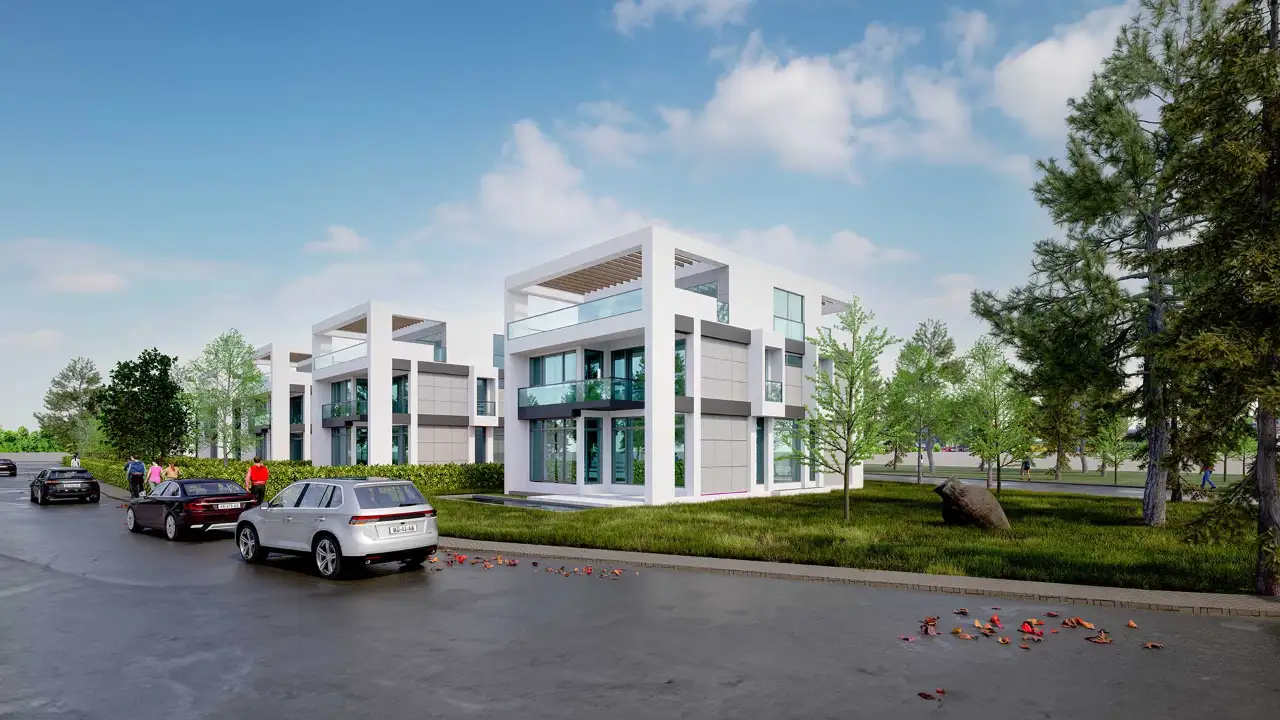
- Crowded scenes: Filling every gap with people pushes the architecture into the background. A few well-placed figures usually work better.
- Figures that ignore the light: A photo cut-out lit from the right in a scene where the sun comes from the left is noticed immediately. The light direction, shadows and colour tone of figures must match the scene.
- The same people in every image: Some figures from stock libraries are used so often that viewers recognise them, and the image starts to feel like a template. Use different people, clothes and poses.
- People who do not fit the context: Figures in winter coats do not belong in a summer evening scene, and a crowd in business suits looks out of place in a children’s playground. Figures should suit the season, the time of day and the function of the space.
- Uncanny faces: Low-quality 3D people can look artificial and unsettling in close-up. Pay attention to quality for nearby figures, or choose poses where the face is not turned to the camera.
- Licensing: Check the terms of use before using photo cut-outs found online; licensed sources should be preferred for commercial images.

3D people or photo cut-outs?
There are two common methods. 3D people are placed directly in the scene; they receive light and shadow together with it, and they do not need to be rearranged when the camera changes. Photo cut-outs are usually added in post-production and look very realistic when chosen well, but light direction, perspective and colour balance have to be matched by hand. Many studios combine the two: distant figures in the scene, a few people in front added in post-production. Whichever you choose, the goal is the same: a figure should look like part of the image, not like something pasted on afterwards. For general realism principles, see our article on how to get realistic renders.
Scale in aerial and distant views
In high-angle images that show a large area, people shrink to a few pixels and struggle to explain the scale. In these frames, vehicles, roads, trees and street furniture are more useful scale references. We discuss large-site presentations in our aerial architectural rendering article.
Frequently asked questions
How many people should there be in a render?
There is no fixed number; it depends on the function of the space and the framing. The general principle is to use enough figures to explain how the space is used without covering the architecture. A busy shopping street and a quiet villa garden do not call for the same density.
Do interior renders need people?
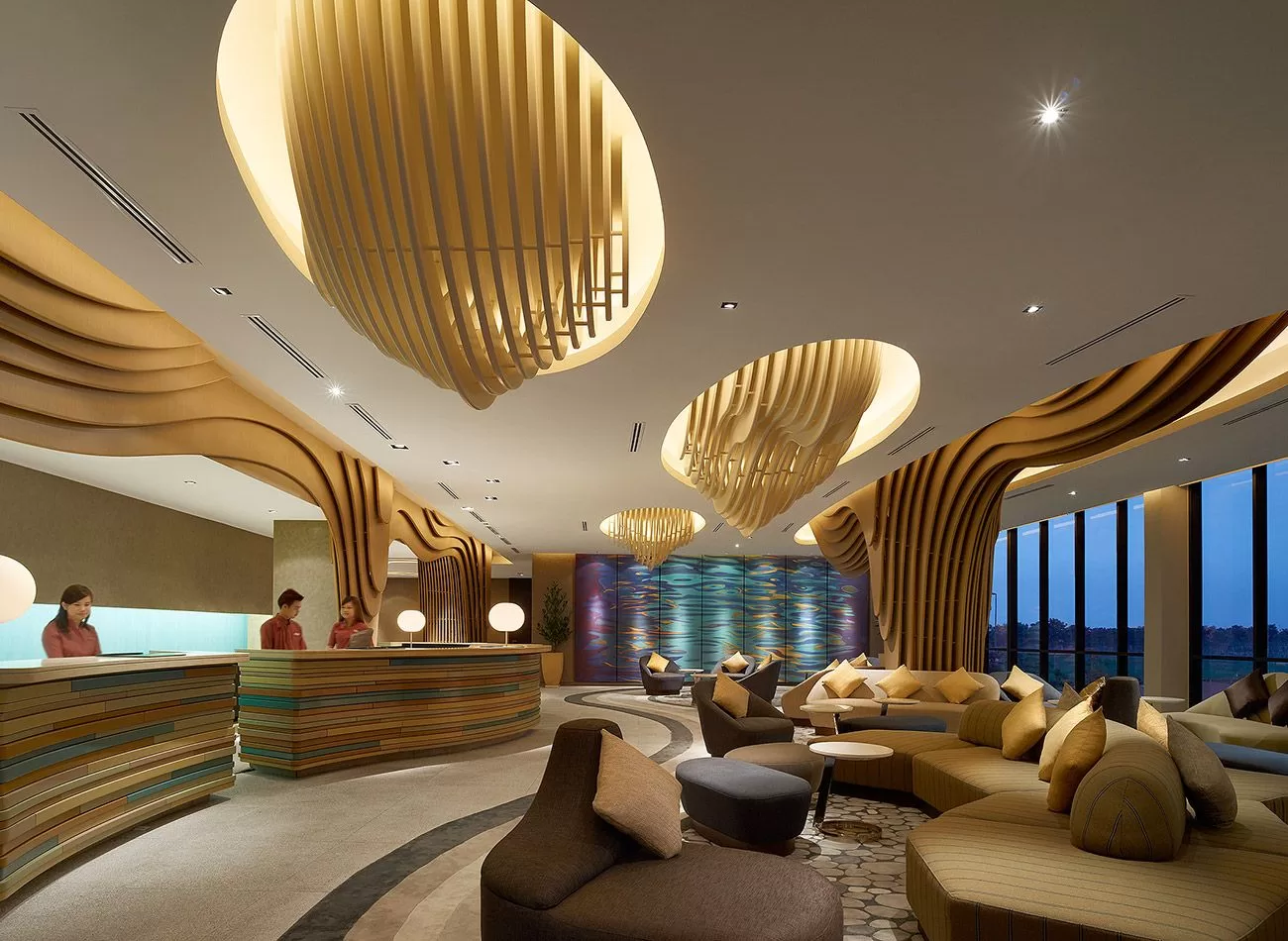
Not necessarily. In residential interiors, a scene that is empty but feels lived-in is often enough; in user-focused spaces such as offices, hotels, restaurants and shops, figures explain the function of the space better.
Should people in renders be blurred?
Motion blur can be used to bring walking people to life and looks natural in busy areas. Blurring every figure, however, makes the image look messy; it is usually better to keep figures in the foreground and at the focal point of the space sharp.
Looking for photorealistic visuals for your project? Browse our architectural visualization projects or send us your drawings on WhatsApp.