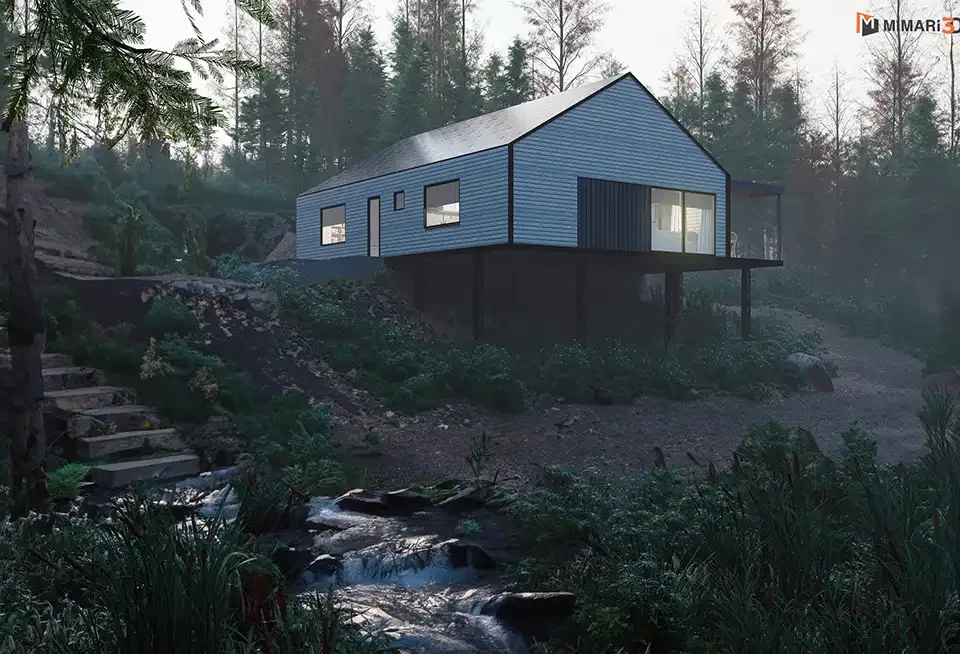
Digital Twin and Architectural Visualization: From BIM to Visual Model
Digital twin vs BIM, the role of the visual model in building operation, how the visual layer is built and who it makes sense for.

When a building is handed over, the project’s story does not end; the real long chapter, the operating period that will last for years, begins that day. Which air handling unit serves which floor, when was that facade panel replaced, how full is the hall in the evening? The idea of seeing the answers in a living digital copy of the building, instead of searching through paper files or scattered spreadsheets, is the essence of the digital twin concept. Architectural visualization is the face of that copy that people actually see. In this article we explain the difference between a digital twin and BIM, where the visual model sits within this structure, and how you can carry a project into its operating period together with its visuals.
What is a digital twin, and how is it different from BIM?
BIM (building information modeling) is a design and construction method that gathers a building’s geometry and the information about its components in a single intelligent model. Walls, doors, service runs and equipment are not just lines in this model but objects with properties. The BIM model is used mainly during design and construction, and is often handed over as an as-built model when the building is completed.
A digital twin is one step beyond that model: a representation connected to the real building, updated during operation and fed with live data such as sensor readings or maintenance records. In short, BIM is the model itself, while the digital twin is that model matched to the real building and kept alive. The two are not alternatives; a well-prepared BIM model is the most important input to a digital twin.
Where does digital twin architectural visualization come in?
Data alone does not drive decisions; what makes data readable is visualization. For a facility manager it is far quicker to see the relevant floor, room and device in a three-dimensional view of the building than to search for a fault among spreadsheet rows. This is where architectural visualization turns into the interface of the digital twin: exterior, floor plan and interior visuals become the visual ground on which the data layers sit.
One distinction needs to be made clear here. A photorealistic render prepared for marketing and a visual model prepared for operation are not the same thing. The first aims for emotion and atmosphere; the second puts legibility, correct scale and a one-to-one match with the real building first. Both can be produced from the same 3D model, but the preparation method and level of detail are planned accordingly from the start. We described the place of the 3D model in the design process in our article on architectural 3D modeling.

How is the visual model layer built?
Correct scale and a match with the real building
The most basic condition for a visual model used during operation is that it reflects the real building as it is. If door positions changed during construction, partitions were added or service shafts were moved and these are not entered into the model, the digital twin loses trust. For this reason the visual model should be built from as-built data or measurements verified on site, not from the design model.
A layered, queryable structure
A digital twin visual is not a single picture but a model made of layers that can be switched on and off: the architectural shell, floor plans, mechanical and electrical runs, equipment, furniture. When each layer is named and coded consistently, the operations software can find and highlight the relevant object in the model.
Navigation and interaction
Being able to walk through the building gives a manager, a technical team or an investor a much faster understanding than fixed images do. Panoramic views and virtual tours are used for this purpose; you can find the advantages of 360-degree presentations in this article, and virtual reality applications in our article on architectural visualization and virtual reality.
Who is it meaningful for?
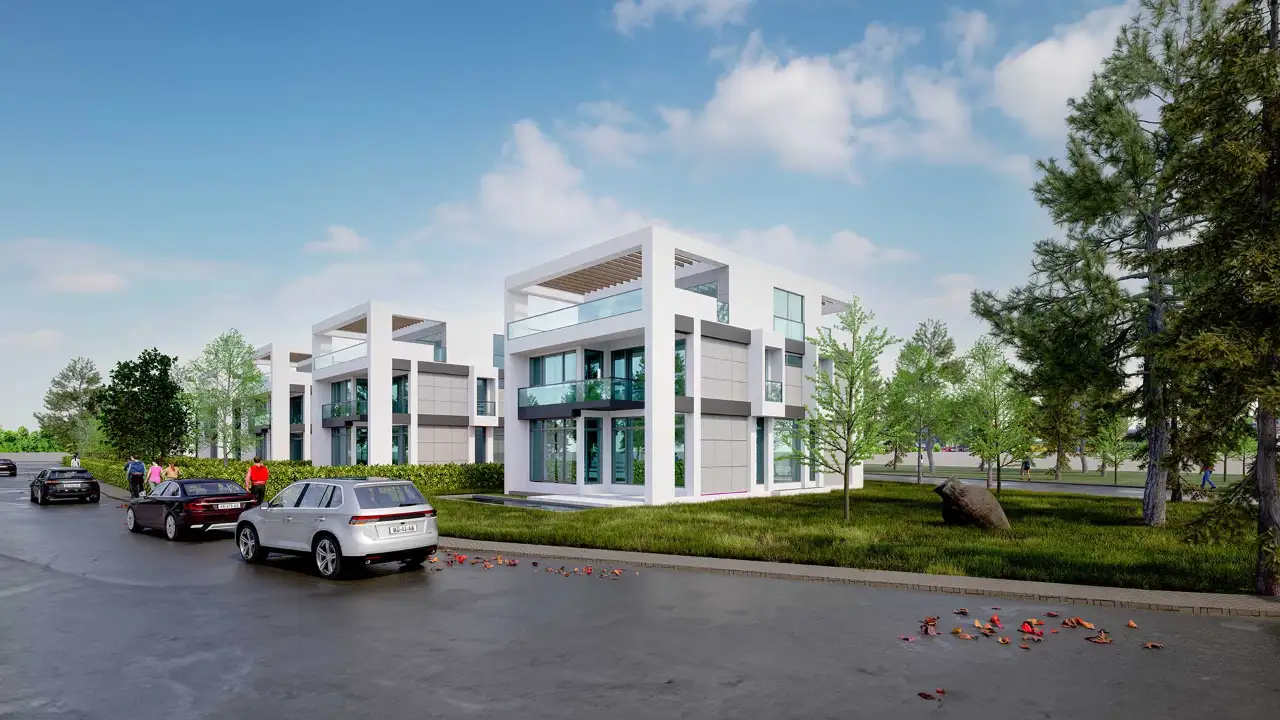
The digital twin approach is not needed at the same depth for every building. For a single house, a model fed with live data rarely pays off; but in long-lived, intensively operated buildings such as hospitals, campuses, shopping centers, hotels, office towers or multi-building housing estates, it is a powerful tool for maintenance planning, energy tracking and space management. In housing estates the visual model can be used in a simpler form for estate management, planning of shared areas and after-sales communication.
How do you carry the project into the operating period?
The first step is to update the 3D model prepared at the design stage to its as-built state when construction ends. The second step is to set up the layers and naming of the visual model so that they are compatible with the software to be used in operation; this should be discussed between the owner, the architect and the operations team at the start of the project. The third step is to decide which views (exterior, floor plans, critical technical spaces, shared areas) will be prepared. In this chain the architectural visualization studio prepares the visual model layer; the live data connection and the operations software are the domain of the relevant technical teams. Clarifying the roles from the start prevents the model from having to be rebuilt later.
Frequently asked questions
Is a BIM model required for a digital twin?
It is not required, but a well-prepared BIM model is the soundest starting point. For existing buildings without BIM, a 3D model built from measurements and photographs can also serve as the visual layer.
Can marketing renders be used in a digital twin?
Yes, as long as they derive from the same 3D model; but an operational visual calls for honest scale, the current state of the building and a layered structure. Decorative elements added for marketing purposes have no place in the operational model.
Can a digital twin visual be prepared for an existing, older building?
Yes. The current state of the building is modeled from survey measurements, photographs and old drawings where available; the layers and views are then prepared according to operational needs.
Would you like to keep your project alive after handover with a living visual model? Browse our projects or send us your drawings and model on WhatsApp, and let’s plan the right visual model layer for your building together.