A Free SketchUp Render Plugin: Render Fun
Render Fun is a free path tracing render plugin that works inside SketchUp. Here are its features, how to install it and who it is for.
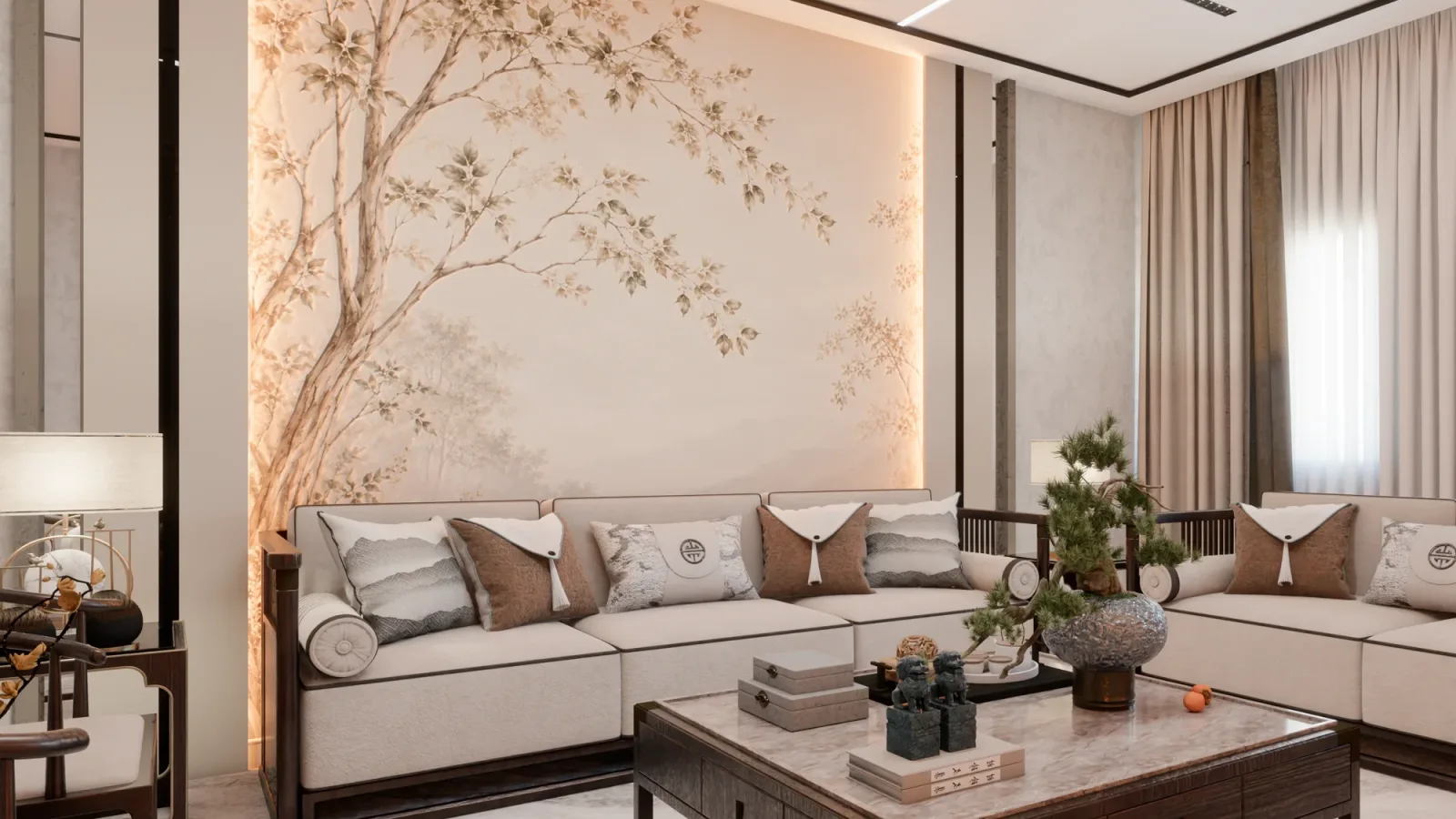
For architects and interior designers looking for a free SketchUp render plugin, the big question is this: can you get photorealistic images without leaving the model and without setting aside a budget for a new license? In this guide we introduce Render Fun, the free render plugin we developed ourselves, and explain what it can do, how to install it and how you can use it to turn your SketchUp model into a realistic image.
What is Render Fun, the free SketchUp render plugin?
Render Fun is a free render plugin we developed for SketchUp. To sum it up in one line: GPU-based path tracing. Inside SketchUp. Free. You do not need to export your model to another program; the render window opens inside SketchUp, and the changes you make in the scene are reflected in the render.
The goal of Render Fun is simple: to turn a SketchUp model into a realistic image and remove the need to set aside a budget for a new license just to start rendering. If you are curious about path tracing, read our article what is path tracing.
Render Fun’s key features
- Render inside SketchUp: The model is not exported; you render in the file you are working on.
- Fast real time: Move around the scene instantly while you design and make decisions quickly.
- AI denoiser and “Until clean”: Rendering continues until the image reaches the clarity you want.
- Sun, sky and HDRI: Light exteriors and interiors with daylight, sky and HDRI environments.
- Lamps like a lighting designer: Plan interior lighting with realistic lamps.
- Materials in one click: Apply ready-made materials to your model with a single click.
- Your own library: Connect and use your own texture and material archive.
- Plants: Bring the space to life by adding plants to your scene.
- One-click scene presets: Get a quick start with ready-made settings.
- Smart Check: Spot possible problems in your scene before you render.
- Colour and detail without re-rendering: Change colour and detail settings after the render is finished.
- Before / After, ready to share: Show the difference between the model and the render in a shareable format.
- Built for large models: Designed to work on extensive projects too.
- Render Buffer: See your renders together and compare them.
- Turkish and English: Use the interface in Turkish or English.
What can you do with Render Fun?
Interior renders
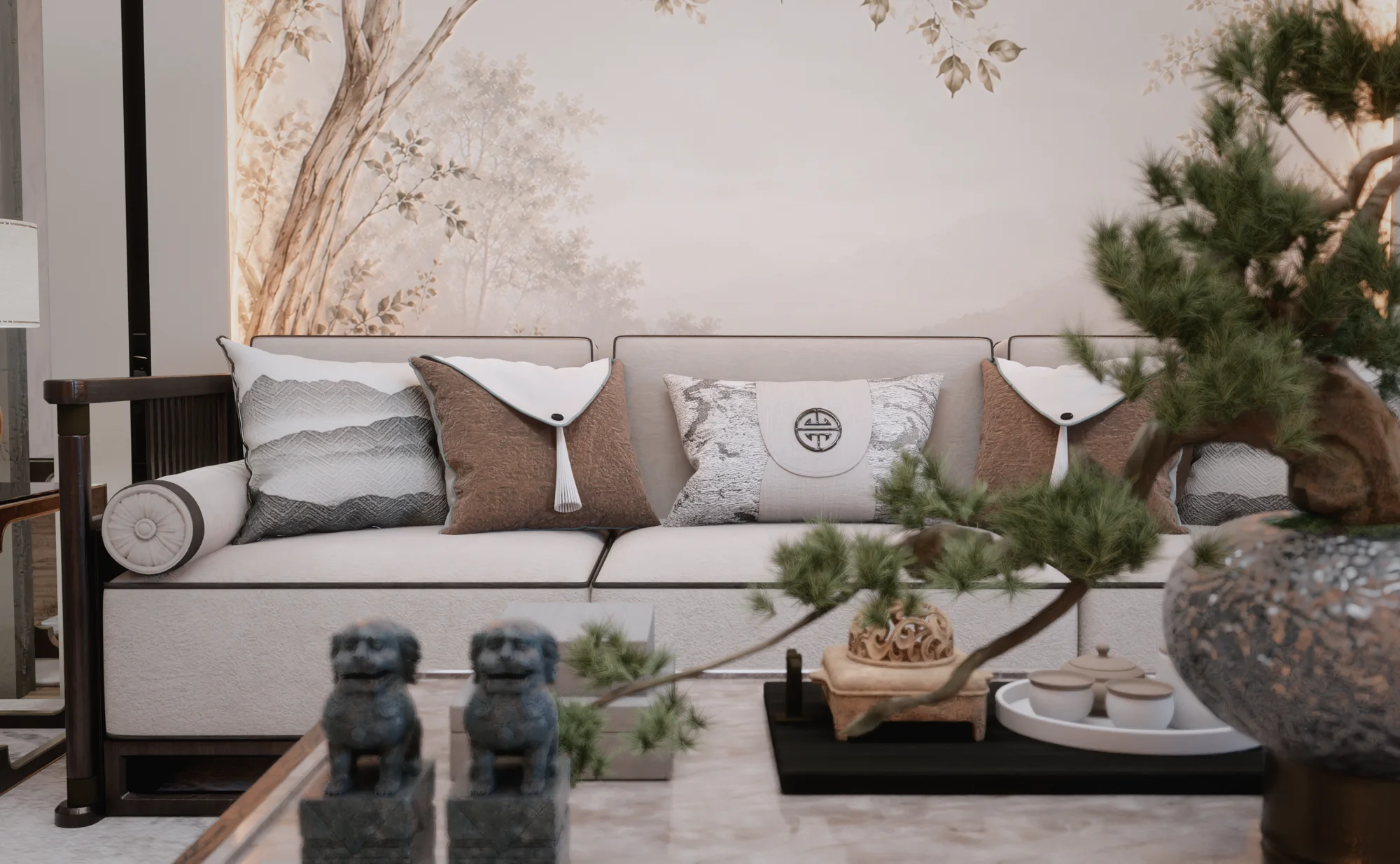
In spaces such as living rooms, bedrooms and kitchens, you can set up daylight, artificial lighting and materials together. By rendering the same scene in daytime and evening light, you can show the atmosphere of the space at different times of day.

Evening and night scenes
Creating an evening atmosphere with lamps and warm light is the most effective way to show a client how a space will feel in the evening.

Presentation and sharing
With Before / After cards you can share your SketchUp model and the render result side by side and visually walk your client through the design process.
How to install Render Fun
- Download the installation file for free from renderfun.com.
- Important: SketchUp must be closed.
- Open the downloaded .rbz file with WinRAR or WinZip.
- Extract its contents into the SketchUp plugins folder:
C:\Users\<your user name>\AppData\Roaming\SketchUp\SketchUp <version>\SketchUp\Plugins - Open SketchUp; Render Fun is ready under the Extensions menu.
Who is Render Fun for?
- Architects: Those who want to test lighting and material decisions quickly during design.
- Interior designers: Those who prepare realistic interior images for client presentations.
- Students: Those who want renders for juries and portfolios but have no budget for a license.
- SketchUp users: Anyone who wants to render inside SketchUp without leaving the model.
Frequently asked questions
Is Render Fun really free?
Yes. Render Fun is free; you do not need to buy a license to download it and start using it.
Where can I download Render Fun?
The latest version is always available at renderfun.com. System requirements and the version history are on that page too.
What should I watch out for when installing Render Fun?
SketchUp must be closed during installation. The files must be extracted into the Plugins folder of the correct SketchUp version.
Would you rather have your project professionally visualized than render it yourself? Browse our architectural rendering projects or send us your drawings on WhatsApp.