What Is Path Tracing? The Physics of Light in Architectural Rendering
Path tracing recreates how light really travels through a space. See how it works, how it differs from ray tracing and what it means for architects.
What is path tracing? In short, it is a rendering method that creates an image by simulating the paths light takes through a scene according to physical rules. It calculates behavior such as sunlight coming through a window, hitting the floor, bouncing onto a wall and filling the room with a soft glow. Behind most architectural renders that look “like a photograph” is this method. In this guide we explain, in plain language, how path tracing works, how it differs from ray tracing and rasterization, and what it means for architects.
What is path tracing and how does it work?
In the real world, light leaves a source and changes direction many times as it hits surfaces before it reaches our eyes. With every bounce it loses a little of its color and strength: a white wall scatters light softly, a polished floor reflects it like a mirror, and glass lets it pass through. Path tracing follows this process in reverse. A ray is sent from the camera for each pixel, and as it hits surfaces in the scene it bounces off in new random directions, trying to reach a light source.
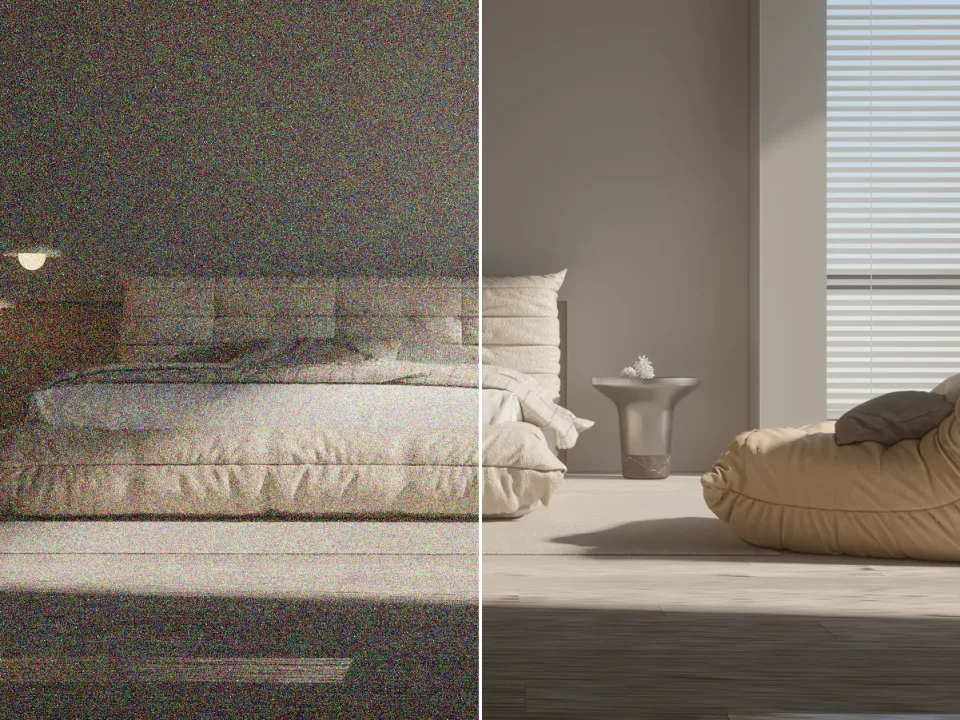
A single light path does not give the correct result on its own; the outcome is random. That is why hundreds, sometimes thousands, of paths are calculated for every pixel and then averaged. This is called sampling. As the number of samples grows, the image becomes clearer; with few samples it looks grainy. This principle explains why a render “cleans up over time”.
Global illumination: why indirect light matters
What makes path tracing so valuable for architectural visualization is that it naturally calculates indirect light, known as global illumination. Even corners of a room that receive no direct sunlight are lit by light bouncing off the walls and ceiling. A red rug gives the white wall next to it a faint red tint. These small details are the clues that tell us whether an image is real or computer-generated.

Path tracing vs ray tracing vs rasterization
These three terms are often confused, yet the difference between them directly affects the quality of an architectural render:
- Rasterization: The fastest method, used in games and in the viewport of modeling programs. It projects triangles onto the screen and imitates light and shadow with approximations. It gives instant results but needs extra tricks for indirect light and realistic reflections.
- Ray tracing: Sends rays from the camera to calculate reflections, refraction and sharp shadows accurately. It is often used for specific effects.
- Path tracing: The most complete form of ray tracing. It calculates multiple light bounces, indirect lighting, soft shadows and color bleeding in a single method. It gives the most realistic result and, in return, requires more computation.
In practice, many render engines combine these methods: a fast real-time preview while designing, and path tracing for the final image. We covered the general features of render engines in our article on using render engines in architectural projects.
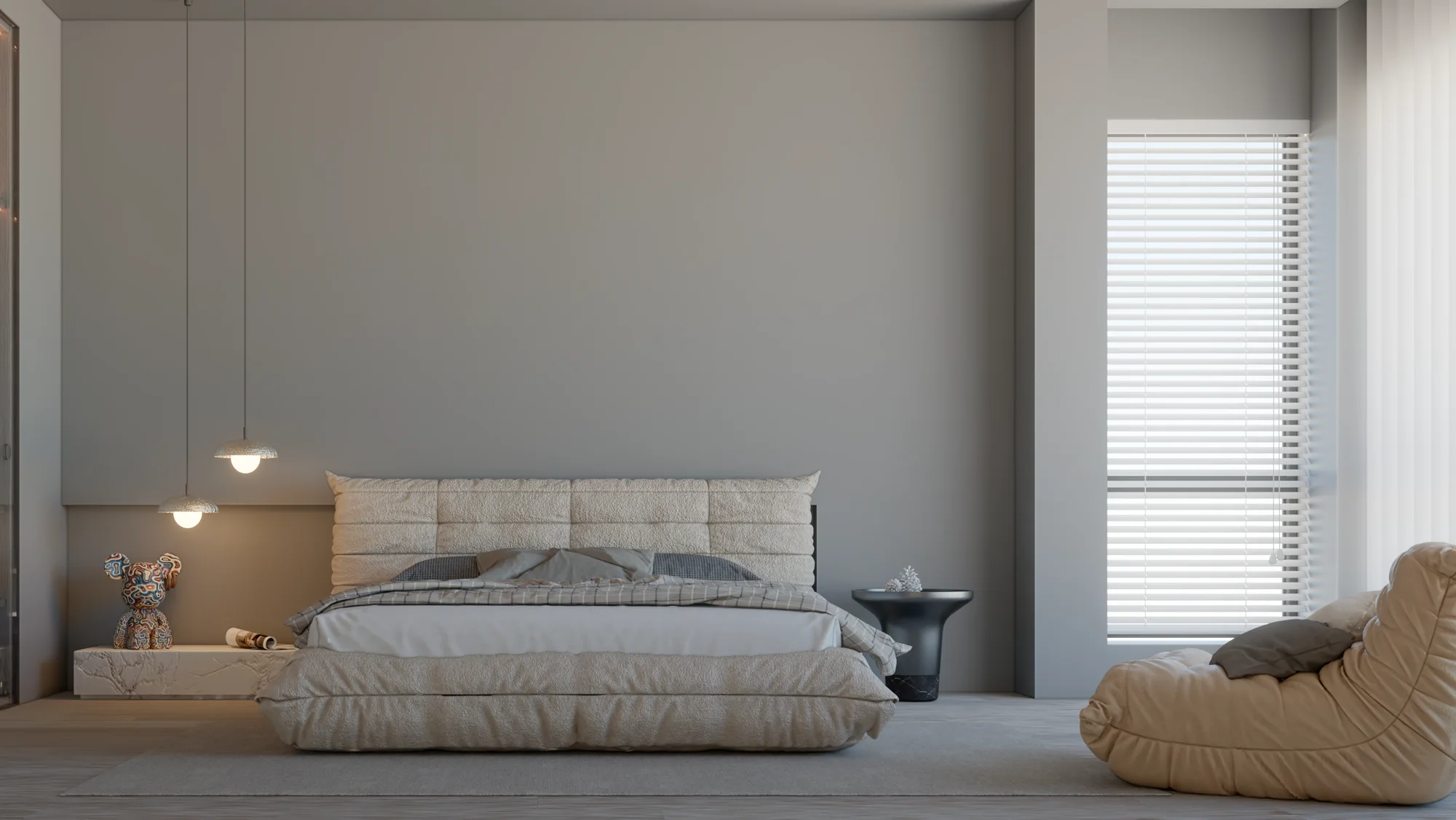
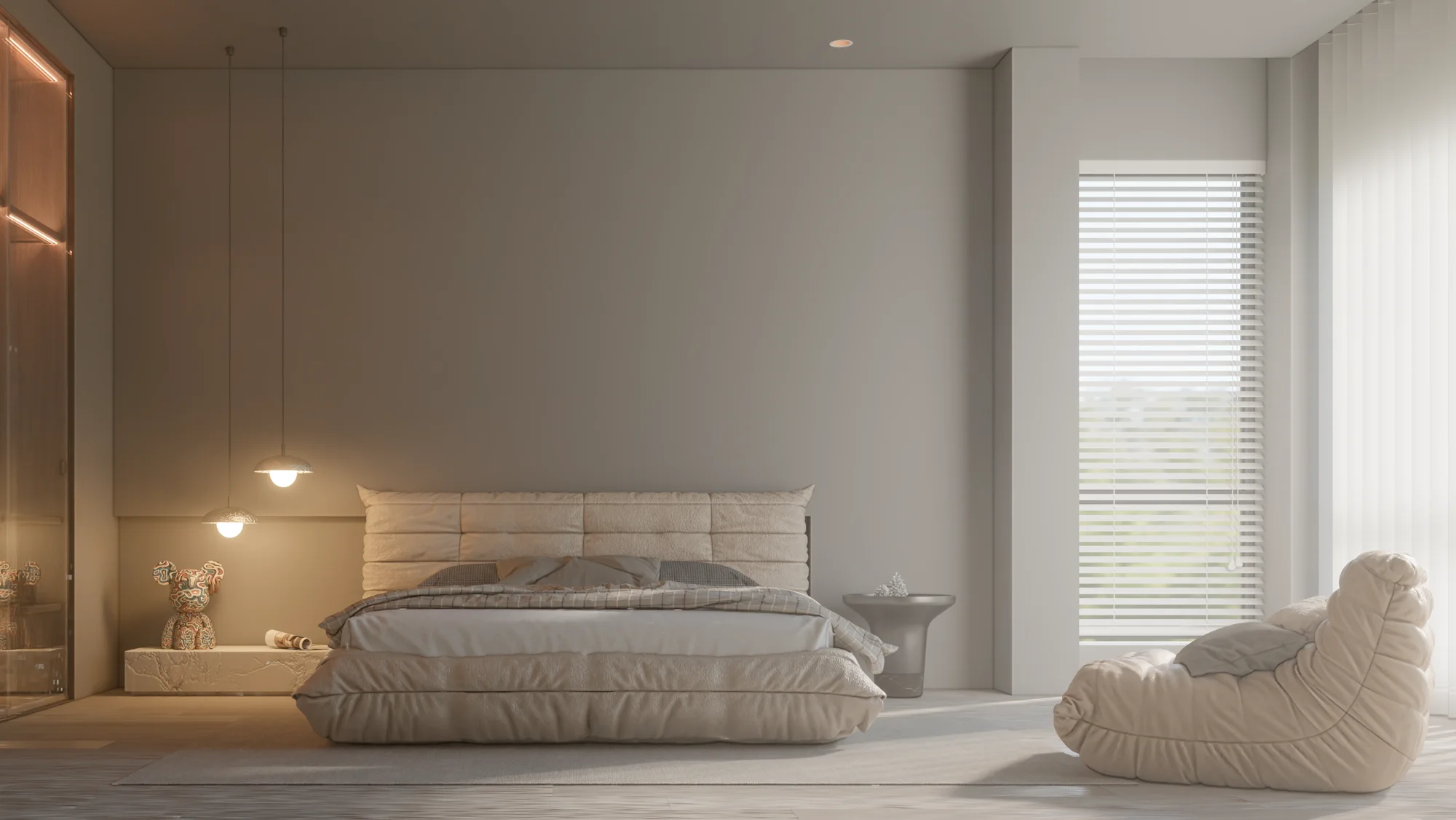
Day and evening: the same room, different light
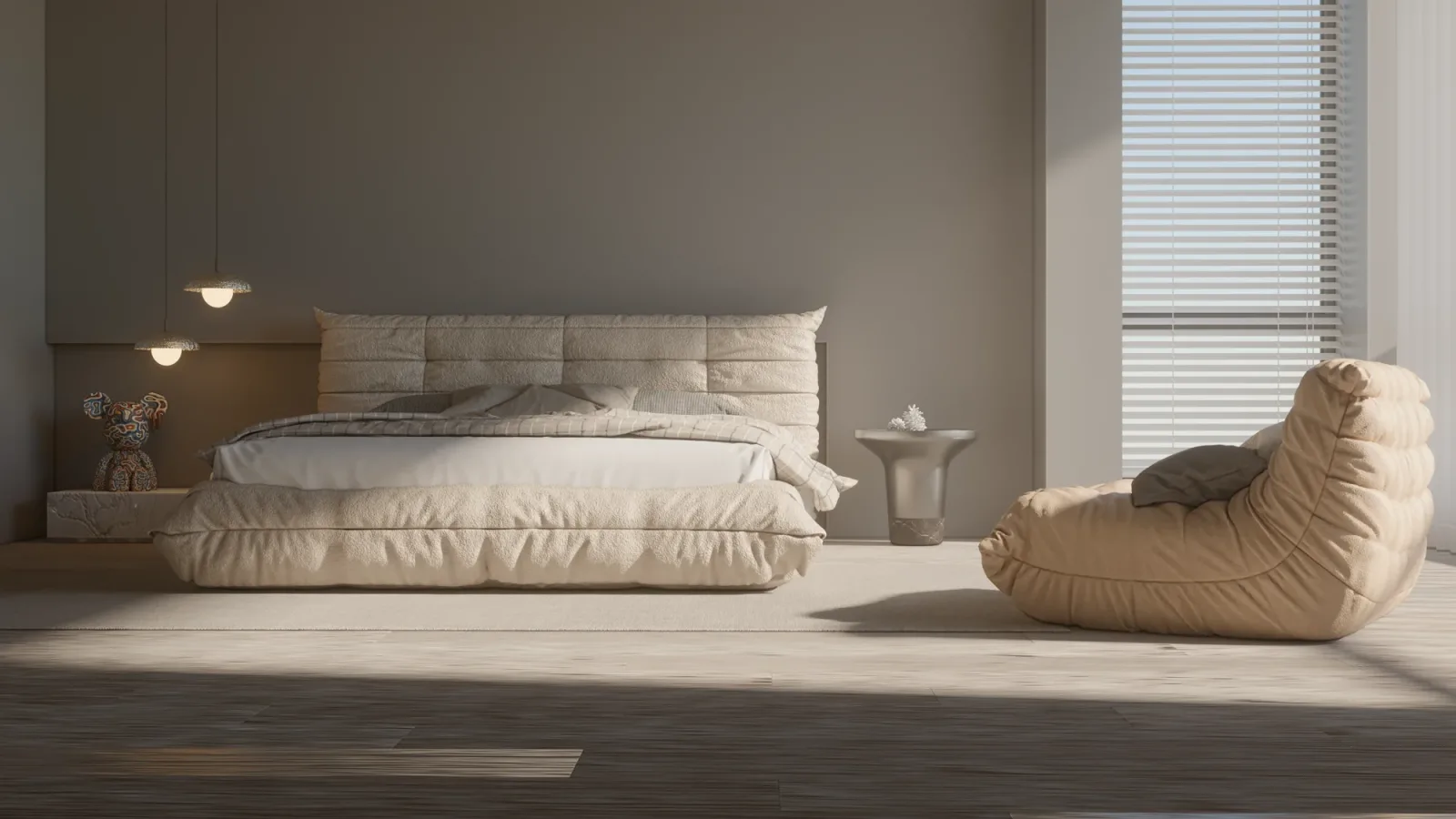
The best way to see the power of path tracing is to render the same scene under different lighting conditions. The geometry and materials stay the same; only the light changes, and the whole character of the space changes with it.
What does path tracing mean for architects?
- Better lighting decisions: You can visually test how a window size, an overhang depth or a light-colored ceiling affects a space.
- The true look of materials: You see how matte, glossy or textured surfaces interact with light before they are built.
- More persuasive presentations: Clients and investors find it easier to trust a photo-quality image.
- Consistent results: Because it is based on physical rules, it produces plausible lighting even without fine-tuning.

Do you need a powerful computer for path tracing?
Path tracing is computationally intensive, and today most of this work is done by graphics cards (GPUs). A powerful graphics card cleans up the same image in less time. That said, modern render engines deliver usable results on mid-range hardware too, thanks to tools such as AI-assisted denoisers. For help choosing hardware, see our guide to the best computer for architectural rendering.
Path tracing inside SketchUp: Render Fun
For architects who use SketchUp, one way to try path tracing without leaving the model is Render Fun, the plugin we developed ourselves: GPU-based path tracing. Inside SketchUp. Free. The bedroom images in this article were created with Render Fun. We introduce the plugin and its features in detail in our article on a free render plugin for SketchUp.

Frequently asked questions
Are path tracing and ray tracing the same thing?
No, but they are related. Path tracing is a comprehensive type of ray tracing that also calculates multiple light bounces and indirect lighting.
Why does a render look grainy at first and then become clear?
Because path tracing averages random light paths for every pixel. With few samples the average has not settled yet and the image looks grainy; as the number of samples grows, it becomes clear. We cover this topic in our article on how to fix grainy renders.
Can real-time rendering replace path tracing?
Real-time rendering is very useful for making quick decisions during design. For final presentation images, however, path tracing is preferred for the most accurate light. Using both together is the most efficient workflow.
Looking for photorealistic visuals for your project? Browse our architectural rendering projects or send us your drawings on WhatsApp.