Office Interior Rendering: Workspaces, Tenants and Brand Identity
Office interior rendering shows tenants and teams a workspace before it is built. Learn which spaces to visualize and how brand identity is shown.
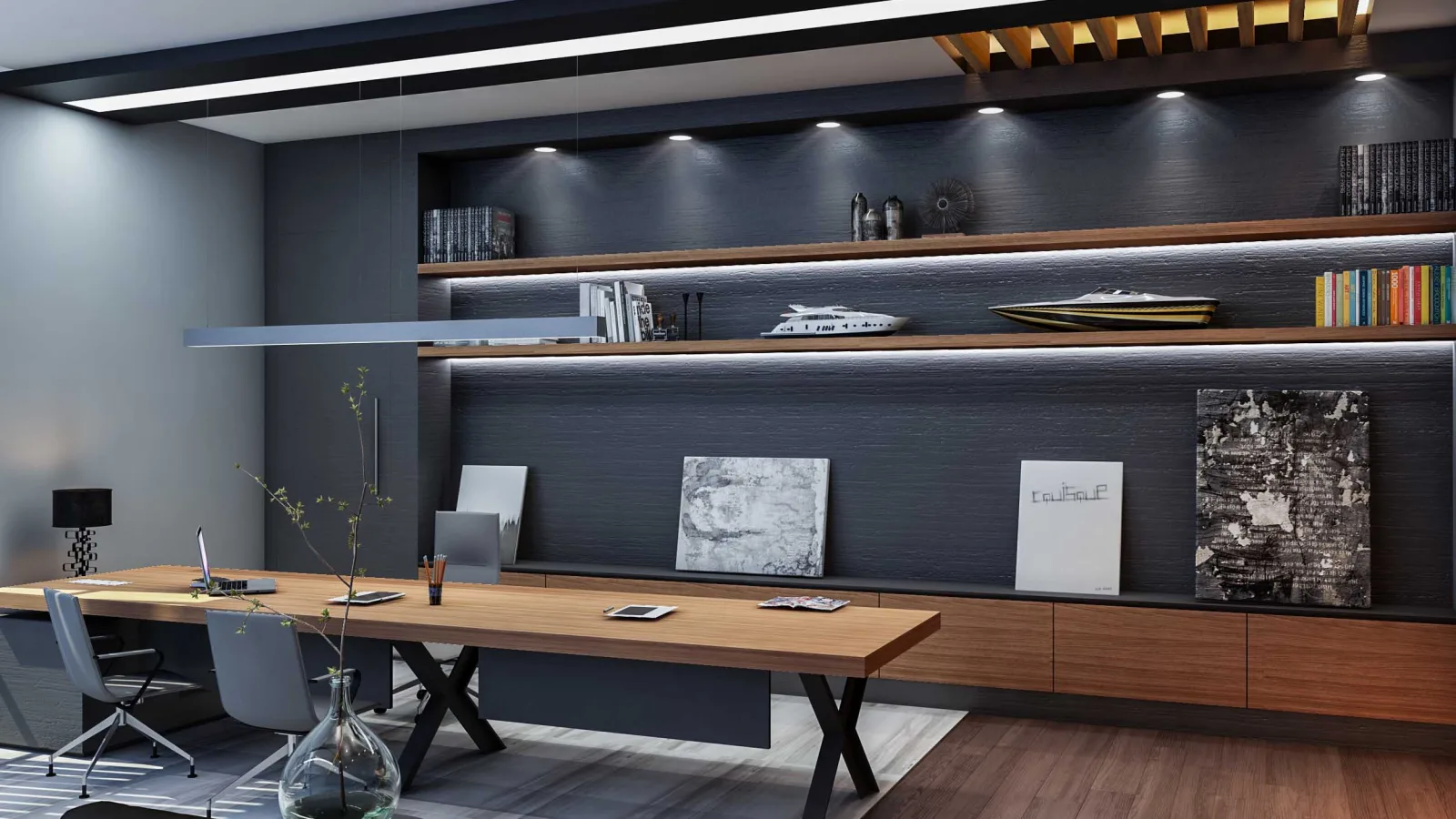
A company that leases or refits an office is not really choosing square meters; it is choosing a working life: the entrance the team walks through every morning, the desk they sit at all day, the room where meetings happen. An empty floor or a technical drawing struggles to tell that story. Office interior rendering shows a workspace that has not been built yet in photorealistic images, so tenants, managers and the design team can make decisions while looking at the same picture. In this article we explain who office visualization is for, which spaces it covers and how it is prepared.
Who benefits from office interior rendering?
Office visuals speak to several parties at different stages of the decision, not just one person:
- Building owners and leasing teams: They show how an empty floor could become a working office and help prospective tenants picture themselves in the space.
- Corporate tenants: Management can see whether the new office fits the company culture before moving, and internal presentations revolve around a concrete image.
- Interior designers and design teams: Material, color and lighting decisions are tested before joinery and furniture are ordered.
We covered the general principles of workplace design in our office design article. Here the focus is on how that design is communicated through 3D visualization.
Which spaces should be visualized?
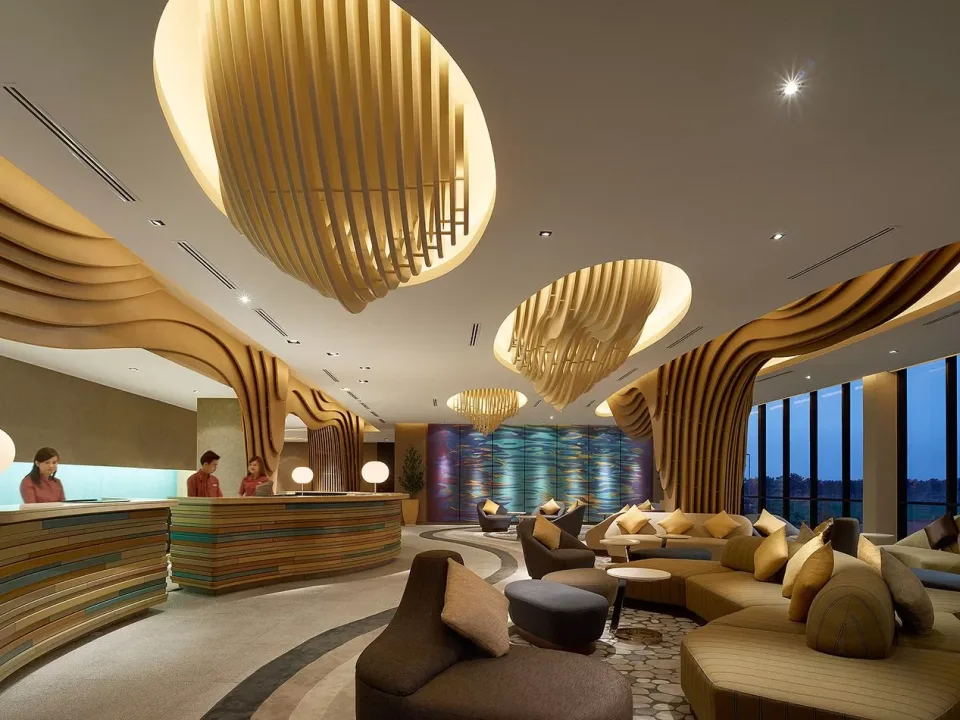
Entrance and reception
This is the first thing visitors and new employees see. The reception desk, waiting area and logo wall communicate the company’s identity at a glance. A render of this area is the strongest image for showing how the corporate identity translates into space.
Open-plan workspace
Desk layout, the circulation between desks, daylight from the windows and details such as acoustic panels determine how an open office will actually feel. An eye-level camera looking out from an employee’s desk describes the space most honestly.

Meeting rooms and executive offices
In meeting rooms, the table size, the screen wall and the glass partitions stand out. In executive offices, warmer materials, bookshelves and a seating group shape the character of the room. If you are curious how an architectural office is planned, take a look at our article on architectural office design.
Kitchens, break-out and social areas
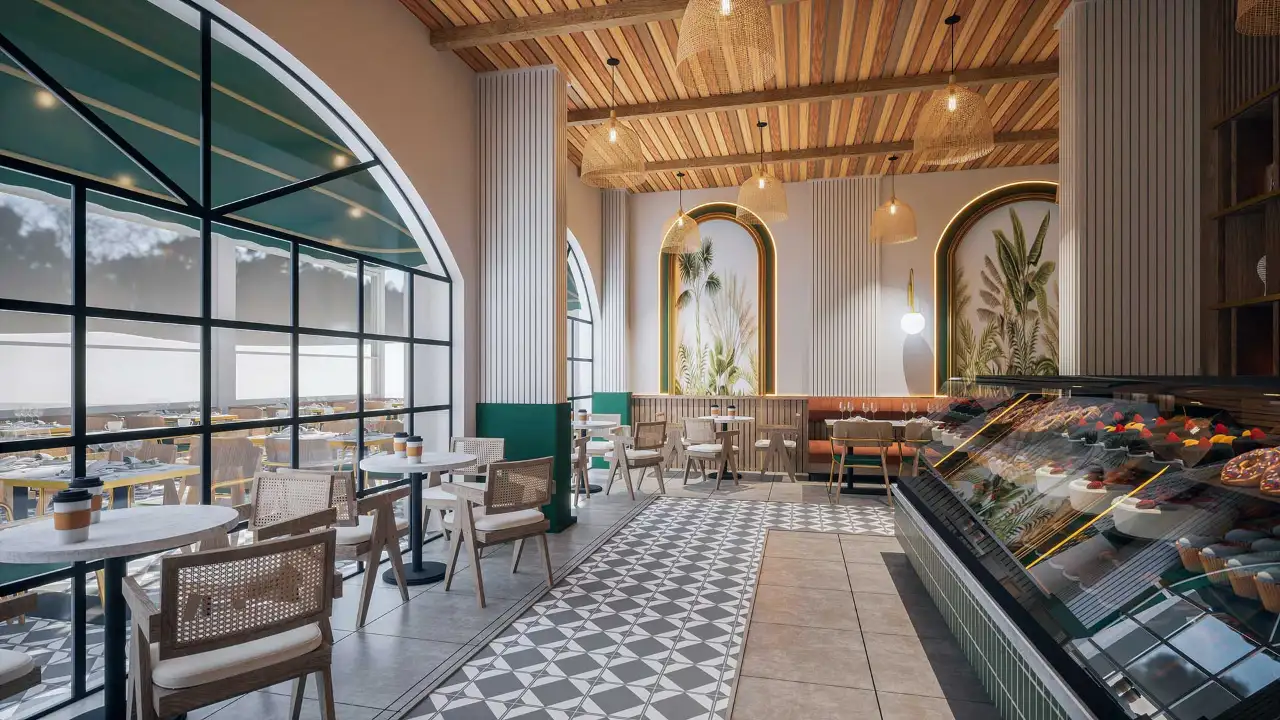
The places where employees take breaks during the day show the company’s working culture most clearly. Images of a café-style kitchen, lounge corners or a terrace send a strong message both to tenants and to recruitment campaigns.
How does brand identity show up in an office render?
An office is not just a place to work; it is a space where the company presents itself. Corporate colors, logo applications, wall graphics and material choices are tested on the render. Should a color cover an entire wall or only an accent surface? Questions like this are easy to answer visually, and changes are made in the model, not on site.
It is also possible to prepare several options from the same model: different furniture layouts, different color palettes, or different ratios of open office to enclosed rooms. The tenant compares them and chooses the one in which they can best see their own company.
Presenting the render together with the floor plan and a material list, rather than on its own, makes the decision easier. The image conveys how the space feels; the plan shows desk count and circulation, and the material list shows what will actually be used. When all three sit side by side, management, the tenant and the fit-out team start from the same information, which prevents the classic “this is not what we imagined” moment later on.
Light, people and scale in office renders
In workspaces, daylight directly affects both productivity and how the space is perceived. When desks near the windows, the orientation of the facade and the changing light through the day are set up correctly, the render looks real. Artificial lighting matters just as much: ceiling fixtures, desk lamps and indirect light strips show how the office will look in the evening.
- People: They show scale and how the space will be used, but should be used sparingly so the image does not feel crowded.
- Everyday objects: An open laptop, a coffee cup or a few papers on a desk make the space feel lived in.
- Circulation: Walkways between desks, access to shared areas and the relationship between zones should be readable in the image.

What should you prepare for office visualization?
- Architectural drawings: Floor plan, sections and a reflected ceiling plan if available.
- Layout proposal: Positions of desks, meeting rooms and shared areas, plus headcount.
- Material and furniture preferences: Floor, wall and ceiling finishes and furniture samples.
- Corporate identity: Logo, color palette and brand guidelines if they exist.
- Image list: Which areas, from which angles and for what purpose (leasing presentation, management approval, website).
For a detailed list of files and the steps of an interior project, you can also read our article on ordering interior renders. For those who want to move through the space, a short architectural animation can be prepared alongside the still images.
Frequently asked questions
Can an office be rendered while it is still an empty floor?
Yes. A floor plan and basic dimensions are enough. The layout and material proposal can be developed together during the rendering process, and the same model is updated as the tenant’s needs become clear.
Can different options be prepared for different tenants?
Yes. Different layouts, furniture arrangements and color palettes can be prepared as separate images on the same floor model, so each prospective tenant sees a scenario close to their own.
What are office renders used for?
Leasing presentations, management approval, testing interior design decisions, company promotion and recruitment materials are the most common uses.
Looking for visuals that will convince both your tenant and your team? Browse our architectural visualization projects or send us your drawings on WhatsApp, and we will get back to you with scope and timing.