Virtual Tours for Real Estate Sales: Office and Remote Buyers
A 360° virtual tour lets buyers walk through an unbuilt apartment. See how it works in the sales office, for remote buyers and in listings.
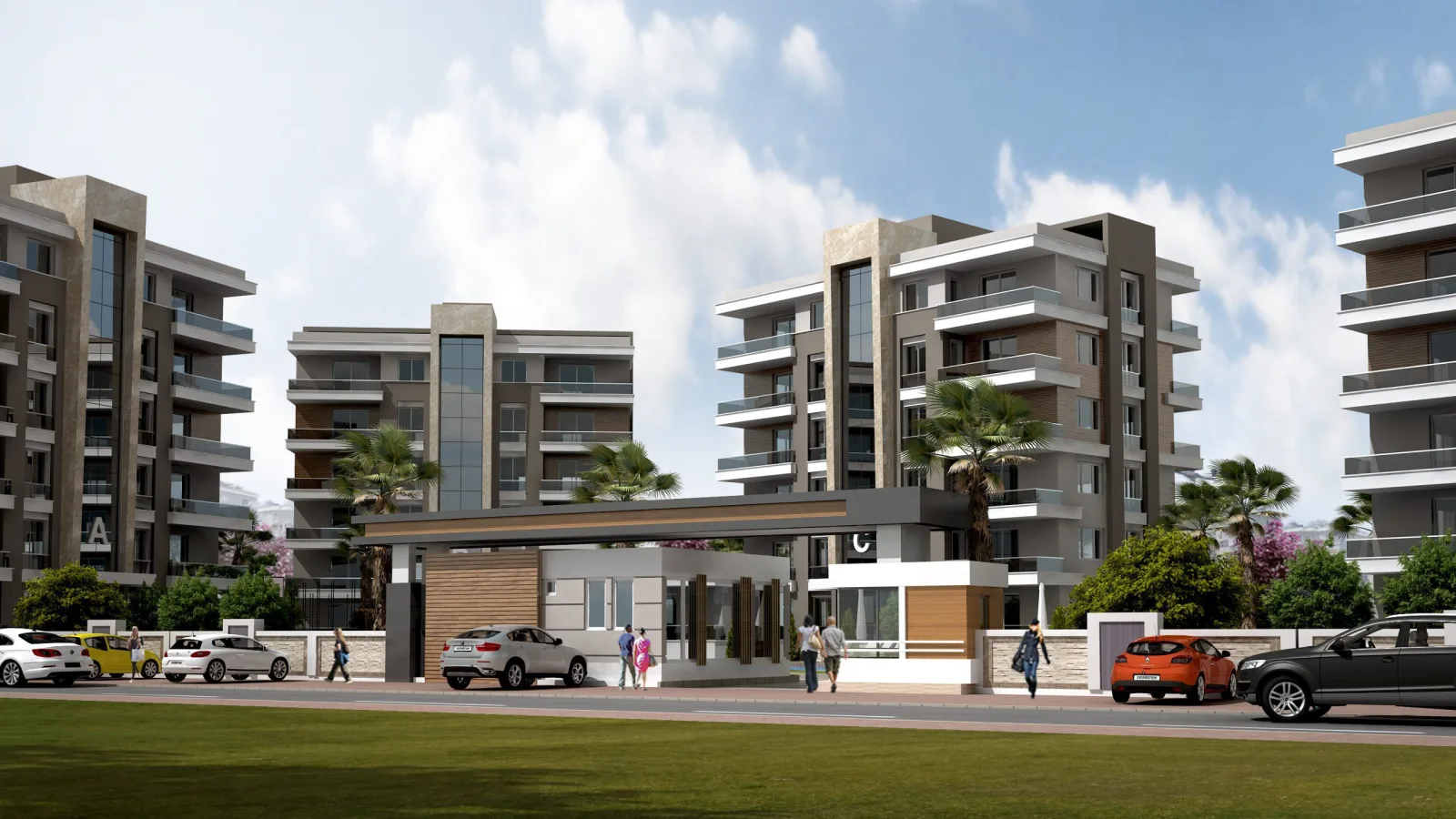
Selling an apartment before construction is finished asks a lot of a buyer’s trust. They cannot touch the walls, look out of the window at the view or walk from room to room. Virtual tours for real estate sales fill exactly this gap: a tour made of 360° images takes the buyer inside the apartment, whether they are in front of a screen in the sales office or holding their own phone. In this article we explain how a virtual tour is used in the sales office and with remote buyers, how it is prepared and what to watch out for.
What is a virtual tour and why does it work in sales?
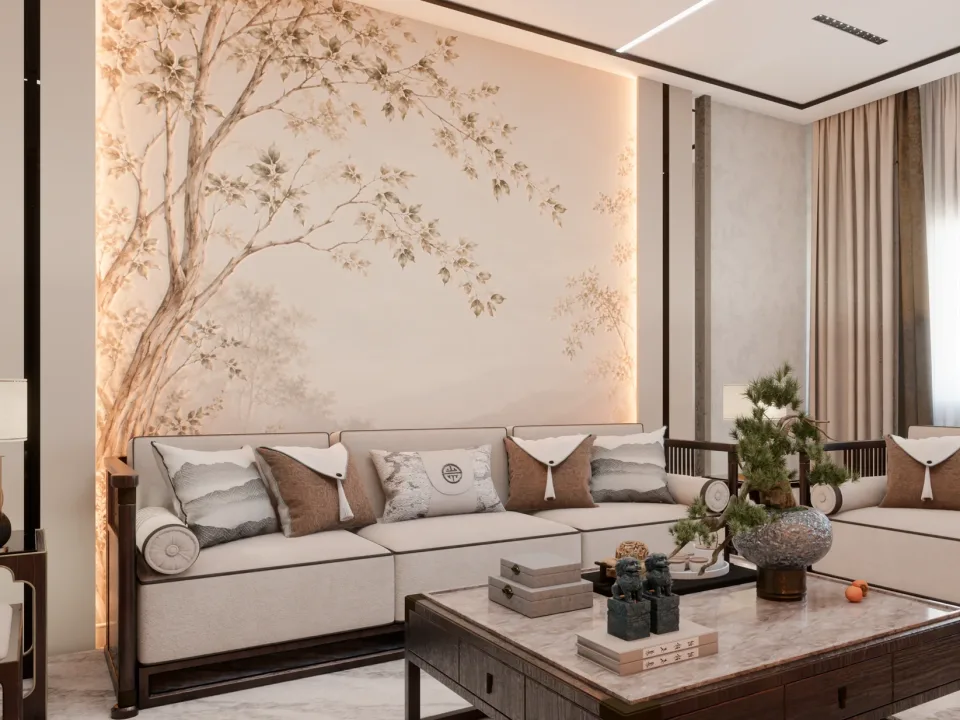
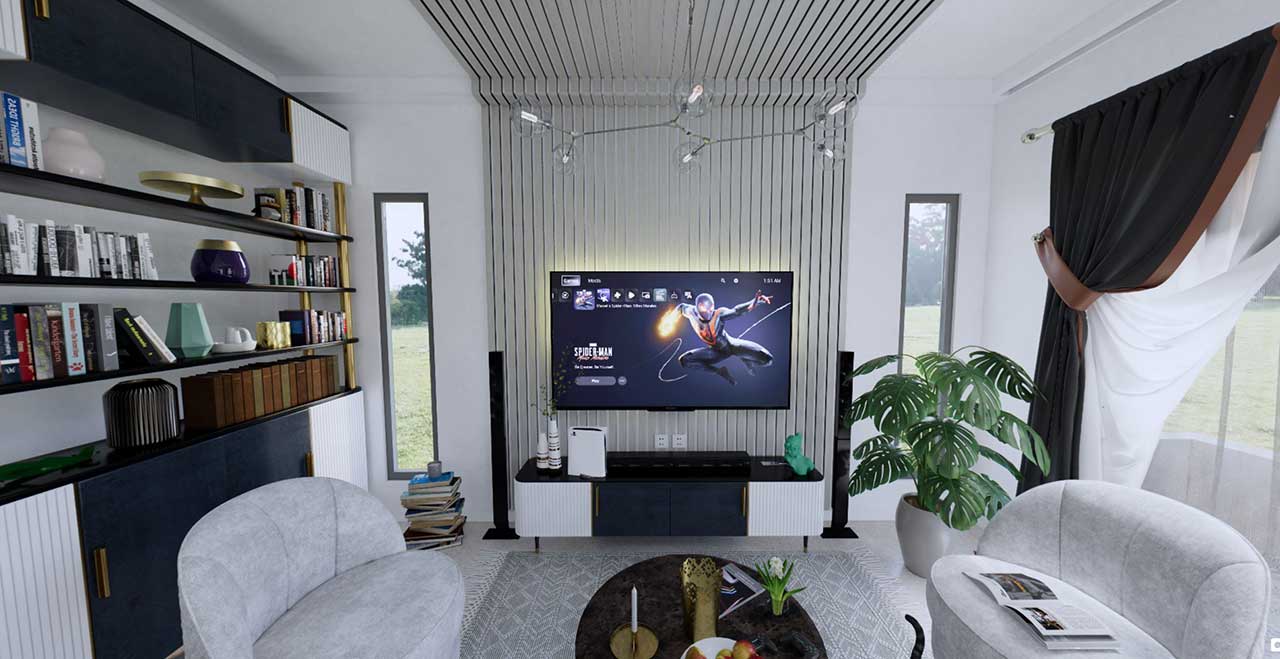
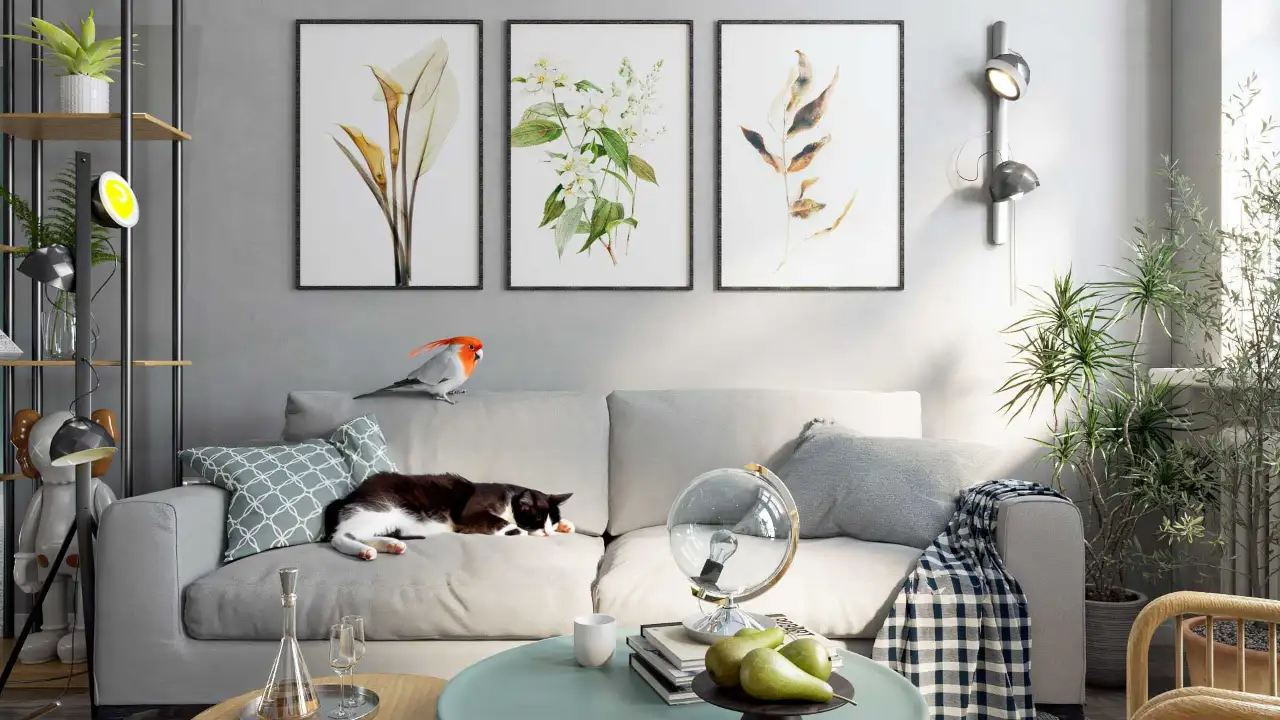
A virtual tour is an interactive walkthrough made by linking 360° panoramic images taken from specific points in a space. At each point the viewer looks around as if turning their head, then moves to the next room by tapping an arrow or a hotspot. In projects that are not yet built, these panoramas are not photographs but photorealistic renders produced from the 3D model.
From a sales point of view, its real value is that the buyer experiences the space without having to read a floor plan. A note like “living room 30 m²” stays abstract for most people; standing inside that same living room and looking toward the kitchen, the balcony and the hallway is understood instantly. We covered the general benefits of 360-degree presentations in our 360-degree panoramic presentation article; here we focus on the sales process.
Virtual tours in the sales office
The sales office is where the buyer first engages seriously with the project. A scale model and a brochure explain the project as a whole; a virtual tour shows the specific apartment the buyer is interested in.
- Large screen or touch table: The sales consultant walks through the tour with the buyer and answers questions by going straight to the room in question.
- VR headset: When the same panoramas are viewed through a virtual reality headset, the sense of scale is even stronger. We discuss this separately in our article on architectural visualization with virtual reality.
- Tablet: The consultant can open the relevant room as the conversation flows, without asking the buyer to leave the table.
Virtual tours for remote buyers
Not every buyer can visit the sales office. For investors living in another city or abroad, busy families and people looking for a second home, a virtual tour is a way to explore the project through a single link.
- Sharing by link: The tour is sent as a web address via WhatsApp, email or a listing page; no app installation is needed.
- Guided tour on a video call: The consultant shares their screen and walks through the tour together with the buyer.
- Sharing with family: The decision is rarely made by one person. The buyer can reopen the tour in their own time with a partner, children or an advisor.
How to plan a good sales tour
Choose viewpoints through the buyer’s eyes
Instead of placing one point in every room, stop where the buyer is curious: the first view from the entrance, the middle of the living room, in front of the kitchen counter, the bedroom door, the balcony. A camera placed at eye level shows most honestly how the space will actually be perceived.
Show the view and the light correctly
The view and daylight are among the things buyers ask about most. Preparing what is outside the windows to match the project’s real orientation and surroundings as closely as possible, rather than using a random image, matters for managing expectations.
Present options as separate tours
If there are different apartment types, different floors or different finish packages, prepare them as separate tours or as clearly named options within the tour. The buyer should never confuse what is standard with what is optional.
Stay true to reality
A virtual tour is a sales tool, but it is also a promise. Furniture and decoration should be labelled as a “sample layout”, and the materials and details to be delivered must match the project exactly. An exaggerated tour attracts attention in the short term but damages trust in the long term.

Using the virtual tour in listings and marketing
A virtual tour is not only a sales office tool. On the project website, on listing pages and in social media posts it also moves the buyer one step further. Someone who liked the listing image and clicks into the tour to walk through the apartment is no longer just browsing; they are evaluating.
- Project website: Placing a dedicated tour on the page of each apartment type lets you show the floor plan and the tour side by side.
- Listing pages: The tour link is added to the listing text, so an interested buyer gets to know the apartment before calling the office.
- Social media: Short screen recordings or single frames taken from the tour act as a showcase that leads to the full tour.
As a result, buyers who come to the sales office have often already toured the project, and the meeting moves on from a general introduction to choosing an apartment and discussing details.
What do you need for a virtual tour?
For a project that has not been built yet, the virtual tour is produced from a 3D model. Architectural drawings (plans, sections, elevations), a material and color list, kitchen and bathroom details and, if available, the interior design are enough. We listed which files are useful in detail in our article on files needed for rendering. A virtual tour is usually part of a sales visual set together with still renders, short animations and a brochure; we explained that set in our article on 3D visualization for off-plan sales.
Frequently asked questions
Is a virtual tour the same as a 360-degree render?
A 360-degree render is a single panoramic image taken from one point. A virtual tour is created by linking these panoramas together, so the viewer can move between points.
Does a virtual tour open on a phone?
Web-based tours open in the browser on phones, tablets and computers. On a phone you can also look around simply by turning the device.
If the project changes, does the tour have to be redone?
The change is made in the 3D model and only the affected panoramas are rendered again. That is why a well-organized model from the start makes later updates easier.
Thinking about a virtual tour for your project that works both in the sales office and for remote buyers? Take a look at our work or send us your drawings on WhatsApp, and let’s plan the scope together.