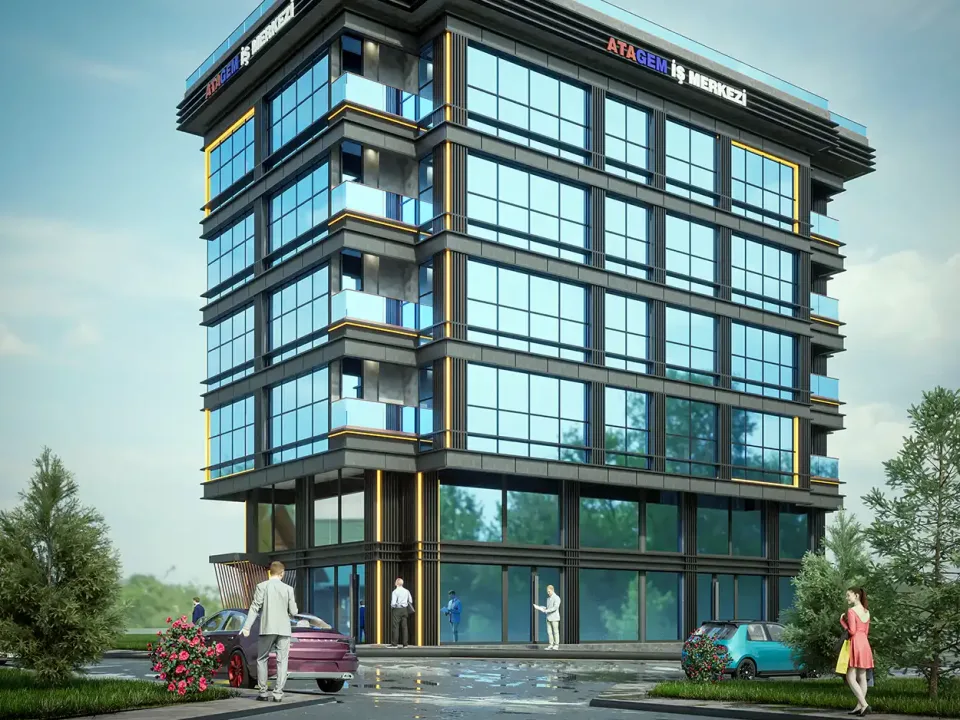
Rendering Tips for Architecture Students: Jury, Portfolio, Free Tools
Better student renders without expensive software: model prep, light and framing, free tools, deadline planning and choosing images for your portfolio.
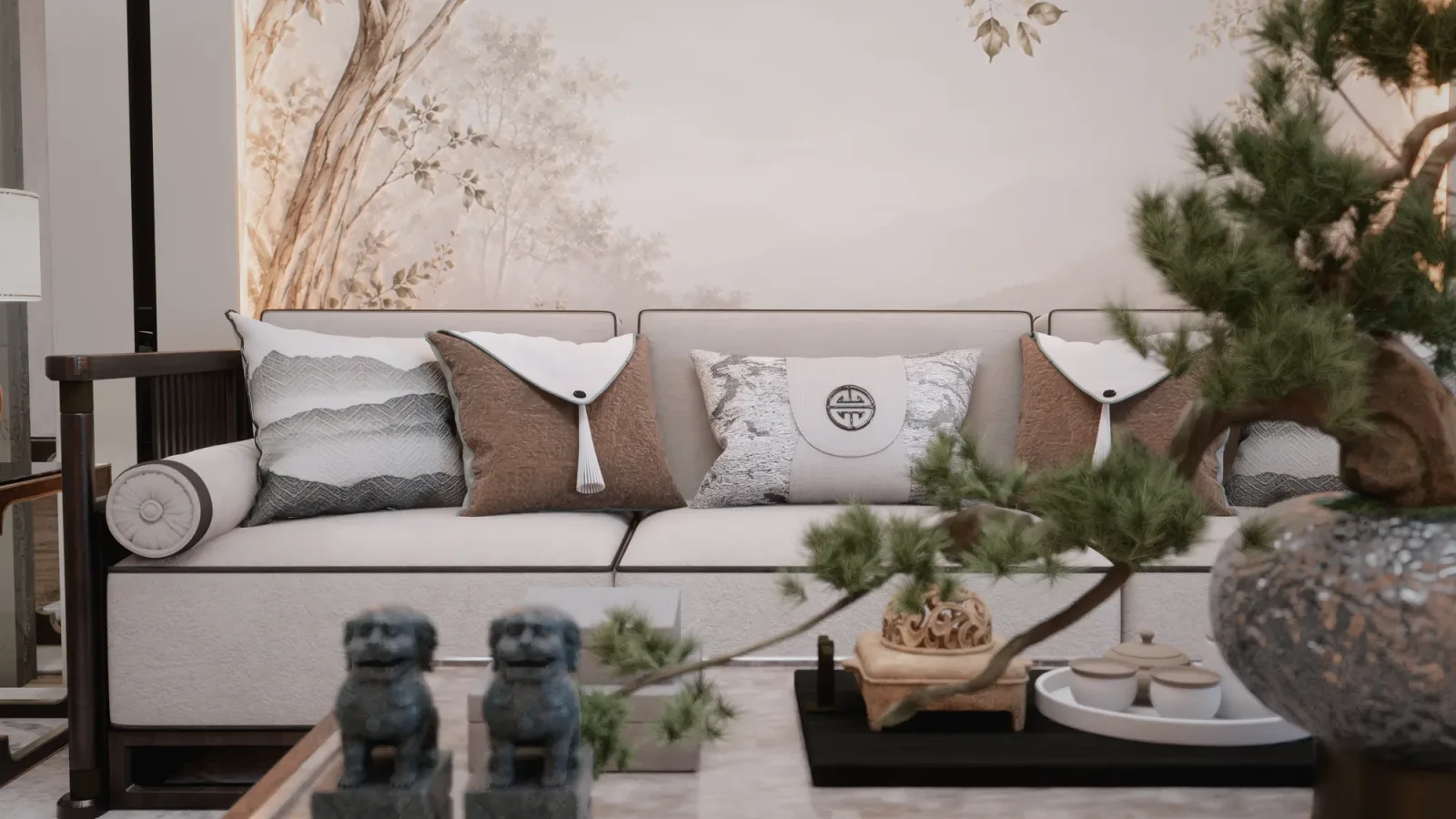
On the morning of a jury, finding that a render left running until midnight still came out grainy is a moment most architecture students know well. The computer can’t keep up, licences are expensive and the deadline is close. Yet a good image doesn’t need the most expensive software or the most powerful graphics card; a well-built model, a carefully chosen frame and a deliberate lighting decision often make a bigger difference. In this article we share rendering tips for architecture students from three angles: the jury, the portfolio and free tools.
Start with the question: what will this image explain?
The most common mistake in student projects is treating the render as decoration added at the end of the design. Every image should have a job: showing the light in a courtyard, the rhythm of a facade or the scale of a space. Once you decide what the image will say, the camera position, time of day and materials fall into place. At a jury, being able to answer “what is this image telling us?” in one sentence matters as much as the image itself.
Rendering tips for architecture students: preparing the model
Most of a render’s quality is decided before you press render.
- Model only what is seen: Pick your camera angles early; adding detail to areas that won’t be visible wastes time.
- Give things thickness: Single-face walls, frames without depth and floating slabs break realism instantly.
- Organise your layers: With furniture, landscape and context on separate layers, you can switch parts of the scene on and off quickly for different images.
- Watch out for heavy models: Downloaded high-poly models bloat the file; only what stands out in the frame needs detail.

Light, materials and framing
Light
The direction and time of daylight define the character of a space. Afternoon light brings out the masses; in the evening, artificial lighting creates a warm atmosphere. Showing the same space at two different times easily tells the jury how your design works with light.
Materials
A realistic material is not just a colour; its glossiness, roughness and texture scale must also be right. Oversized or obviously repeating textures make an image look artificial straight away.
Framing
Keep the camera at eye level, keep vertical lines vertical and don’t choose an extremely wide lens. People, furniture and plants convey scale, but they shouldn’t fill the frame and overshadow the architecture.
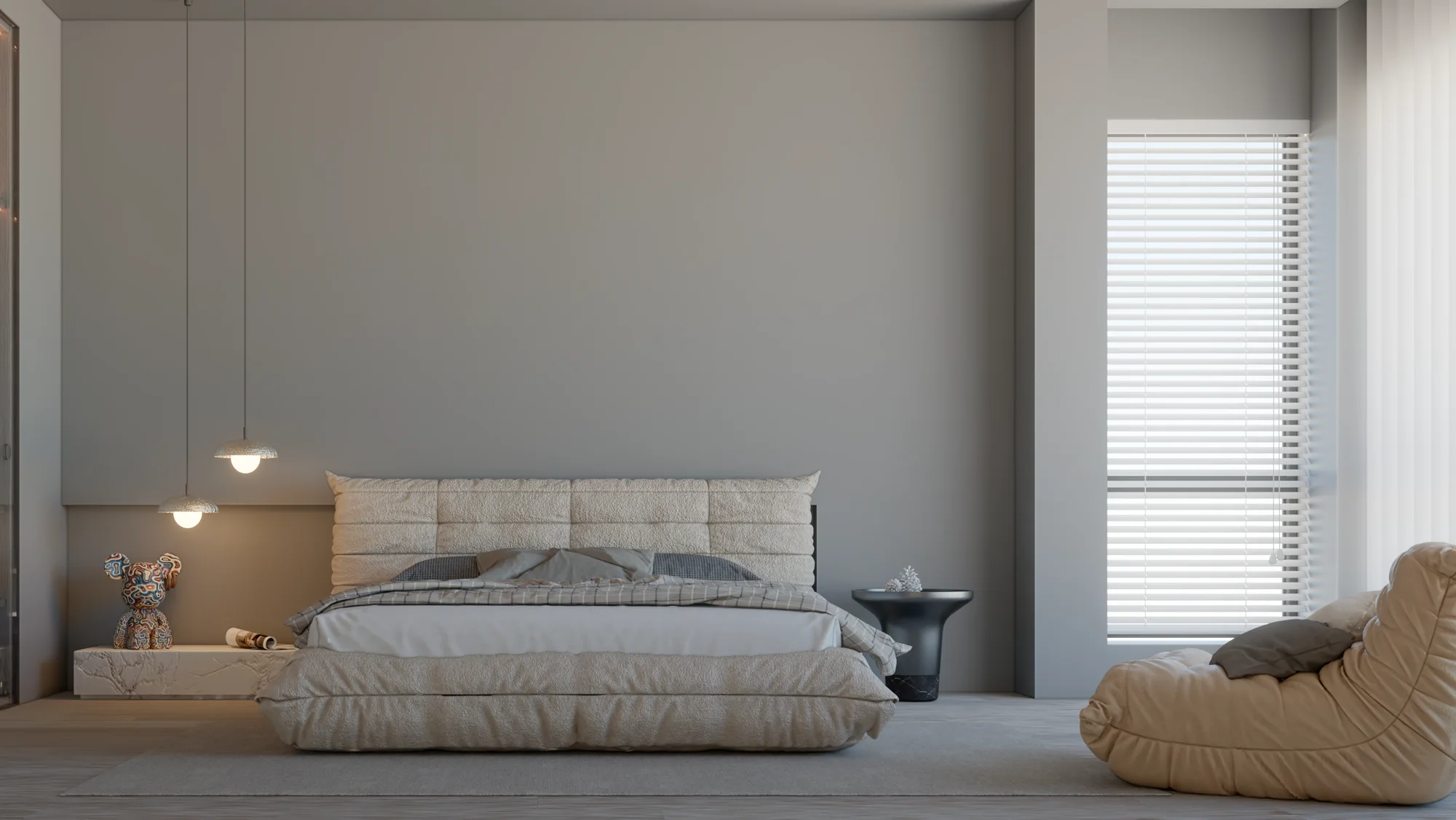
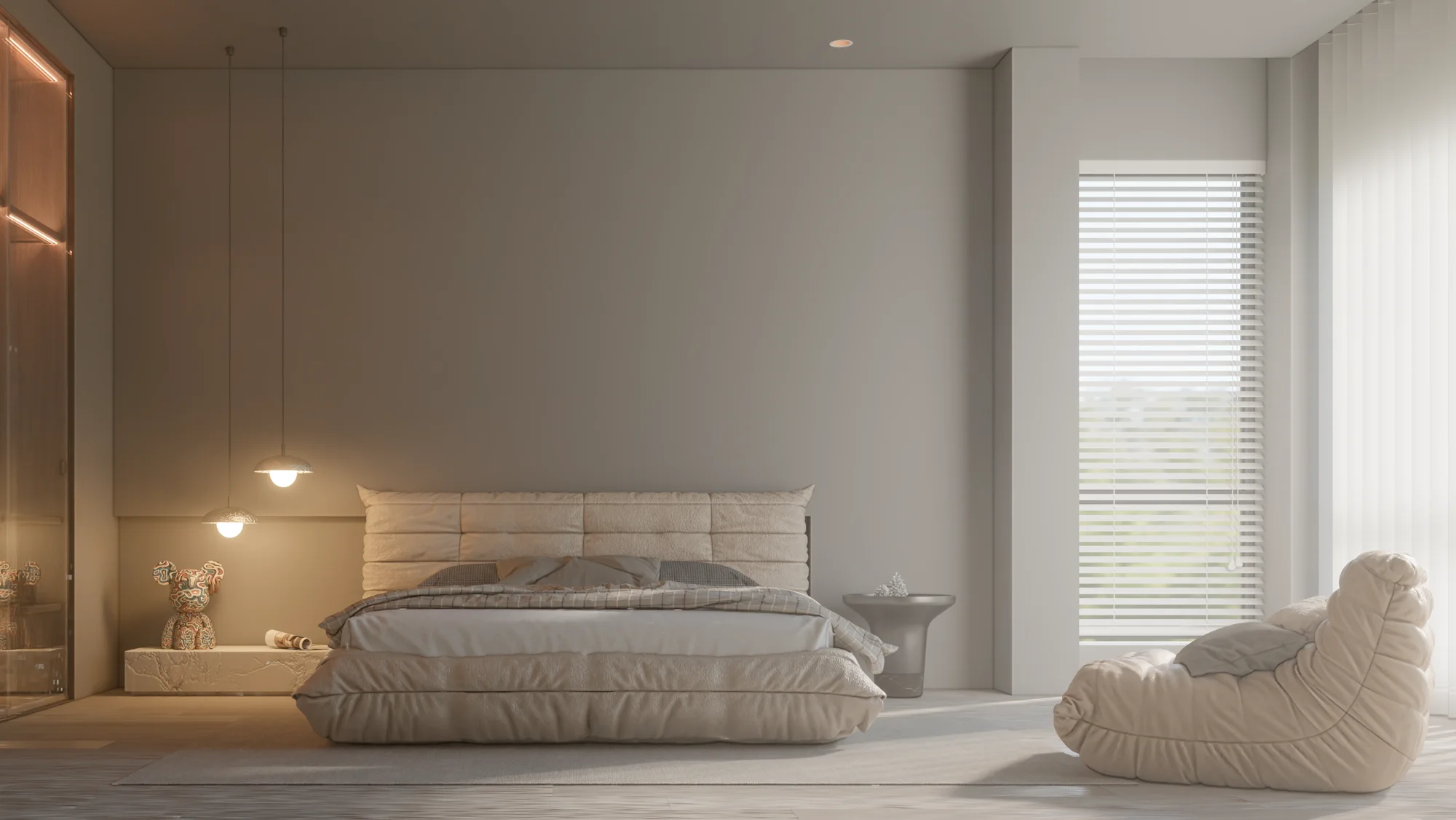
Free rendering tools and Render Fun
Many rendering programs offer an education licence or a free version for students; the terms vary from vendor to vendor, so always check the current details on the program’s own website. If you use SketchUp, our own Render Fun is free: GPU-based path tracing. Inside SketchUp. Free. You render inside SketchUp without exporting to a second program. Some of its headline features:
- Render inside SketchUp
- Simple enough to use without reading
- One-click scene presets
- Sun, sky and HDRI
- AI denoiser and “Until clean”
For a detailed introduction, see our article on a free rendering plugin for SketchUp, and if you’re curious how light is calculated, read what is path tracing.
Computer and time management
Render time should be planned as part of the submission schedule. A render left for the last night turns the smallest mistake into a delay you can’t recover from.
- Take low-quality test images first; move to final quality once the camera and light are settled.
- Aim to finish final renders at least a day before the deadline.
- If your computer struggles, choose the resolution based on the print size and don’t render larger than you need. For hardware choices, see our article on the best computer for architectural rendering.

Post-production: little but right
A little post-production after the render pulls the image together: a light touch of contrast and colour balance, a sky or background fix and, if needed, a few people. But post-production should not change the design. Adding a material or light that isn’t in the model creates an image that contradicts your plan and section at the jury. Keeping your images consistent with your drawings is the basis of their credibility.
Presenting the image at the jury
When presenting an image, say first what it shows, then how it was made. A single sentence such as “I wanted to show the afternoon light in the courtyard” helps the jury look at the image from the right place. Marking on the plan with a small camera symbol where the image was taken from also makes the space easier to read.
Renders for your portfolio
In a portfolio, a few strong images work better than many average ones. Choose one hero image for each project and present it alongside drawings and process sketches; employers and graduate school juries want to see not only the result but also how you think. Using a similar colour tone and presentation style across all images gives your portfolio coherence. Re-rendering older projects with techniques you’ve learned since is also a good way to show your progress, as long as the design itself stays the same.
Frequently asked questions
Which rendering software should an architecture student start with?
The most efficient start is a tool that works with the modeling software you already use and is easy to learn. For SketchUp users, Render Fun is a free starting point.
Can you render without a powerful graphics card?
Yes, but it takes longer. Running test renders at low resolution and saving final quality for selected frames protects your time.
Which matters more at a jury, the render or the drawings?
They are read together. The render conveys the experience of the space, while plans and sections explain the logic of the design; one can’t make up for what the other lacks.
Do you need professional images for your thesis project or portfolio? Browse our architectural visualization projects or send us your drawings on WhatsApp; we’ll get back to you with the scope and timeline.