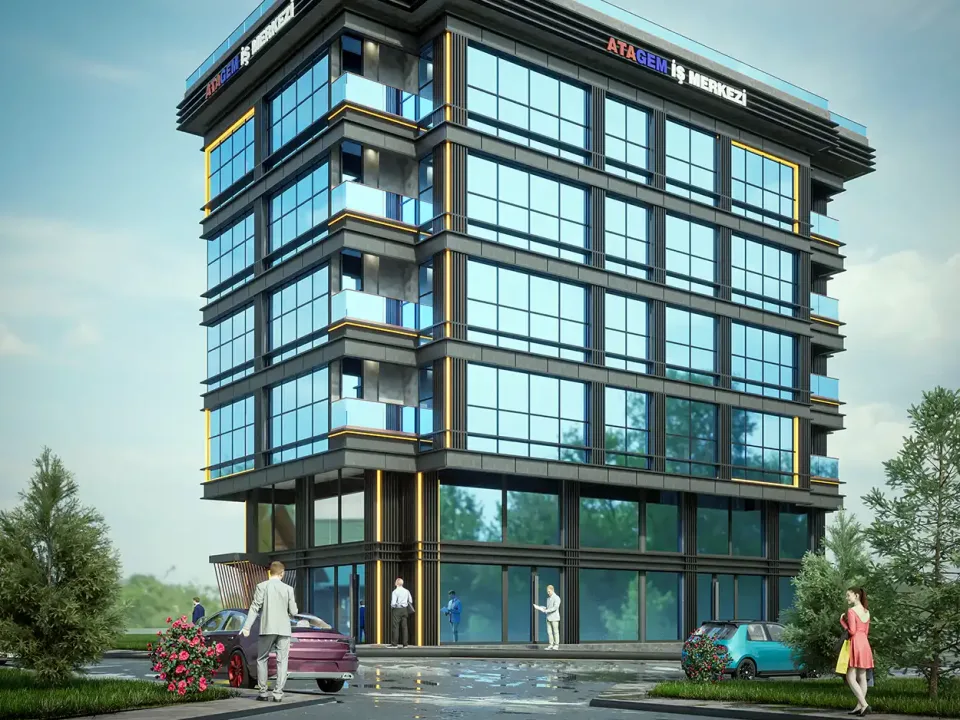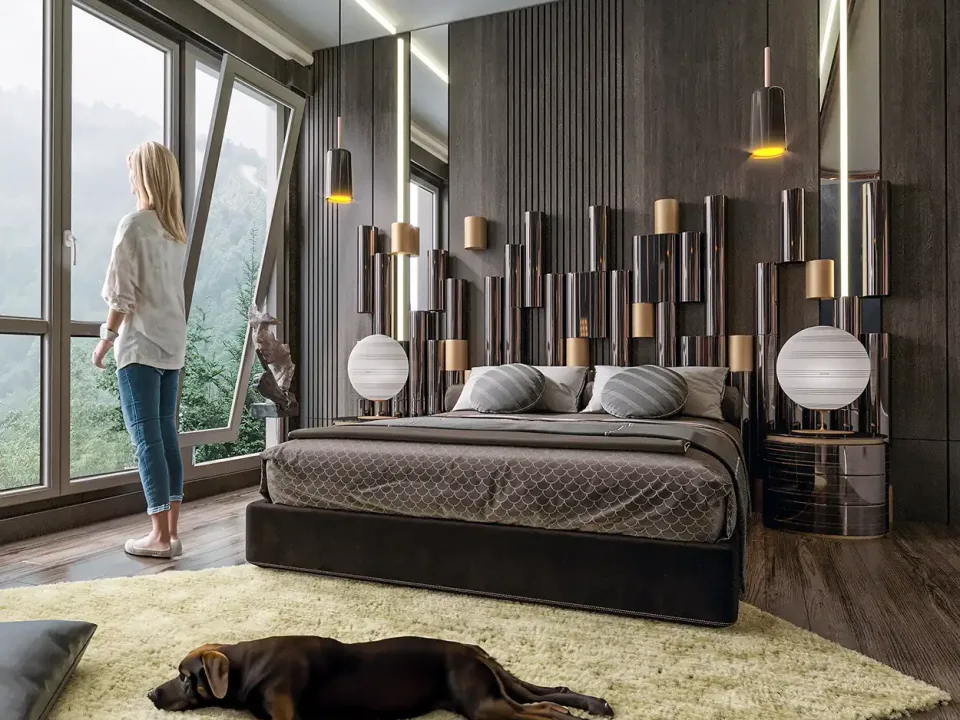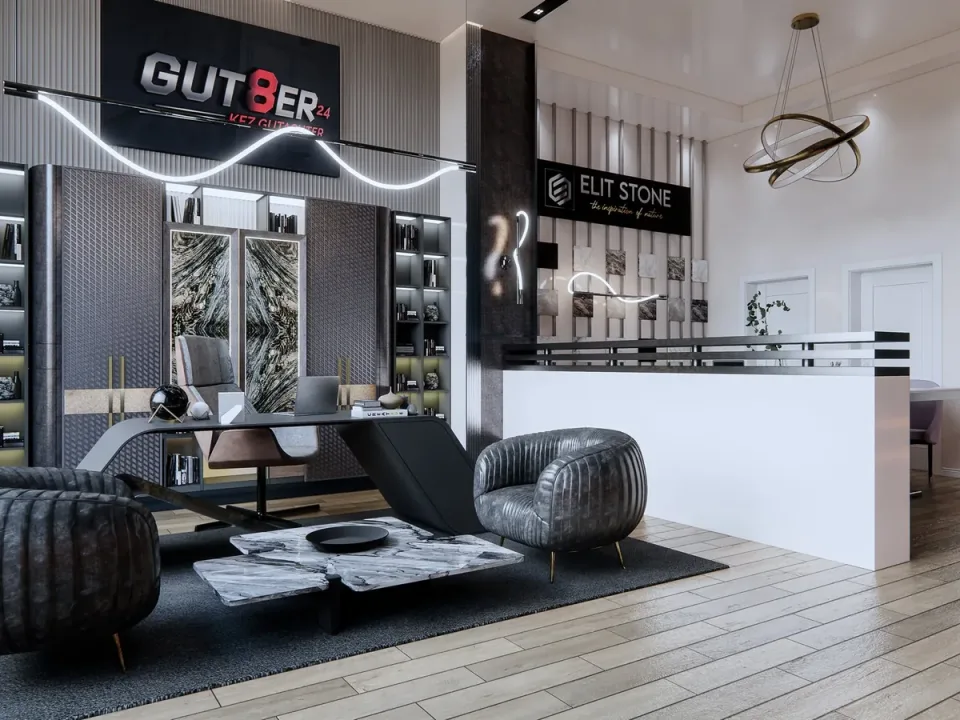
Commercial Interior Visualization
Service
From a 3D model built on your drawings, we create a 360-degree panoramic virtual tour of your unbuilt home, villa, office or hotel that viewers can explore room by room.
Deliverables
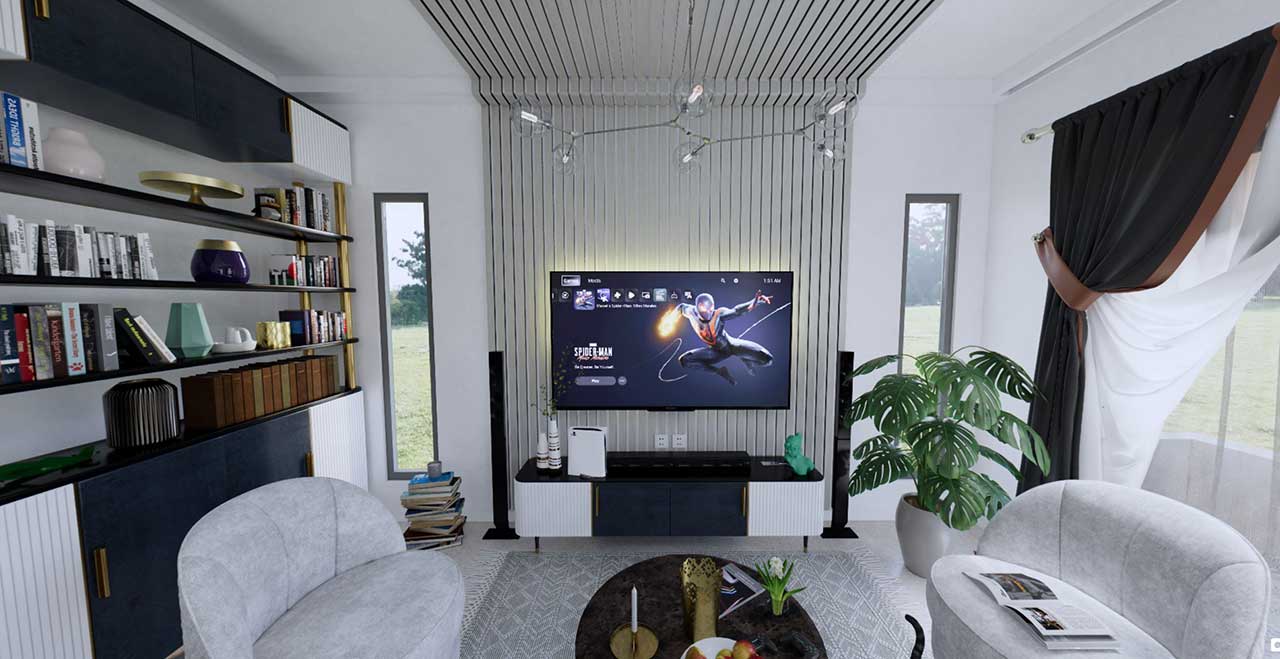
Spherical images with accurate light and materials, viewable in every direction from each panorama point.
Hotspots link the panoramas so viewers move from the living room to the kitchen and on through the home at their own pace.
We agree with you on which spaces the tour covers and how many points the project needs.
Optionally, a floor plan inside the tour lets viewers tap a room and jump straight to its panorama.
The tour is prepared to embed on a website, present on a tablet or screen, or view on a VR headset.
The same 3D model serves the exterior renders and the walkthrough video, keeping one visual language across every output.
Details
A 360 virtual tour lets people walk through a home, villa, office or hotel that has not been built yet, looking around as if they were standing inside it. On this page we explain how a rendered 3D virtual walkthrough is produced, how it differs from a photo-based tour, where it can be used and which files help when you order an architectural virtual tour from us.
A standard render looks from a single camera angle, and we choose that angle. In a 360-degree tour the camera sits at one point and produces a spherical panorama looking in every direction. Viewers drag the screen to turn toward the ceiling, the floor, the window or the wall behind them. When several panorama points are linked, you get a walkthrough that moves from the living room to the kitchen and on to the bedroom. Our glossary entry on 360 panoramas covers the basic idea.
The difference is easy to see: a single image shows the best angle, while a virtual tour shows the whole space honestly. The first question we hear from buyers on most projects is “what do I see from this room?”, and a panorama answers it on its own.
There are two kinds of virtual tour, and they are often confused:
Our work belongs to the second group. It is the natural choice for developers selling off-plan, offices that want to show interiors without fitting out a show apartment, and architects who need to explain a design to their clients. Our article on virtual tours in real estate sales looks at the sales side in more depth.

The same panorama files can be adapted to different settings, chosen to fit the project and the way it is sold:
Navigation such as choosing a room from the floor plan can also be added: the buyer taps a room on the plan and jumps to its panorama. A rendered color floor plan pairs well with the tour for exactly this purpose.
We collect feedback on draft panoramas along the way. Because every surface is visible in a panorama, small mistakes stand out: a misaligned cabinet door, a window opening the wrong way or an empty corner. Before finalizing the tour we turn around in every point ourselves, and furniture layout or material choices are still easy to change at this stage.

Floor plans, sections and elevations (DWG or PDF) are enough to start. An existing SketchUp, Revit or similar 3D model can be used directly. Material and furniture preferences for the interiors, plus any reference images, speed things up. For the full list, see files needed for rendering.
The model built for the virtual tour is also used for the exterior renders and the camera walkthrough video of the same project. That is why, on most projects, it makes sense to plan the tour together with renders and architectural animation: the model is built once, and every output keeps the same materials and lighting. Cost depends on the number of panorama points, whether a model already exists and the level of detail. We explain how these factors add up in how rendering prices are calculated.
How we work
Drawings, references and expectations are clarified; scope and schedule are shared in writing.
A 3D model faithful to the project dimensions is built; camera angles are chosen together.
Materials, lighting and mood are refined, with feedback on draft images.
High-resolution final images in print, web and social media sizes.
Frequently asked questions
A regular render shows one chosen angle. A 360 virtual tour produces spherical panoramas that look in every direction from each point and links them together, so viewers can see the ceiling, floor, windows and the wall behind them while moving freely through the space.
Yes. A rendered tour is produced inside a 3D model built from plans and sections, so the building does not need to be finished. Spaces can be explored complete with furniture, lighting and the view outside, and if a material changes we simply update the model.
There is no fixed number. It depends on the size of the project, the rooms you want to show and the shape of each space. A large living room reads better with two points while a small bathroom needs one; we set the list together after reviewing your drawings.
Yes. The same panoramas can be delivered to embed on a website for phones and computers, to run on a tablet or screen in a sales office, and to view on a VR headset. Agreeing on where it will be used early helps us choose the right delivery format.
Floor plans, sections and elevations in DWG or PDF are enough to start. An existing SketchUp or Revit model can be used directly. Interior material and furniture preferences, along with reference images, help the work move faster.
It depends on the number of panorama points, whether a 3D model already exists, the level of interior detail and whether the tour is ordered together with renders or animation. After reviewing your drawings we share timing and price in a written quote.
Quote wizard
Answer a few short questions and your message opens ready-made in WhatsApp. We reply with scope, timing and pricing.