Commercial Interior Visualization
Service
We take renders you made yourself or received elsewhere and finish them with color, light, atmosphere and detail, sharpening the story without touching the geometry.
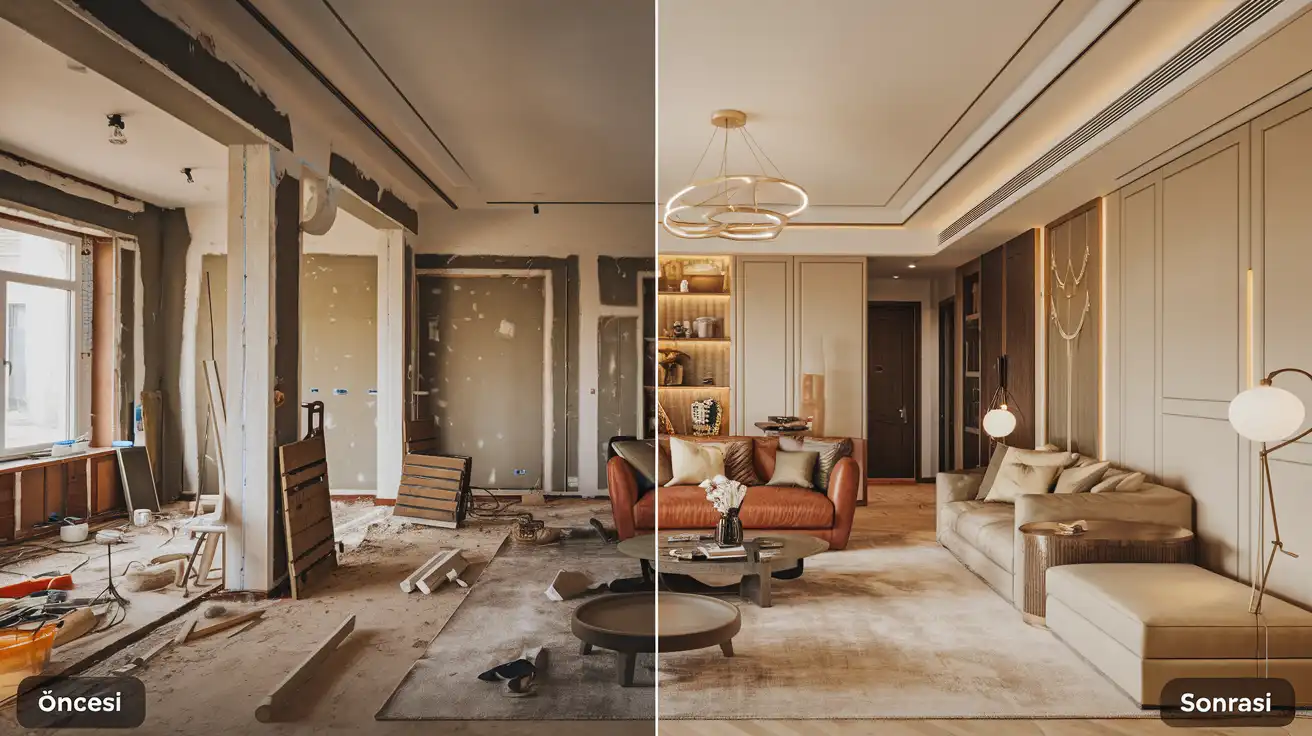
Deliverables
White balance, contrast and saturation are adjusted area by area so materials look true to life.
Sky replacement, sunset or evening mood and window glow give the image its feeling.
Figures matched to perspective, light direction and shadows add scale and a lived-in feel.
Black windows, wrong reflections and render grain are fixed without losing detail.
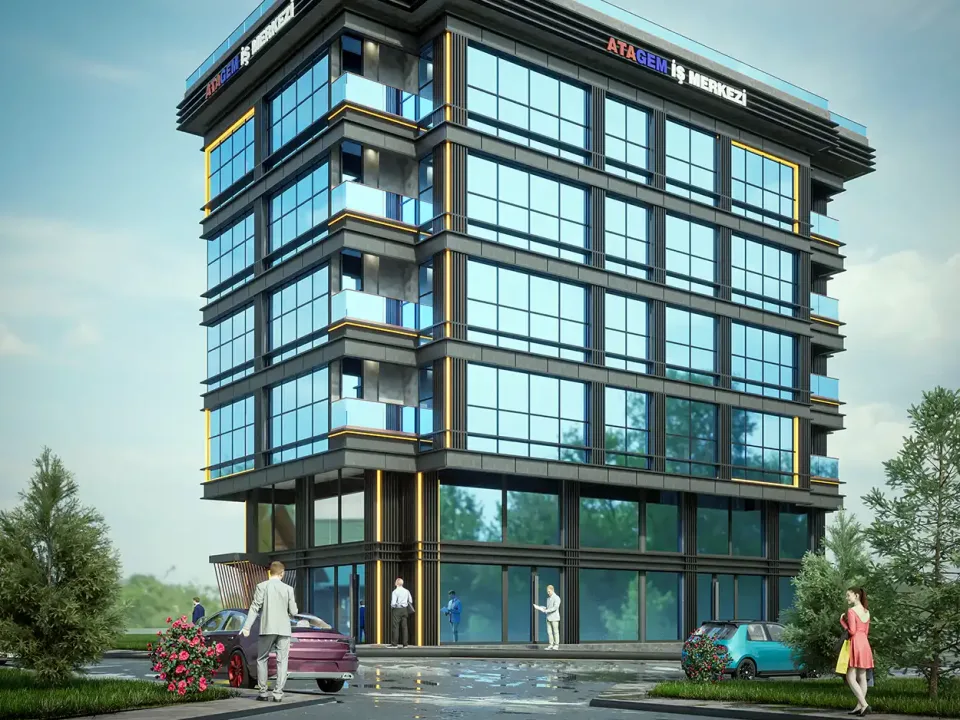
The building is placed into a real site photo with matching camera angle and horizon line.
A hand sketch is built up with color, light and landscape for an early presentation.
Details
Render post production, the Photoshop retouching stage after rendering, is the final step that turns a raw engine output into a presentation-ready image. On this page we explain what architectural render retouching can fix, which files help it work best and where it should stop, drawing on the work we do in the studio every day.
The line we hear most from architects and students who render their own projects is: “The model is right, the lighting is set, but the image just feels flat.” The engine is rarely the problem. A render engine calculates a physically consistent scene, but it does not add what a photographer does after the shoot: contrast, color temperature, the mood of the sky and signs of life in the frame. The raw output stays a little gray, a little flat and too clean. Post production adds that missing layer and sharpens the story without touching the geometry.
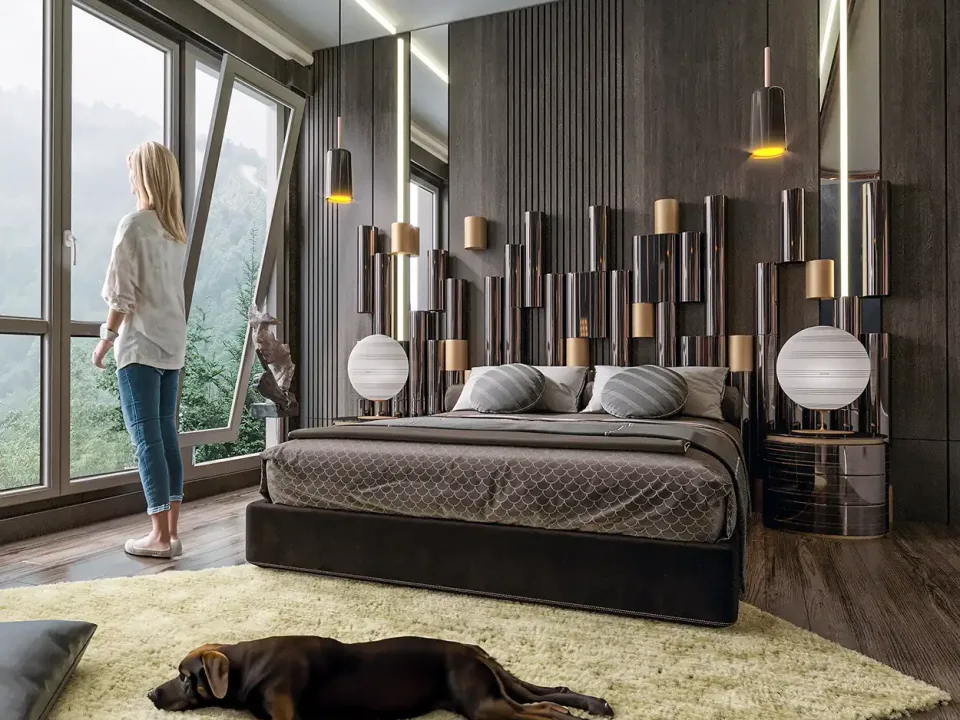
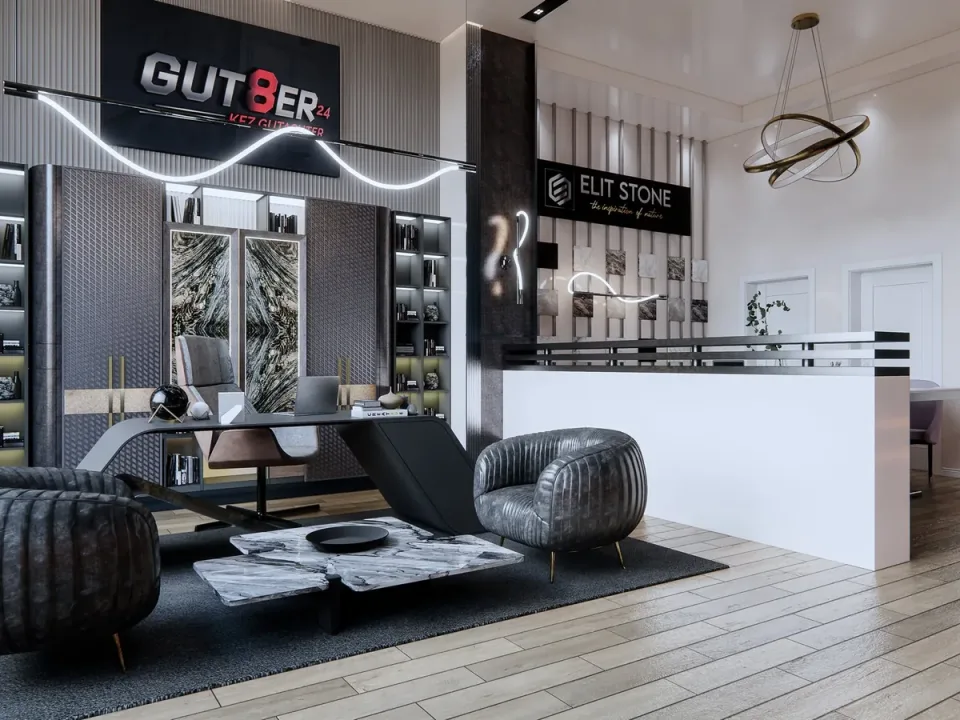
We adjust white balance, contrast and saturation area by area rather than across the whole image at once. Facade materials move closer to their real tone, shadows lose their muddy gray and interiors get the warmth of wood and fabric back.
Replacing the sky, adding a sunset or evening mood and switching on interior lights behind the windows change the feeling of an image faster than anything else. When we turn a daylight scene into dusk, we keep window glow, facade lighting and shadow direction consistent with each other, because the eye catches any mismatch right away.
What gives an image scale and a lived-in feel is often a single person in the frame, a car at the curb or a branch hanging into the foreground. We place these elements to match the perspective, the light direction and the softness of the shadows. The goal is a few figures that help read the space, not a crowd.
Pitch-black windows, wrong reflections or glass you cannot see through are the most typical flaws of a raw render. We soften reflections and open up the interior a little when needed; the technical side is covered in our article on glass and reflections in rendering. We also clean up the grain left by short render times without wiping out fine detail; the causes are explained in fixing render noise.
Placing the building into a real photo of the site is a strong tool, especially for off-plan sales and investor presentations. The camera angle and horizon line have to match the photo, so knowing where and at what height the photo was taken makes the job much easier. More in our guide to photomontage for architectural rendering.

Not every project starts with a finished 3D model. For architects who only have a hand sketch, we can color the drawing and build it up with light, a sense of materials and landscape into a concept image. It does not replace a photorealistic render; its job is to show the client or the team the direction and get a “yes, let’s go this way.” Once the concept is settled, the same sketch becomes a model.
Retouching can only be as good as the file it starts from. An uncompressed render at the highest resolution you can produce (TIFF, PNG or EXR) is a good start. If your software allows it, separate render passes speed things up a lot: with material or object ID masks, reflection, lighting and depth passes we can change the color of a wall or the reflection on a window without disturbing the rest of the image. Add a note on what should stand out, a reference image if you have one and where the image will be used (print, web, listings). For the general list, see files needed for a render.

Post production makes an image better, but it cannot make a wrongly modeled element right. A piece of furniture sunk into a wall, a window with the wrong size, a floating staircase or a texture running the wrong way can look hideable in Photoshop, yet the problem returns as soon as a second angle is needed. Flipping the sun direction completely or changing the camera angle is not retouching either. In those cases we tell you plainly: fixing the model and rendering again is faster and cleaner. From there we can continue from the model with our architectural rendering service.
The number of images, the resolution, whether render passes are available and the scope of the changes all play a part. An image that only needs color and sky adjustments does not take the same effort as one that gets people, cars and landscape and is turned from day to evening. In photomontage, the quality of the photo and how well the angle matches also matter. We explain the general logic in how render pricing works.
How we work
Drawings, references and expectations are clarified; scope and schedule are shared in writing.
A 3D model faithful to the project dimensions is built; camera angles are chosen together.
Materials, lighting and mood are refined, with feedback on draft images.
High-resolution final images in print, web and social media sizes.
Frequently asked questions
It is the stage where a raw render is finished in software such as Photoshop for color, light, atmosphere and detail. Sky replacement, adding people and plants, glass fixes and noise cleanup happen here; the geometry stays the same while the image tells its story more clearly.
Yes. We retouch renders produced in your own office, at school or by another studio. A high-resolution, ideally uncompressed file is all we need; if render passes and masks are available, the result is more controlled and comes back faster.
A render at the highest resolution in TIFF, PNG or EXR format is a good start. If you have material or object ID masks, reflection, lighting and depth passes, send them too. A short note on where the image will be used and what should stand out helps a lot.
In most cases, yes. We add the sky, window glow and facade lighting so they work together and create an evening mood. If the scene has strong, sharp daylight shadows, though, rendering again with evening light may give a more convincing result.
Not permanently. Furniture sunk into a wall, a window with the wrong size or a texture running the wrong way can be hidden in one image but will show up again from another angle. In those cases we recommend fixing the model and rendering again, and we can take that on too.
By the number of images, the resolution, whether render passes are available and the scope of the changes. Simple color adjustment and a retouch with people, landscape and a day-to-evening change do not take the same effort. We send a written quote after reviewing your images.
Quote wizard
Answer a few short questions and your message opens ready-made in WhatsApp. We reply with scope, timing and pricing.