Color Temperature in Interior Rendering: Kelvin and Atmosphere
What kelvin means, how warm and cool light shape the mood of an interior render, and how to balance daylight and lamps in the same frame.
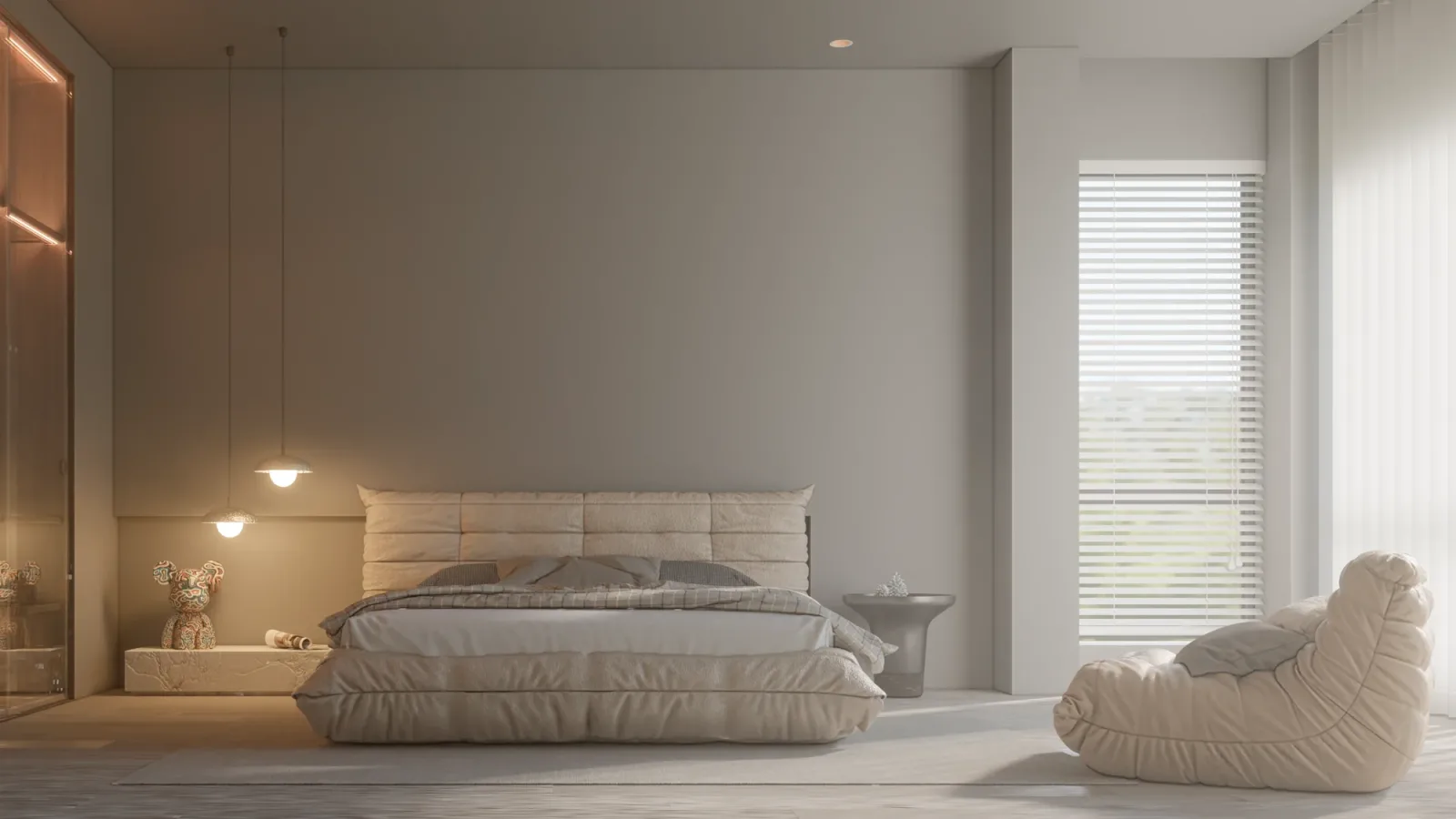
When you walk into a room in the evening, the first thing that greets you is usually not the furniture but the colour of the light. A soft, yellowish light says “I’m home”; a bluish white can turn the very same room into a waiting area. Renders work the same way: even with a flawless model, the wrong color temperature in interior rendering can make a space look cold, artificial or tired. In this article we explain what the kelvin value describes, how color temperature builds atmosphere in an interior render, and how to balance daylight and artificial light in the same frame.
What is color temperature, and what does kelvin measure?
Color temperature describes which tone the white of a light source leans towards, and it is expressed in kelvin (K). The lower the number, the closer the light gets to yellow and orange; the higher it is, the closer it gets to white and blue. In everyday use people roughly talk about three zones: around 2700–3000 K is “warm white”, reminiscent of incandescent bulbs; around 4000 K is “neutral white”; and 5000–6500 K is “cool white”, close to daylight.
Note the inverse relationship: light with a high kelvin value is perceived as “cool”, while light with a low value feels “warm”. This is about the feeling the light leaves, not physical heat. Another common confusion is treating color temperature and color rendering (CRI) as the same thing. Color temperature describes the tone of the light itself; color rendering describes how accurately the colours of objects appear under that light.
How color temperature builds atmosphere in interior rendering
In a render, color temperature tells the viewer at what time of day, and with what feeling, they are looking at the space. In places for rest such as bedrooms, living rooms and hotel rooms, warm light brings intimacy and calm. In task-focused areas such as offices, laboratories, shop counters or kitchen work surfaces, neutral and whiter light emphasises focus, cleanliness and clarity.
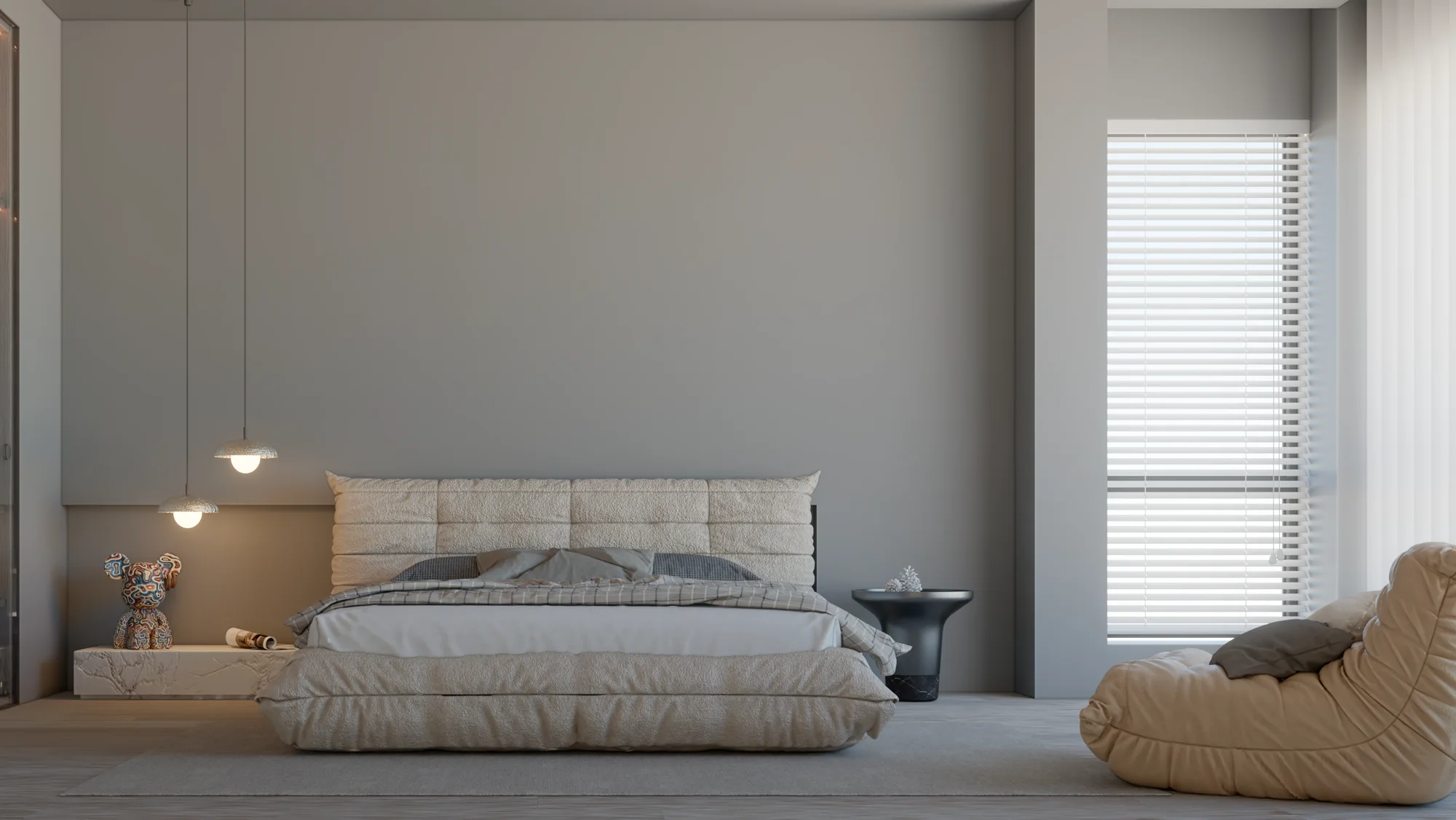
Showing two different times of day in the same room reveals the power of color temperature most clearly. In the daytime frame, light from the window dominates and the space looks airy and neutral; in the evening frame, the lamps take over, shadows soften and colours warm up. Presenting these two frames side by side tells the client at a glance how the design will be lived in at any hour.
Balancing daylight and artificial light in one frame
Choose the dominant light
In mixed-light scenes the first question is: which light is speaking in this frame? In a daytime interior the window is the dominant source, so the white balance is set for daylight, and the lamps inside remain as gentle yellow accents. In the evening frame the opposite applies: interior lighting becomes the dominant source and the white balance shifts towards it. Daylight through the window then looks slightly bluish, which is exactly what our eyes are used to in real photographs.
Keep the number of sources and tones limited
When every fixture in a room has a different tone, the render looks scattered. One main tone and a close accent tone are usually enough. When concealed LED strips, table lamps and wall lights are kept at similar temperatures, the space reads as a whole.
Think about it together with materials
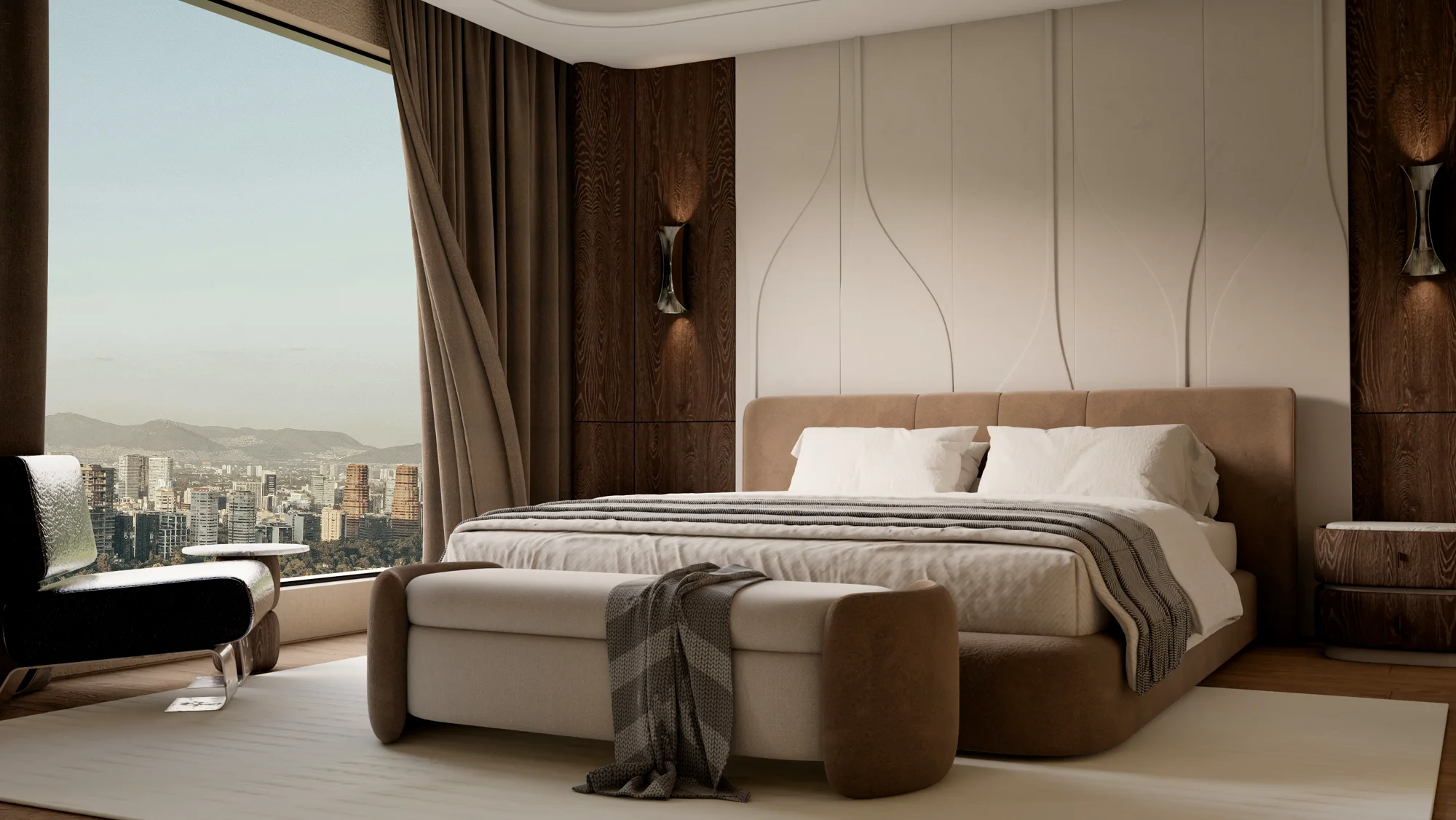
Color temperature also changes the colour of materials. Warm light enriches wood and leather but can make a white wall look cream and a grey look beige. Cool light sharpens marble and metal but can make wood look pale. That is why material selection and color temperature should be evaluated at the same time. We covered the general logic of render settings in our article what rendering is and how to set it up.
Common mistakes
The most common mistake is leaving every light in the scene at the default pure white. In reality pure white light is rare, so such renders look sterile and computer-generated. The second mistake is drowning the whole scene in orange to create atmosphere; the true colours of the materials are lost and the client cannot recognise the fabric or finish they chose. The third mistake is leaving the view outside the window as bright as daytime in a night frame. In an evening atmosphere the exterior should darken and the interior light should come forward; you can read how night lighting is built outdoors in our article on night exterior rendering.

Which color temperature for which space?
There is no strict rule, but the common approach is this: warm white in places for rest, neutral white in work and preparation areas, and cooler white where daylight is imitated or colour control is needed. What matters in a render is that the chosen light is consistent with the fixtures the project will actually use. If a lighting design is ready, the kelvin values of the fixtures should be carried straight into the render; that way the image is not a promise but a realistic preview. We gathered other steps that improve realism in our article how to get a realistic render.

Frequently asked questions
Should I enter light color in kelvin or as a colour in my render?
Many render programs let you enter light colour directly as a kelvin value. This is usually more reliable, because it keeps the scene consistent with real fixtures and makes it easier to balance the lights against each other.
Do daytime and evening frames need separate models?
No. The same model and the same camera are used; only the sun position, the on/off state of the lamps and the white balance change. That way the only difference between the two frames is the light.
Can color temperature be fixed in post-production?
The overall tone can be corrected to a degree; but in mixed-light scenes each source’s tone does not change separately, so it is healthier to set the real balance at the render stage.
Shall we build the right atmosphere for your project together? Browse our projects or send us your drawings and lighting details on WhatsApp, and we will show your space in daytime and evening light.


