What Is HDRI in Rendering? Ambient Light, Sky and Reflections
HDRI explained for architectural renders: how a high dynamic range panorama lights the scene, shapes reflections and sets the time of day.
Everything in a render looks right, yet something still feels missing: the glass looks dull, the shadows look artificial, the sky looks like wallpaper. What is usually missing is a real environment around the scene. That is the answer to what is HDRI in rendering: a panoramic image that lights the scene from every direction, gives glass and glossy surfaces a real world to reflect, and sets the color and direction of the light. In this article we explain what an HDRI is, how it provides ambient light, and how it is used in interior and exterior architectural renders.
What is HDRI?
HDRI stands for high dynamic range image. A normal photo cannot hold very bright and very dark areas at the same time: the sun turns into a white blob and shadows become flat black. An HDRI combines images shot at different exposures, so a single file keeps a much wider range of brightness, from the intensity of the sun down to detail in the shade. These files usually come as .hdr or .exr.
HDRIs used in rendering are mostly 360-degree panoramas. The rendering software wraps the panorama around the scene like a giant sphere. The image is then more than a backdrop: every point of the sphere emits light into the scene in proportion to its brightness. This is called image based lighting.
What does HDRI do in architectural rendering?
Ambient light
In the real world a building is not lit by the sun alone; the whole sky, the clouds, nearby buildings and the ground all reflect light. An HDRI brings this ambient light into the scene in one step. Shadows soften, and even facades that get no direct sun receive a bluish light from the sky.
Reflections
Glass facades, windows, glossy floors and metal surfaces reflect the world around them. If the environment is empty, these surfaces look flat and lifeless. Because an HDRI gives the glass a real sky and surroundings, reflections become believable; the difference is especially obvious on curtain wall buildings.
Light color and time of day
An HDRI captured at noon gives white, hard light; one captured at sunset gives warm, low light; an overcast HDRI gives soft illumination with almost no shadows. Swapping the HDRI is the fastest way to change the time and mood of a scene.

Using HDRI for exteriors
In exterior images the HDRI sets both the sky and the sun direction. A few points noticeably improve the result:
- Sun direction: rotate the HDRI to bring the sun to the side of the facade you want to show. Side light that models the masses usually works better than light coming straight from the front.
- Ground: some HDRIs contain only the sky hemisphere and the lower half is empty. In that case you need to model a separate ground plane, or gaps will show in reflections and at the horizon.
- Resolution: if the HDRI is visible in the background, it needs to be high resolution; a low-resolution sky looks blurry and fake.
- Unclipped sun: if the sun’s brightness has been clipped in the file, the scene is lit flat with little contrast. If needed, use the HDRI together with a separate sun light.
Using HDRI for interiors
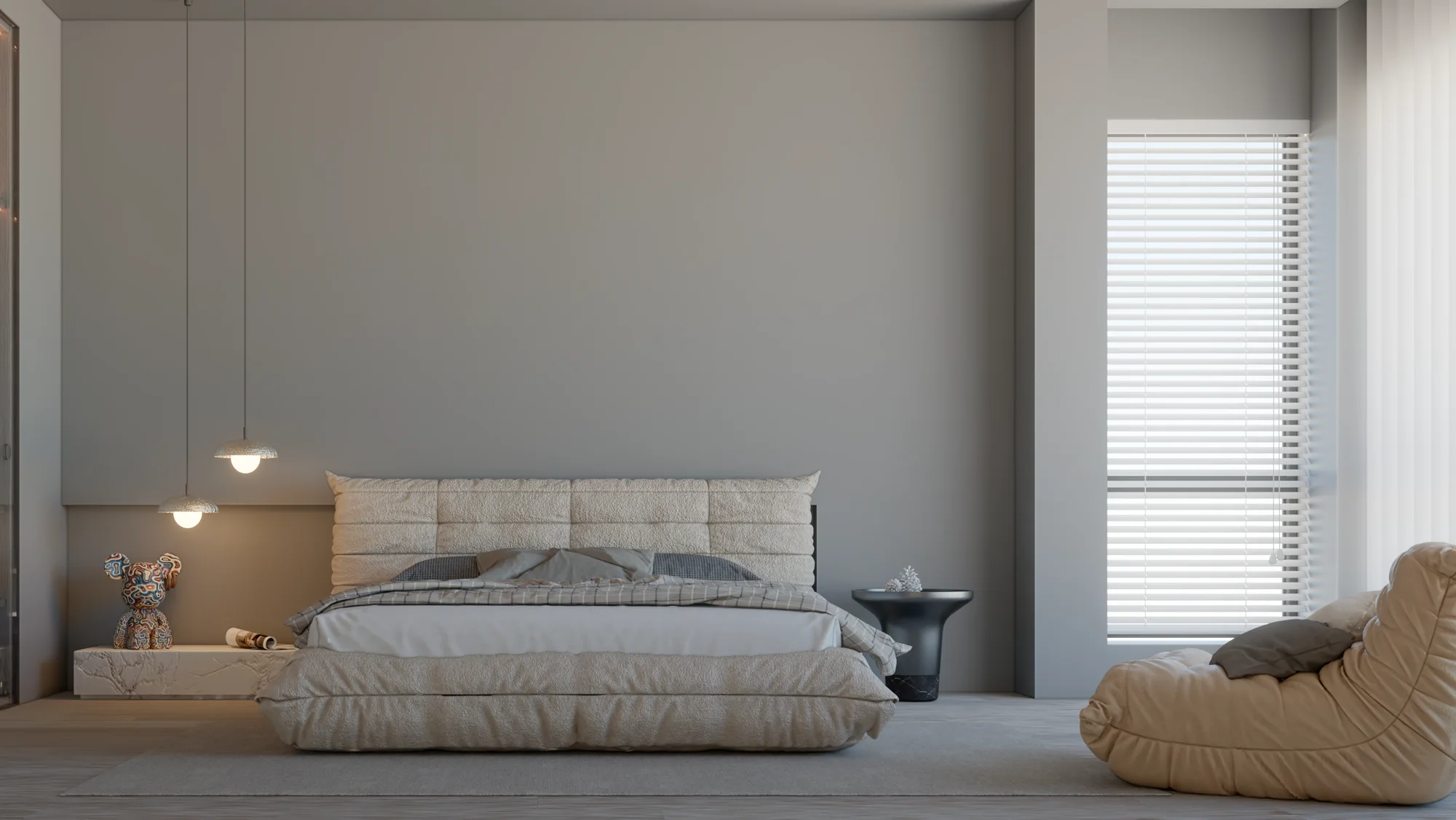
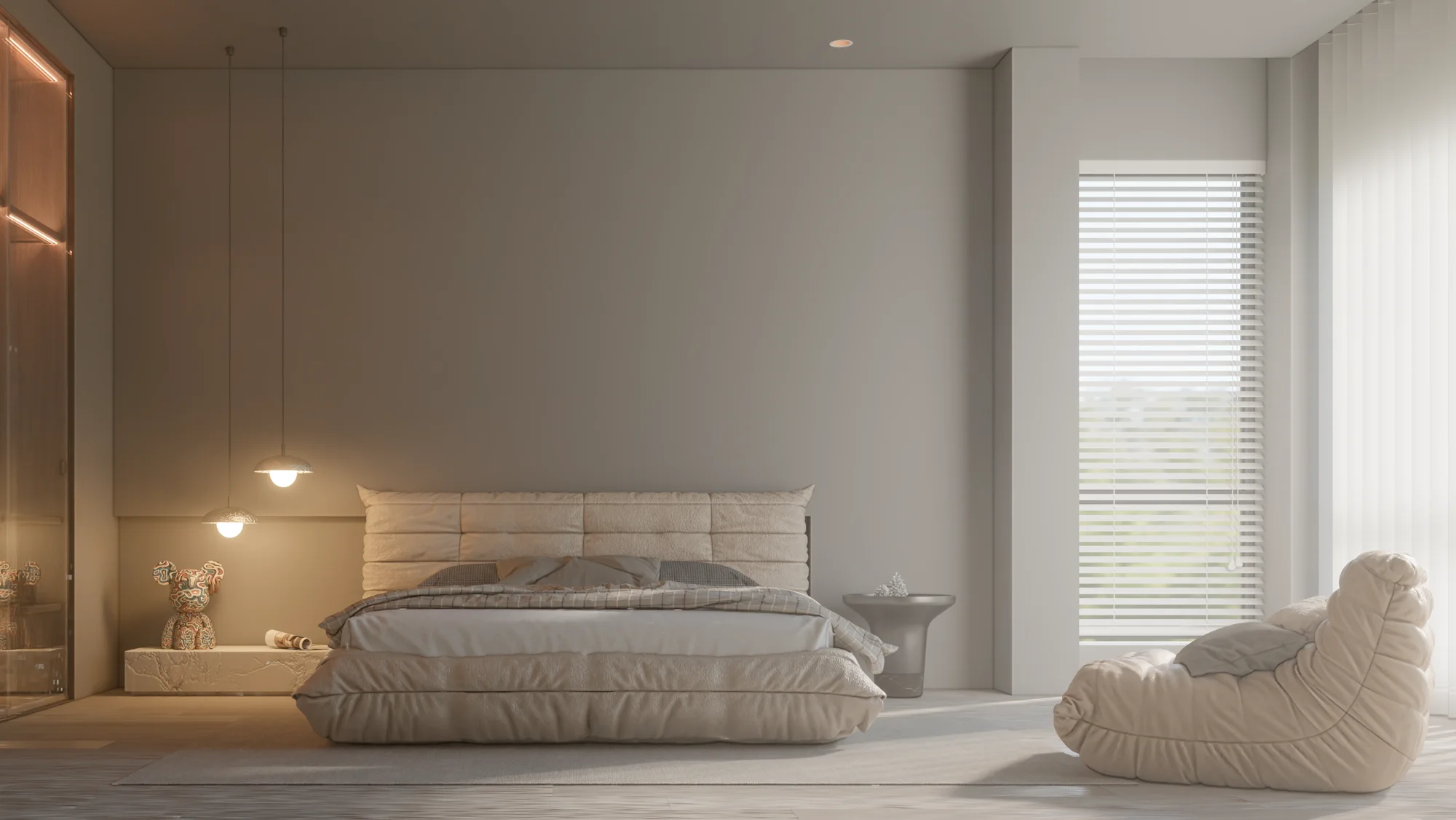
In an interior, HDRI light enters only through the windows. The room therefore looks darker than an exterior scene and rendering may take longer. Here the HDRI provides the window view, the reflections in the glass and the soft daylight spreading into the room; for crisp sun patches on the floor a separate sun light is usually added. If the area by the window is too bright and the rest of the room too dark, set the exposure for the interior and, where needed, balance it with interior lighting.
HDRI and render noise
In path tracing render engines, interiors where light enters through small openings need more samples, or the image stays grainy. HDRIs whose sun is a small, very bright spot can also cause bright speckles in dark areas. We cover this problem and its fixes in detail in our render noise article; if you are curious how light is calculated in a scene, see our what is path tracing article.
How to choose the right HDRI for a project
Choosing an HDRI starts with the story the image should tell. For a residential project, a calm, lightly clouded sky gives a warm feel; for a commercial building, a clear and bright day may suit better. It also matters to pick an environment similar to the project’s surroundings: a dense city skyline reflected in the windows of a seaside villa will confuse the viewer. Using the same or closely related HDRIs across the images of one presentation keeps the series consistent.
Rendering with HDRI in SketchUp: Render Fun
If you use SketchUp, Render Fun, which we develop ourselves, is free: GPU-based path tracing. Inside SketchUp. Free. One of its headline features is “Sun, sky and HDRI”, alongside “Render inside SketchUp”, “One-click scene presets” and “AI denoiser and “Until clean””. For a full introduction, read our free SketchUp render plugin article.
Frequently asked questions
What is the difference between an HDRI and a normal sky photo?
A normal photo carries only a limited brightness range and is usually good only as a background. An HDRI stores a wide range from the sun down to the shadows, so it can actually light the scene.
Is an HDRI enough on its own?
For exteriors it often is. For interiors, crisp sun patches and evening scenes need an extra sun light or artificial lighting.
What file format should an HDRI be?
For lighting, use formats that carry high dynamic range, such as .hdr or .exr; ordinary formats like JPG do not store this information.
Looking for images built with the right light and atmosphere for your project? Browse our architectural visualization projects or send us your drawings on WhatsApp; we will get back to you with scope and timing.