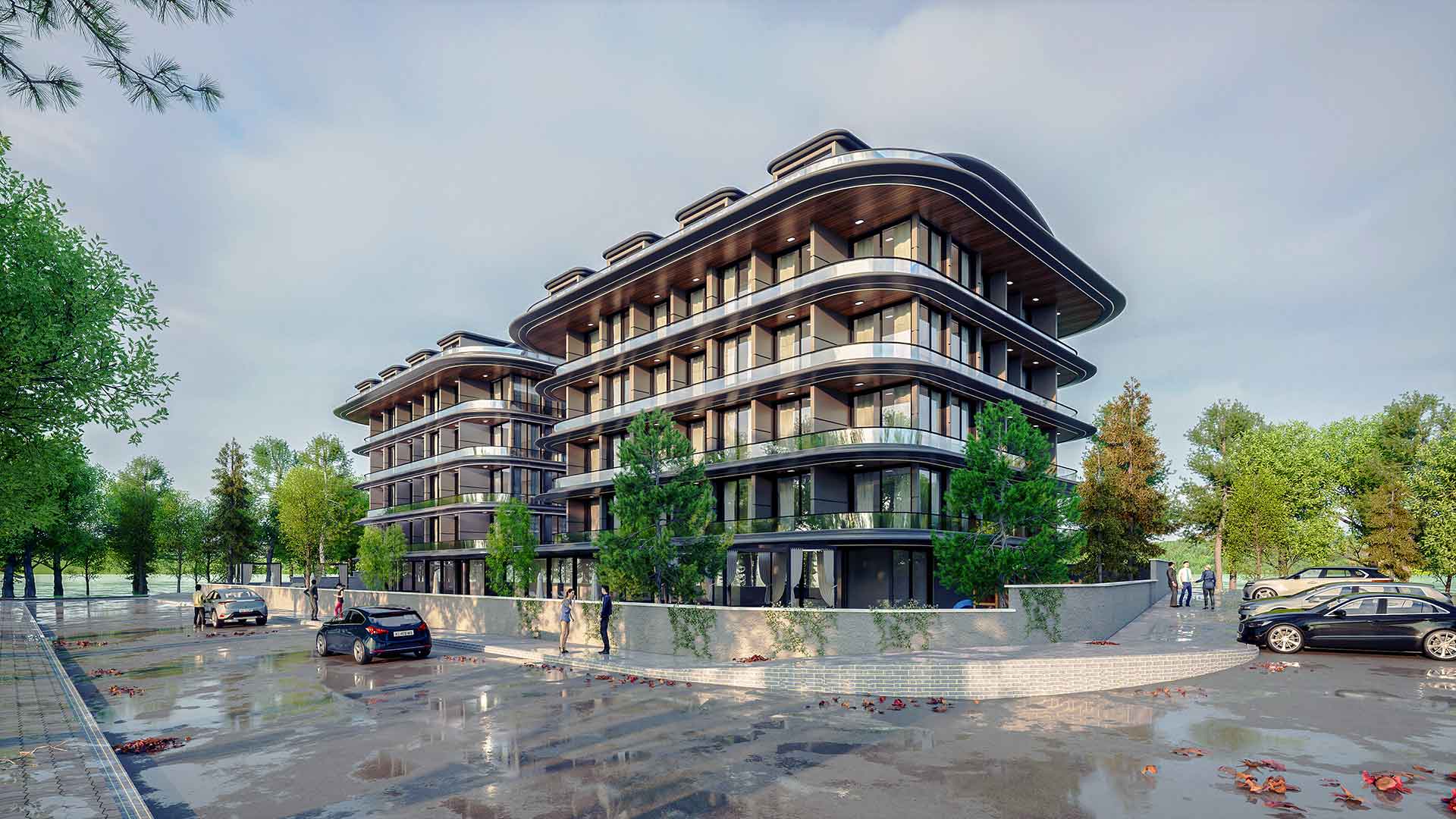
Free and Paid SketchUp Plugins: What You’ll Find on bestsketchupplugins.com
A guide to bestsketchupplugins.com: free SketchUp plugins, Render Fun, 946 PBR textures, a stair calculator and paid plugins by profession.
What sets a good designer apart is ideas, not the patience to repeat the same click two hundred times. Yet a large part of a day in SketchUp still goes into drawing windows one by one, counting stair risers and writing a cabinet cut list by hand. Our new project bestsketchupplugins.com (PluginStation) was built to give those hours back. This guide walks through what is on the site, the free SketchUp plugins and tools, what each paid plugin does for you, and how to choose the right one.
We told the story of the store earlier in SketchUp plugin store: bestsketchupplugins.com. This guide is a section-by-section tour of the site as it is today.
Who is bestsketchupplugins.com for, and why is it useful?
The site is made for architects, interior designers, landscape designers, furniture and kitchen makers, facade and window manufacturers, and architecture students. Every tool is written to finish one repetitive SketchUp job from start to end: you type the size, and the geometry, quantities, quote or cut list follow.
Behind the tools are 18 years of SketchUp teaching, which grew into 34 Udemy courses, 7,269 students and 899 reviews (as of October 2026). The plugins came out of problems met again and again in classes and real projects.
- Time: repetitive modelling such as windows, doors, stairs, cabinets, floors and facades takes a few clicks.
- Accuracy: the stair and ramp tools check building code rules, and quantities and cut lists come from the model, so there are no typing errors.
- Editability: most tools keep the result parametric, so when the client asks for “a bit wider” you do not start over.
- Compatibility: most SketchUp plugins run on SketchUp 2021–2026; every product page lists its supported versions.
- Two languages: the whole site is in English and Turkish.
Free SketchUp plugins and tools
The Free section gathers the plugins that are genuinely free. No trial and no time limit: download, install and use them in your work.
Render Fun: a free render engine for SketchUp
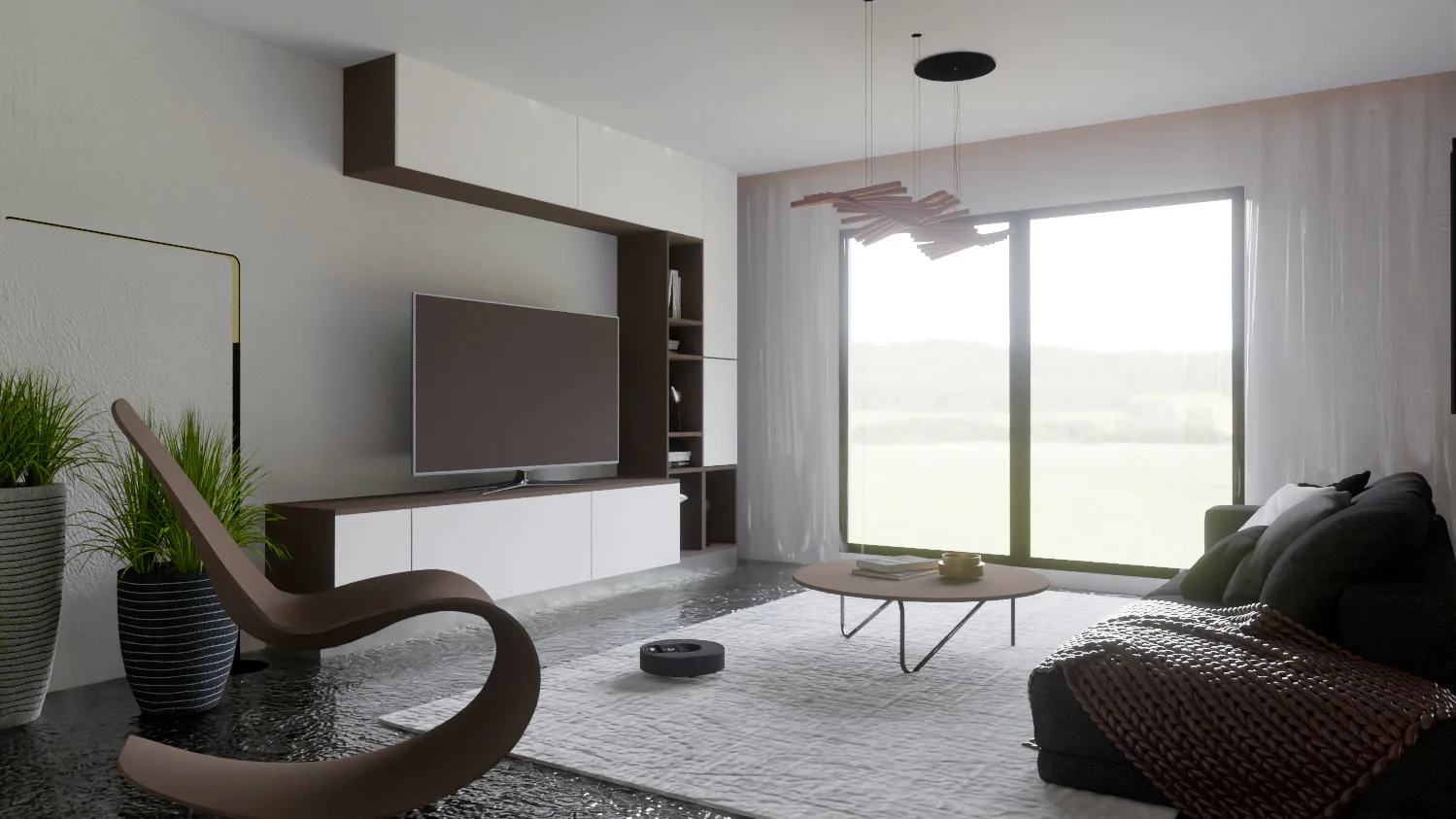
The flagship of the site is our own Render Fun. In one line: GPU-based path tracing. Inside SketchUp. Free. You do not need a new licence budget to turn your SketchUp model into a realistic image: the render window opens inside SketchUp, your model goes straight in, and the first image appears at once and sharpens while you watch. Read more in free SketchUp render plugin.
CityFill: no empty white void around your design
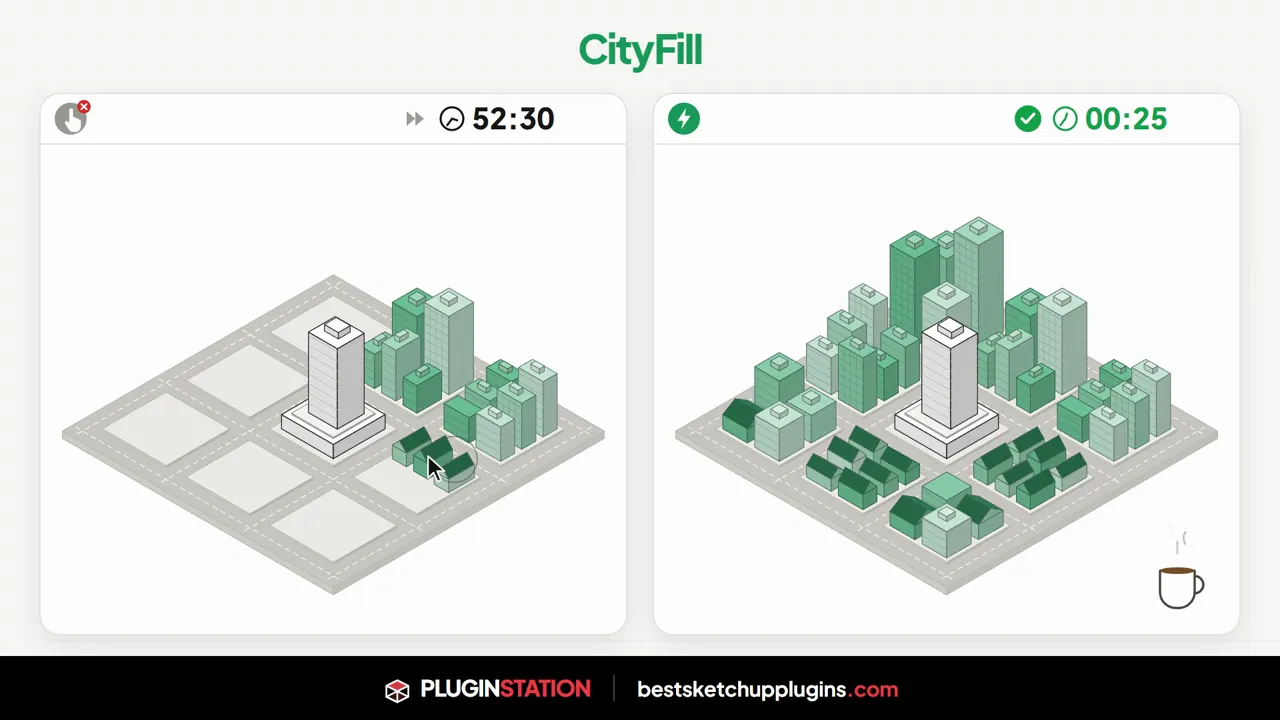
A building floating on a white ground looks cold. CityFill places 154 parametric preset buildings in 6 types around your model by scatter, brush or road tool; the road tool grows asphalt, kerbs, pavements and buildings as you click. The result is one group and one undo step.
Soft Edge: round and chamfer in one click
Hard corners make a model look like a plain computer drawing. With Soft Edge you select a group, a face or just one to three edges and type a radius; every edge gets the same true radius and the corners close cleanly. The original solid is kept, so you can always rebuild or restore it.
Metraj: room sizes in, materials and costs out
Metraj runs in the browser. It works out net areas from room sizes, deducts door and window openings and columns automatically, and turns the result into 11 material types, package counts and material plus labour cost, with reports as PDF, CSV, JSON and PNG. No install and no account.
Presentation Studio: a jury-ready sheet set
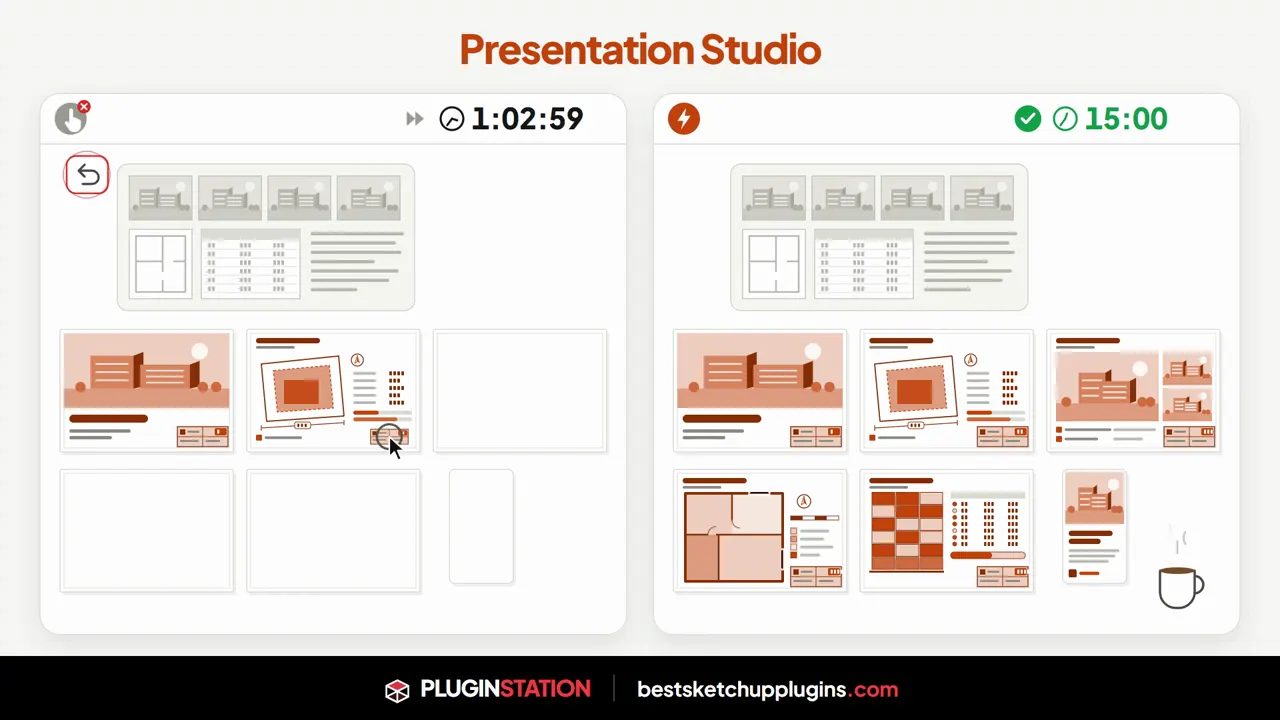
Presentation Studio places your renders and plans in four sheet-style templates with title block, sheet number and north arrow. It draws a massing diagram and a unit schedule from the plot data and exports PDF for screen (16:9), phone (9:16), A4 or A3. It is not a SketchUp plugin: it works in the browser with images from any program, which makes it especially useful for students. See also rendering tips for architecture students.
Free browser tools, textures and tutorials
Next to the plugins, the site offers free tools that need no install and send nothing you type anywhere:
- Stair Calculator: type the floor-to-floor height and get risers, treads, total run, pitch and a scaled section, checked against the US IRC/IBC, UK Approved Document K or the Turkish zoning regulation.
- Color Codes to SketchUp: type a RAL or paint colour code and get the values and a SketchUp material file. The RAL colour chart (Classic 216 colours, Design System+ 1,825 colours) sits next to it.
- Free 2K PBR textures: 946 textures in 20 categories, including wood, marble, granite, concrete, brick, plaster, fabric, metal and ground. New to textures? Start with how to find and apply SketchUp textures.
- SketchUp keyboard shortcuts: every default shortcut for Windows and Mac, plus a 60-second practice game.
- Plugin finder: a 12-question test of about 2 minutes that tells you which tool fits your work.
- Tutorials: English and Turkish video lessons showing each plugin at work.
Paid SketchUp plugins: the ones that finish the job for you
Paid plugins close one professional job from end to end. Current price, version and purchase details are on each product page; the full catalogue is on the Plugins page.
For architects
- ArchiFlow Studio: the plan you draw becomes a parametric building. Walls, openings, columns, beams, stairs, slabs and roofs are linked; move a wall and the building rebuilds itself.
- WindowFun Studio: 51 window models in 6 categories; type the size, the window is placed, then CSV, DXF and a printable quote follow.
- Door Studio: 51 parametric doors in 4 categories that read the wall direction, thickness and floor level themselves and fit with 1, 2 or 3 clicks.
- StairFun Studio and Ramp Studio: code-checked stairs and ramps that stay editable (both in beta).
- Universal Converter: FBX, OBJ, 3DS, DAE, STL and GLTF/GLB models pass a 16-stage clean-up and arrive in SketchUp as clean geometry.
For interior designers, furniture and kitchen makers
- FurniFun: 18 furniture types; two clicks along a wall and the furniture builds itself to size.
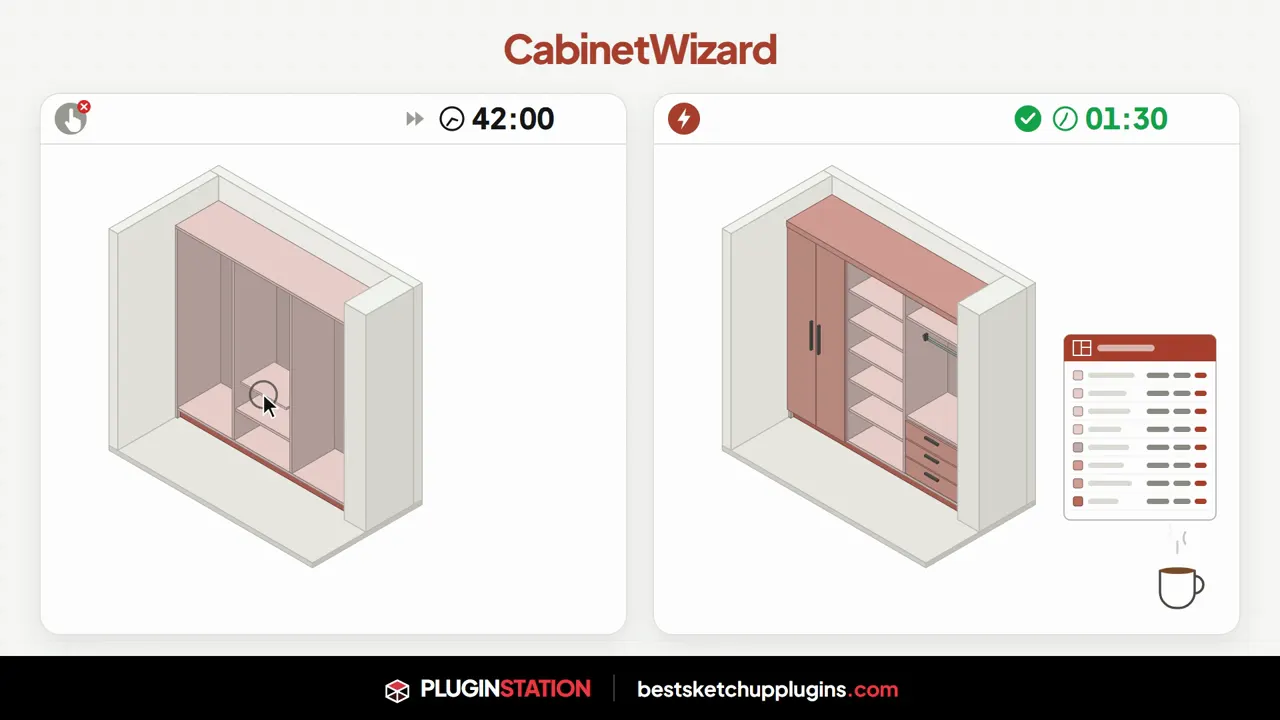
- CabinetWizard: type the size and get the cabinet, quote and CNC files in one window; no part is ever scaled.
- KitchenFun Studio: drag cabinets onto the wall; every panel, door, drawer and worktop is built as a real part, and the cut list and machine files come from the same parts.
- CuisineFun: straight, L, island or island-L kitchens; pick a card, draw along the wall and get a new, fully furnished kitchen every time.
- FloorStudio, Dynamic Skirting and PerdeNeşe Studio: floors in 13 patterns with quantities, mitred skirting and cornice, and 19 parametric curtain and blind systems.
For landscape, urban design and facades
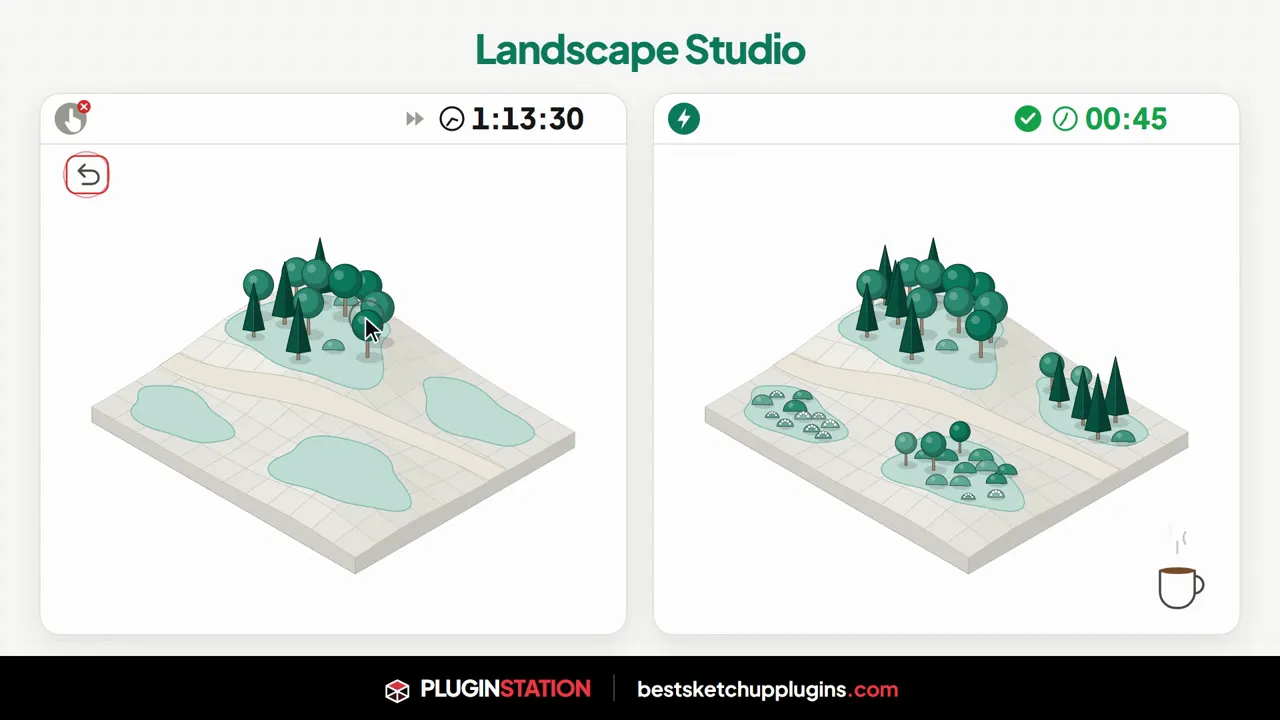
- Landscape Studio: terrain, zones, plants, paths, walls, water and irrigation read the same height grid, and the quantity report follows by itself.
- RoadFlow: click a route; the road fits the terrain, with slopes, ditches, junctions and a CSV take-off.
- Garden Wall Studio: stepped garden walls that follow the slope, gates included (beta).
- Kompozit Studio: select the walls and get the ACM facade, substructure, take-off, CNC files and drawings.
Bundles, the lab and custom plugins
If you will use several tools, see the bundles page: Interior Designer, Site and Context, Facade, Circulation and Production bundles group plugins by profession and cost less than buying each one separately. The Plugin Lab shows tools still in development (Prefab Studio, PanelCut Studio); use “Notify me” to hear when they launch. If the catalogue does not have what you need, the custom SketchUp plugin page lets you request a plugin written around your company’s own workflow.
How to choose the right plugin
- Name your repetitive job: which task takes most of your week and is done the same way on every project? The right plugin should remove that one first.
- Start with the free ones: Render Fun, CityFill, Soft Edge, Metraj and Presentation Studio speed up your workflow straight away with no budget.
- Take the test: the plugin finder recommends tools for your kind of work.
- Watch the lesson, check the version: the tutorial video and compatibility list on each product page show what the plugin will do in your SketchUp version.
Curious about the latest SketchUp release? Read our SketchUp 2027 guide, and for faster modelling before rendering see SketchUp for architects: the best plugins. Stuck on a term? The Architecture Glossary and the Architecture Terms Quiz are there to help.
Frequently asked questions
Are the free plugins on bestsketchupplugins.com really free?
Yes. Render Fun, CityFill, Soft Edge, Metraj and Presentation Studio, along with the Stair Calculator, the colour code tool, the RAL chart and the 946 textures, are free, with no trial period.
Which SketchUp versions do the plugins support?
Most SketchUp plugins run on SketchUp 2021–2026; some support only newer versions. The compatibility section of each product page lists them one by one.
Where can I see the price of a paid plugin?
The current price and purchase link are on each product’s own page. If you need several tools, compare the bundles page too.
Visit bestsketchupplugins.com to see everything. Need photorealistic 3D visualization for your project? Get in touch.