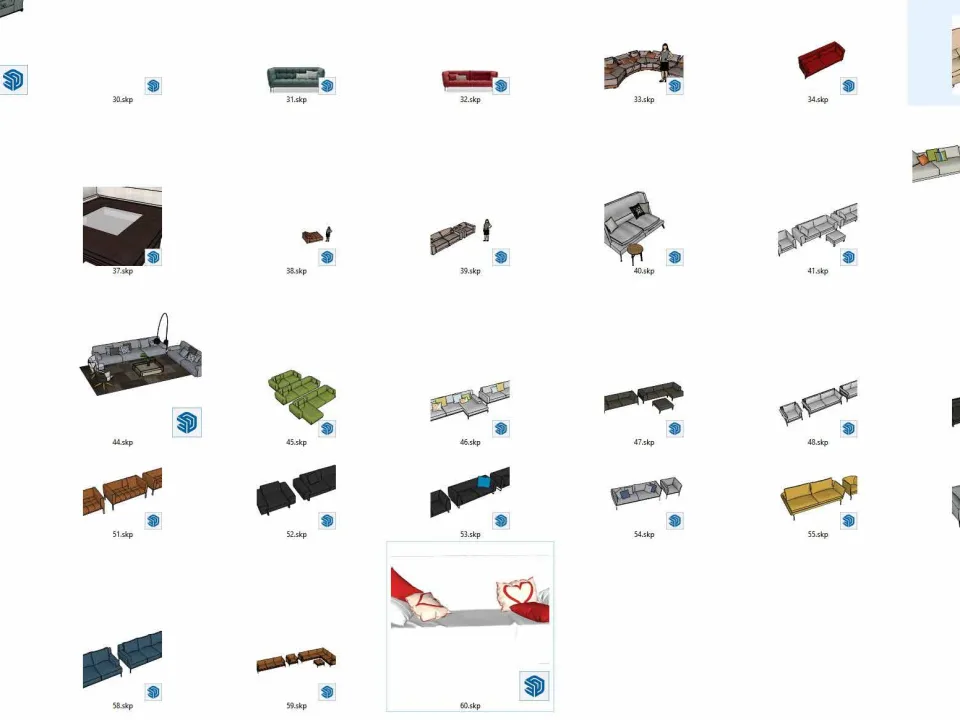
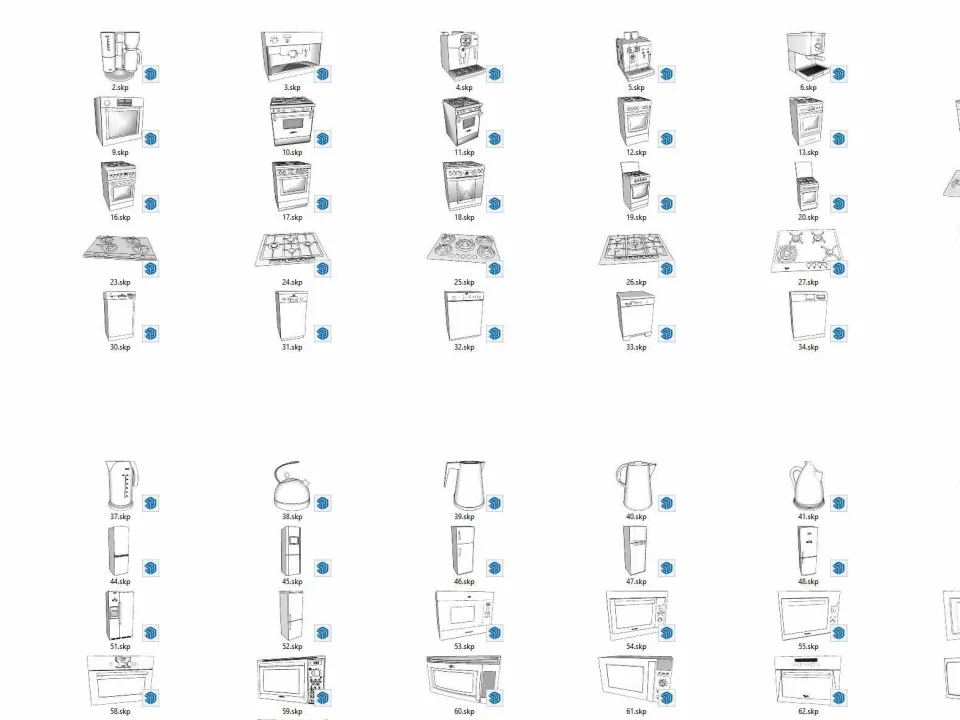
20 High-Quality 3D Accessory Models for Interior Scenes
Download 20 high-quality 3D accessory models and learn how detailed decor props make interior visualizations more realistic and faster to build.
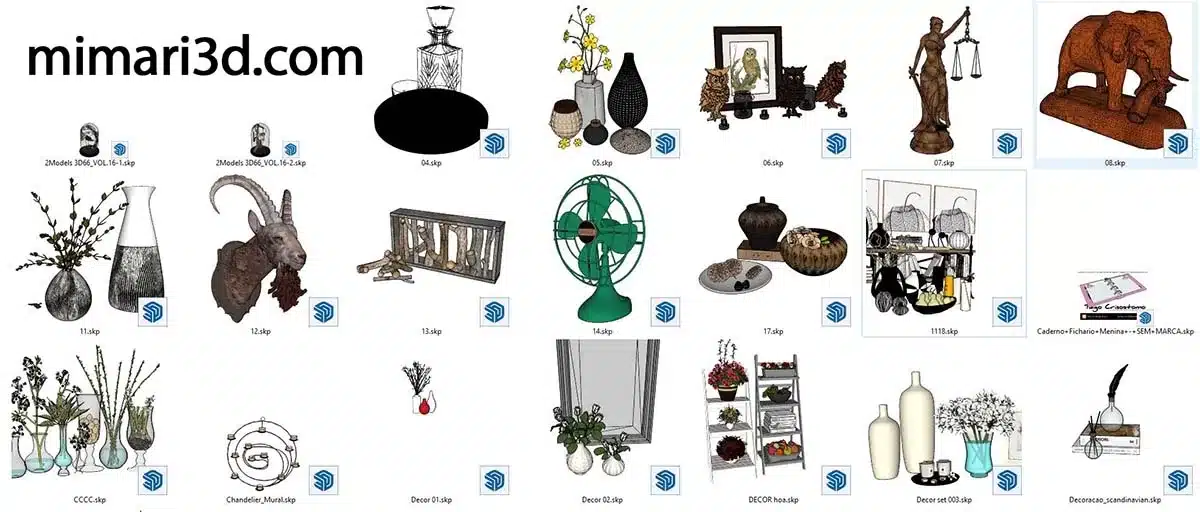
With high-quality 3D accessory models, you cover one of the most important steps toward a realistic image in your interior scenes: using quality models.
This helps you grow your client portfolio and start earning faster.
We put a lot of effort into these high-quality accessory models for you, so we would be delighted if you left a thank-you message in the comments section below.
Having models of this quality at your fingertips saves you time and lets you focus more on design.
Click HERE to download the models.
With quality models, you can build your scenes quickly and deliver impressive visuals to your clients in no time.
How High-Quality 3D Accessory Models Contribute to Architectural 3D Work
High-quality accessories play an important role in architectural 3D designs because they enhance the overall aesthetics and functionality of the design.
High-quality accessory models are extremely useful for architects and interior designers. Used in architectural visualization software, they help create realistic, detailed interior and exterior visualizations.
In particular, high-quality accessory models are very helpful for handling the small details of the visualization process. For example, when visualizing a hotel room, accessory models such as quality bedding, curtains, lamps, desk lamps and wall ornaments allow the room to be depicted realistically.
Besides helping present a design realistically, high-quality accessory models speed up the design process and help designers work more efficiently. They can be used in the early stages of design, or in the final stages combined with detailed textures, materials and colors.
High-quality accessory models can also be used with production technologies such as 3D printers and CNC machines. They help test and optimize a design before it is used to manufacture real accessories.
In conclusion, high-quality accessory models play an important role in architectural visualization and design. They help create realistic, detailed visualizations, speed up the design process and can be optimized for use in production.
Contact us for high-quality design and rendering work.
Using high-quality 3D accessory models without slowing down your scene
High-quality 3D accessory models bring an interior to life, but used carelessly they also weigh the scene down. A single vase or stack of books can be very polygon-heavy; add dozens of them and navigating the scene becomes difficult while render times grow.
That is why we sort accessories by their distance from the camera. For foreground pieces that will be seen up close, we use the most detailed model. For objects in the background that will appear as little more than a small patch, simpler versions are enough. If you will use the same model many times, placing it as a component or instance rather than a copy greatly reduces memory load. The proxy method offered by many render engines also keeps heavy geometry outside the working scene, so it stays light while you work.
Materials need attention too. The texture files of downloaded models sometimes arrive missing or linked to the wrong folder. Moving the textures into an organized place in your own library before adding the model saves you from “missing texture” warnings later.
When building your own accessory library, sorting models into folders by type and keeping a small preview image next to each one also makes life much easier. Instead of spending minutes hunting for the right lamp or group of books during a project, you can choose quickly from the previews. In the studio we also keep the accessories we use most as versions with materials applied and scale checked, so in a new scene a simple drag and drop is enough.
Common mistakes when staging a scene with accessories
The most common mistake is overfilling. Putting objects on every shelf and every side table makes a scene look crowded, not realistic. Real homes also have empty surfaces; the eye looks for places to rest. Placing accessories in small groups, at different heights and in odd-numbered clusters gives a more natural result.
The second mistake is placing everything perfectly straight and aligned. A slightly rotated book, a cushion pushed to one side or a cup left on the table adds a lived-in feel. The third is when models from different sources do not match in scale or material quality. When a very detailed object sits next to a very simple one, the eye notices immediately.
To compose the interior scene as a whole, the principles in our article on interior design visualization can help, and for the final touches, our tips on how to get photorealistic renders.
Frequently asked questions
Can free 3D models be used in commercial projects?
It depends entirely on the model’s license. Some models allow only personal use, some are open to commercial use, and some require attribution. Before using one in a client project, read and save the license terms on the page you downloaded it from; that way you avoid problems with the client or the model’s author later.
Why do 3D accessory models slow down a scene?
Because many of them are made for close-ups, with very high polygon counts and large texture files. When dozens of such objects pile up, memory fills and viewport navigation slows down. Using simpler versions for distant objects and components or proxies for repeated ones largely solves the problem.
Which file format should I download accessory models in?
The safest choice is the format your modeling or rendering program opens directly. Converting between formats often breaks material settings, texture links or scale. If there is a version made specifically for your program with materials already set up, choose that one; you will spend less time fixing it.
Related articles: Small Living Room Decorating Tips: Colors and Accessories · What Is a 3D Project and Why Does It Matter? · How Professional Interior Architecture Services Work