Twinmotion Real-Time Render Engine Features
An overview of Twinmotion, the Unreal Engine-based real-time render engine, and how its library, materials and walkthroughs help architects.

The Twinmotion render engine lets you create high-quality images simply, in a matter of seconds.
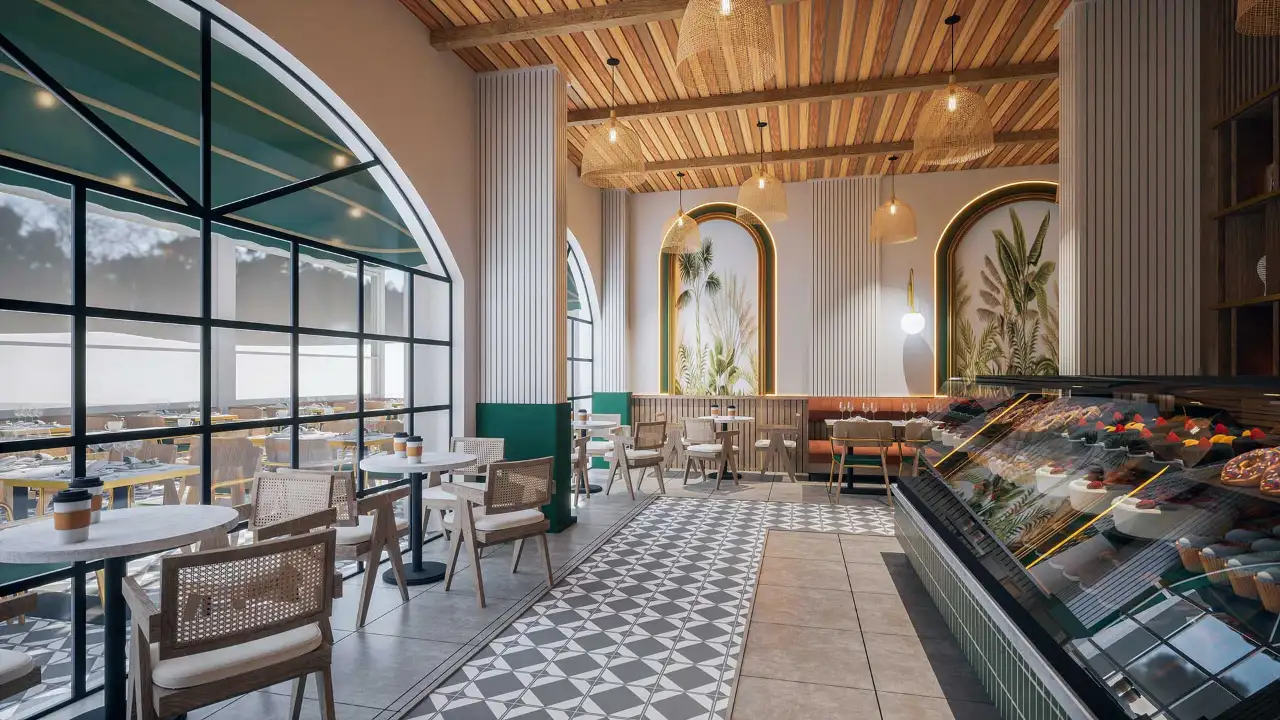
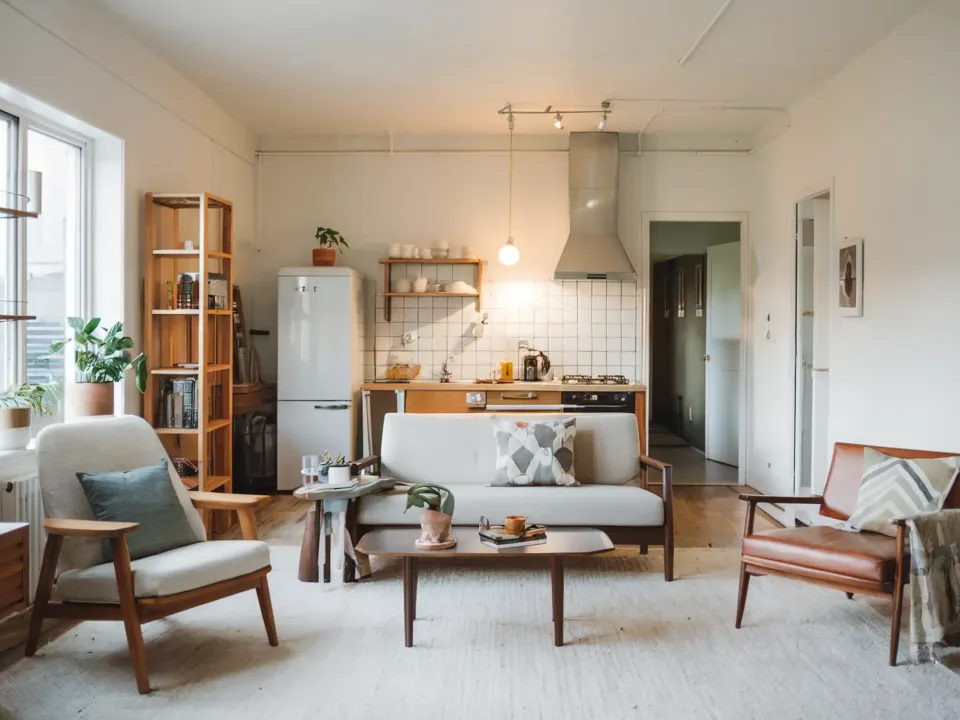
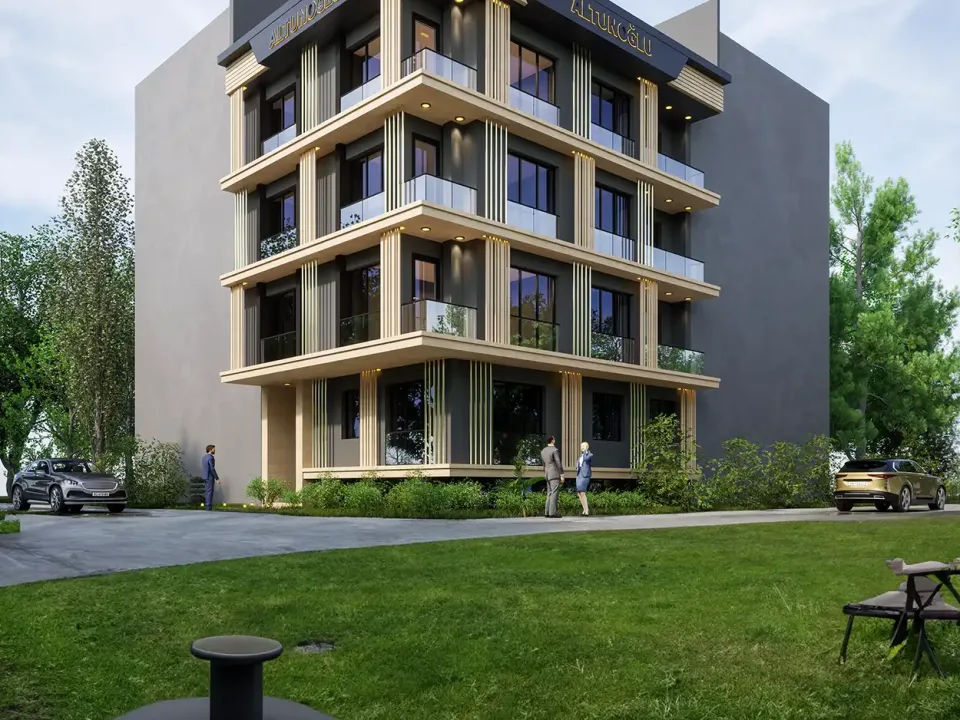
The real-time tool that produces 360-degree VR views and landscapes is called Twinmotion render. Twinmotion real-time render engine features are aimed at 3D architectural visualization, and the tool is widely used in urban planning, architecture, landscape and construction. This intuitive, icon-based interface is powered by Unreal Engine. You can use Twinmotion freely in your 3D designs.
If you would like us to create Twinmotion work for you, you can reach us through our contact page.
You can also contact us for rendering and visualizing crowded scenes in Twinmotion.
What Are the Twinmotion Real-Time Render Engine Features?
Twinmotion is a render engine that was acquired by Epic Games. It is software developed especially for architectural designers and visualization specialists. Twinmotion stands out as an engine capable of real-time rendering and live visualization.
Twinmotion lets users visualize, animate and share their designs. It is very widely used in architectural design and visualization, giving architects the opportunity to visualize their projects in a realistic and vivid way.
Twinmotion also offers an easy-to-use interface. Designers can easily import their designs and models and visualize them quickly. With features such as real-time lighting, shading and material properties, Twinmotion allows you to create realistic renders.
Twinmotion also supports many different model formats and integrates with other 3D modeling software. It can work with Revit, SketchUp, ArchiCAD and many other modeling programs.
Another feature of Twinmotion is its real-time walkthrough. Designers can explore their projects in real time and give their clients a live tour.
In conclusion, Twinmotion is a render engine capable of real-time rendering and live visualization. It is very widely used in architectural design and visualization and allows users to visualize their designs realistically and vividly.
You can watch the Twinmotion training series for free in the videos below.
How Does Twinmotion Help Users in Architectural Visualization?
Twinmotion render has an important place in 3D architectural visualization. Twinmotion is a real-time render engine. With Twinmotion, you can import your models quickly. You can also draw on many resources from its library. These include:
- Animated objects
- High-quality materials
- Lights
- Objects
- Sounds
You can create many designs using high-quality PBR materials, a key part of quality visualization. Twinmotion includes more than 600 high-quality ready-made materials. With Twinmotion render, you can also create immersive videos of your scene. You can even create self-running BIMmotion files. Thanks to Twinmotion render, you can move freely through 3D architectural structures.
Contact us for your rendering projects.
Who is the Twinmotion render engine right for?
Twinmotion’s real strength is speed. Shortly after importing a model, you can change the light, the season and the time of day and see the result immediately. That makes it especially valuable for architects in the middle of the design process: changing a facade material or the landscaping live in a client meeting gets a decision faster than weeks of emails.
Urban-scale projects, landscape-heavy site plans and residential projects that need a virtual tour are also areas where Twinmotion is comfortable. On the other hand, for very close-up product shots, complex glass and liquid reflections, or advertising images where every pixel has to be controlled, studios usually work with slower engines that give more detailed results. The choice depends on what you need to show and how quickly. We have gathered the strengths of different engines in our render engine comparison for architecture.
Mistakes when preparing a model for Twinmotion
Real-time engines do not forgive model errors; they make all of them visible at once. The most common problem we see is flipped faces. Faces that go unnoticed in the modeling program show up in Twinmotion as black patches or missing walls. The second is material organization: if the same concrete has dozens of different material names, you have to find each one separately when you want to change it.
The third mistake is unnecessarily heavy geometry. Screw details that will never be seen, or very dense furniture models, slow the scene down and cause stutters during a live presentation. Finally, there is scale: a model imported in the wrong unit immediately looks odd next to trees, people and vehicles. Placing a human figure from the library next to a door is the fastest way to check scale. When the preparation is right, the engine’s speed truly pays off; our article on the architectural rendering workflow walks through it step by step.
Frequently asked questions
What kind of computer do you need for Twinmotion?
In Twinmotion, the graphics card is the deciding hardware. Because it works in real time, a powerful graphics card with enough video memory directly affects how smoothly the scene runs. Plenty of system memory and a fast SSD also make large models easier to open and save. Up-to-date drivers matter for stability too.
Can Twinmotion produce realistic renders?
Yes, with the right lighting, materials and camera setup it can produce very realistic images. Realism depends more on scene preparation than on the engine: textures at the correct scale, restrained reflections and an eye-level camera. Setting up the light first and adjusting materials afterwards also improves the result noticeably. The principles in our guide on how to get photorealistic renders apply to Twinmotion as well.
Is Twinmotion hard to learn?
No, the basics are quick to learn because the interface works on a drag-and-drop logic. What takes time is not the interface but knowledge of lighting and composition. Someone who works tidily in a modeling program can get their first images quite soon; reaching professional quality comes from practice and studying good examples.