Visuals for Planning Applications: Accurate, Clear and Honest
How to prepare images for planning and permit submissions: accurate models, context, eye-level views, photomontage and common mistakes.
The moment a project is presented to a municipality, a planning committee or a neighborhood meeting is one of the most tense moments for a designer. The people at the table often have no time to read the drawings; they want to see how the building will sit on the street, next to the neighbors and in its surroundings. A well-prepared image answers that question clearly and honestly. Visuals for planning applications call for a different kind of care than marketing images: the goal is not to dress the project up but to describe it correctly. In this article we explain how images for planning and permit processes should be prepared, which views work, and what to avoid.
Why visuals for planning applications are different
A marketing image is made to excite a buyer; the best angle, the most beautiful light and the most inviting atmosphere are chosen. In a presentation to a public authority, the person assessing the image asks something else: How tall is this building compared with the buildings around it? How does it look from the street? Does it affect the light or the view of neighboring plots? Where do the landscaping and parking go? An image that is merely eye-catching and does not answer these questions can raise doubt instead of trust.
That is why planning application renders are built first of all on accuracy, legibility and consistency. However realistic an image is, it loses its value if it does not match the drawings exactly.
How to prepare accurate visuals for planning and permit processes
A model true to the dimensions
The basis of the image is a 3D model with the same dimensions as the drawings submitted for approval. Floor heights, setbacks, roof form, facade materials and window proportions must match the drawing sheets. When the project changes, the images must be updated too; presenting an old image next to a new drawing set damages trust. Adding a small note under each image saying which drawing revision it was produced from and where the view was taken makes it easy for the assessor to compare the image with the drawings.
Showing the building in its context
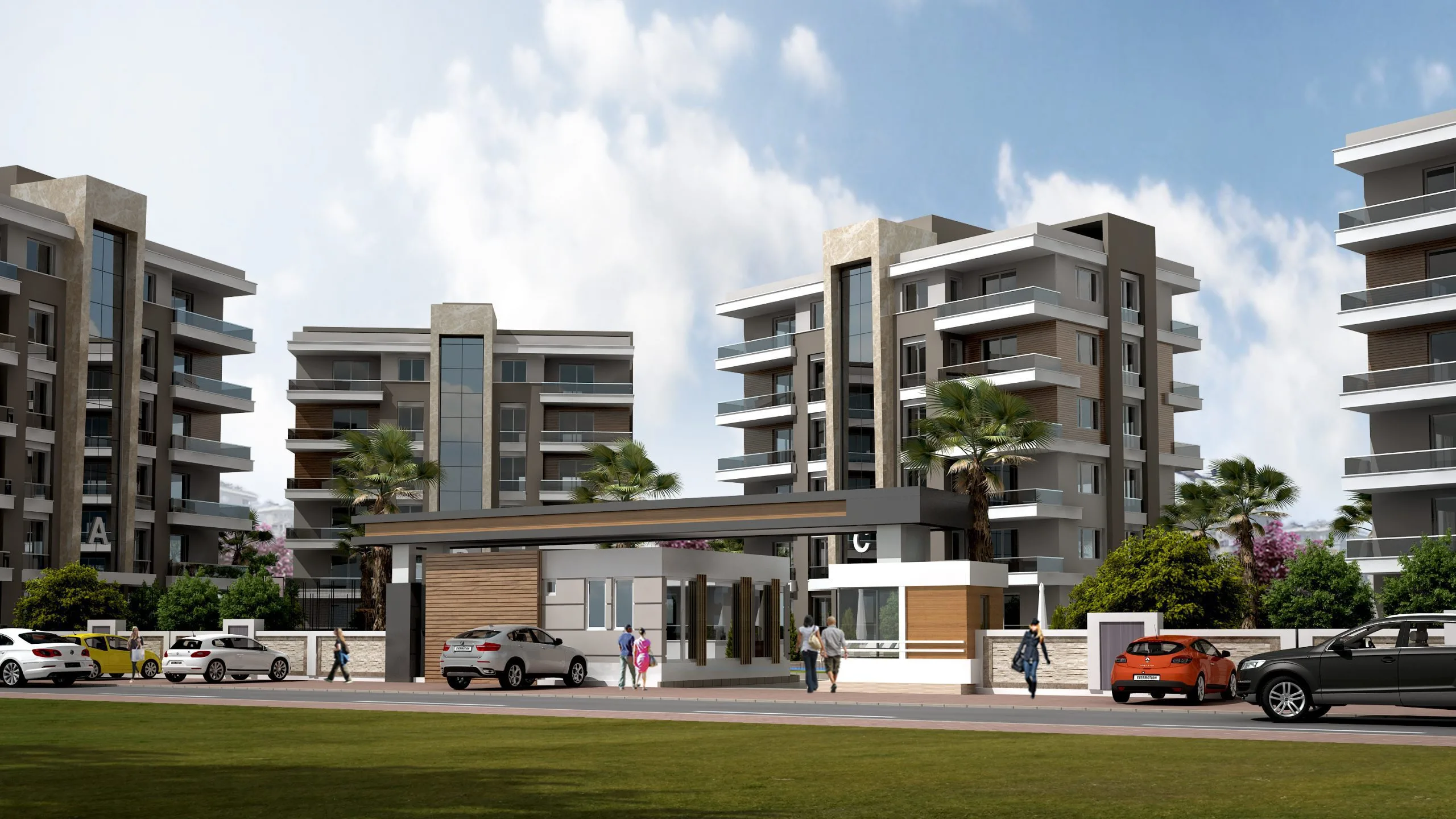
Showing the building in a void, on a white ground, looks clean at first glance, but it hides the very information people most want to see. When the masses of neighboring buildings, roads, pavements and existing trees are added to the model, the relationship of the new building with its surroundings becomes clear. The neighboring buildings do not need to be detailed; simple masses at the right height are usually enough. That way the new building stays the focus of the image, while the surroundings simply provide context.
Looking from where people will look
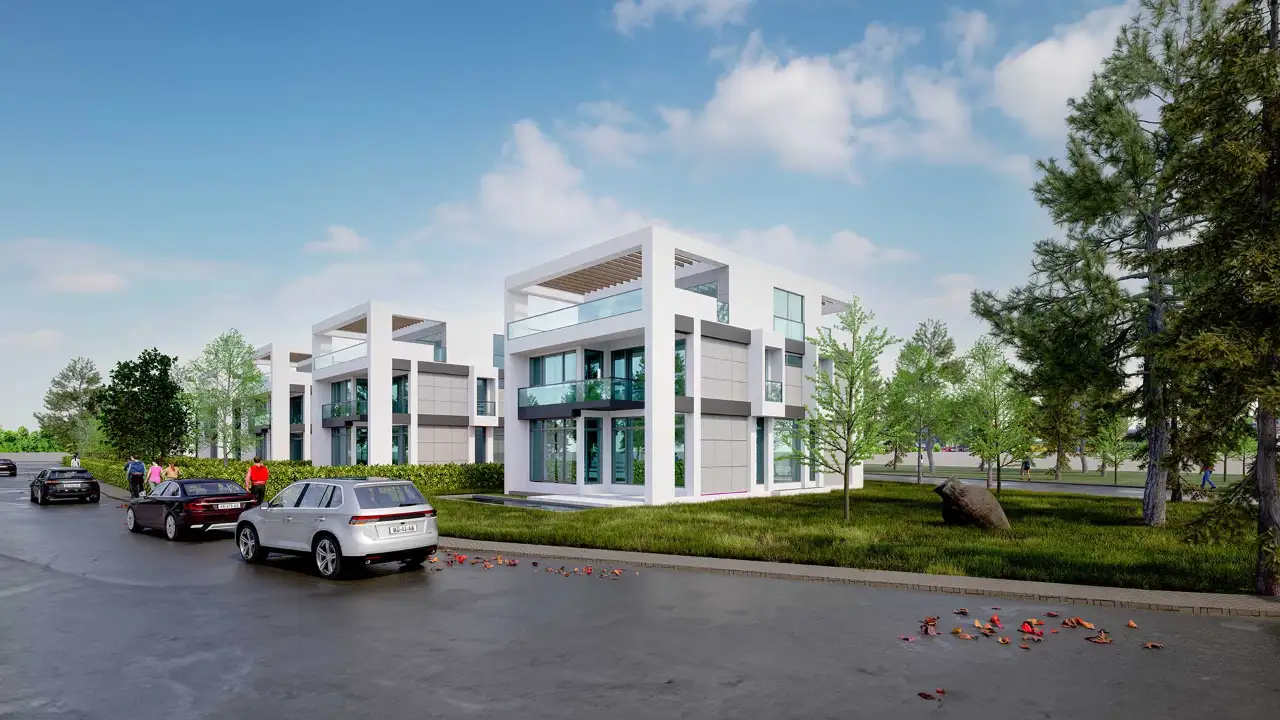
Aerial views are very useful for explaining the layout and green spaces, but understanding a building’s effect on the street also needs eye-level views. A few frames from the opposite pavement, the nearest junction or the neighboring plot show the decision-maker how the building will be perceived in daily life. Exaggerated wide-angle lenses can make a building look smaller or farther away than it is, so a measured field of view close to human vision should be preferred.
Photomontage and verifiable views
For some projects the most convincing image is a photomontage, in which the building is placed into a real photograph of the site. For this, the point from which the photo was taken, its height and the lens information are recorded; the camera in the 3D model is matched to this information and checked by aligning fixed points in the photo (corners of neighboring buildings, poles, road markings) with the model. In some countries, measured montages of this kind, known as “verified views”, are used in planning applications. Which images are required, and in what form, can vary by authority and by project in Türkiye or anywhere else, so the best course is to consult the planning department of the relevant municipality or the project architect before submitting.
What to avoid in a planning presentation
- Erasing the context: Removing neighboring buildings from the image or showing a wide green space that does not exist is misleading.
- Distorting the scale: Extremely wide angles chosen to make the building look small, or people and cars at unrealistic sizes, undermine trust.
- Exaggerated light: Showing every scene at sunset with bright lights hides the building’s real daytime impact; at least one image should be in neutral daylight.
- Landscaping that is not there yet: Instead of showing trees that will take years to grow as if they were mature today, it is more honest to show them as planted or with a clear note.

Which image at which stage?
In pre-application meetings, massing studies and sketches may be enough; showing an unfinished design photorealistically makes it look more final than it is. At the application stage, eye-level views taken from the dimensionally accurate model, an aerial site layout image and, if needed, photomontages are prepared. In presentations shared with the public, it matters that images are simple, explanatory and easy to read. For presentation layout, our articles on architectural project presentations and, for large sites, aerial architectural rendering can help.
If you also need sales and marketing images before the project is built, take a look at our article on 3D visualization for off-plan sales.
Frequently asked questions
Is a render required for a planning presentation?
That depends on the authority, the type of project and the stage of the process. The most reliable way is to ask the planning department of the relevant municipality or the project architect which images are expected.
Can a planning image and a marketing image be the same?
They can come from the same model, but their purposes differ. Accuracy, context and scale come first in a planning image; atmosphere and a sense of living come first in a marketing image. For most projects it is better to prepare two separate image sets.
What information is needed for a photomontage?
High-resolution photos of the site, the point and height from which each photo was taken, the lens used and measurements of the fixed points visible in the photo make camera matching easier.
Looking for photorealistic visuals for your project? Browse our architectural visualization projects or send us your drawings on WhatsApp; we will get back to you with scope and timing.