Realistic Architectural Rendering PDF Guide: Rendering Secrets
Our realistic architectural rendering PDF guide covers light, shadow, materials and render engine tips for V-Ray, Enscape and D5 Render.
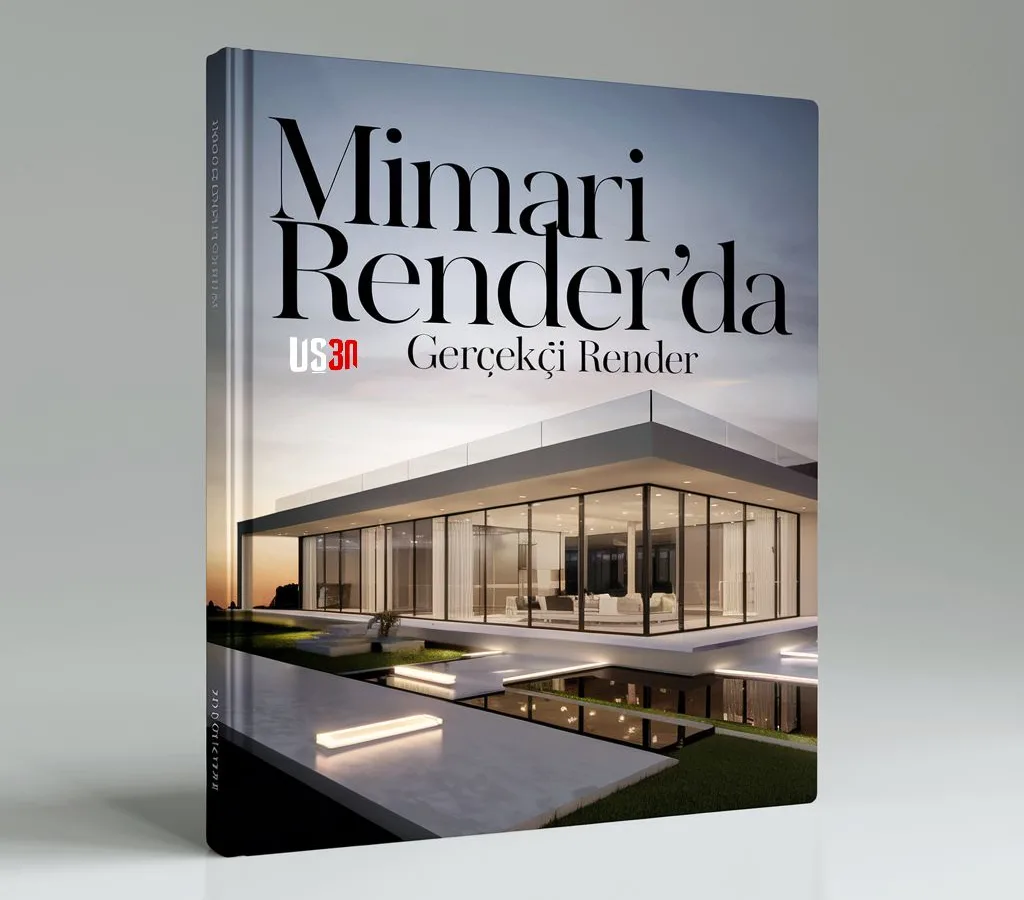
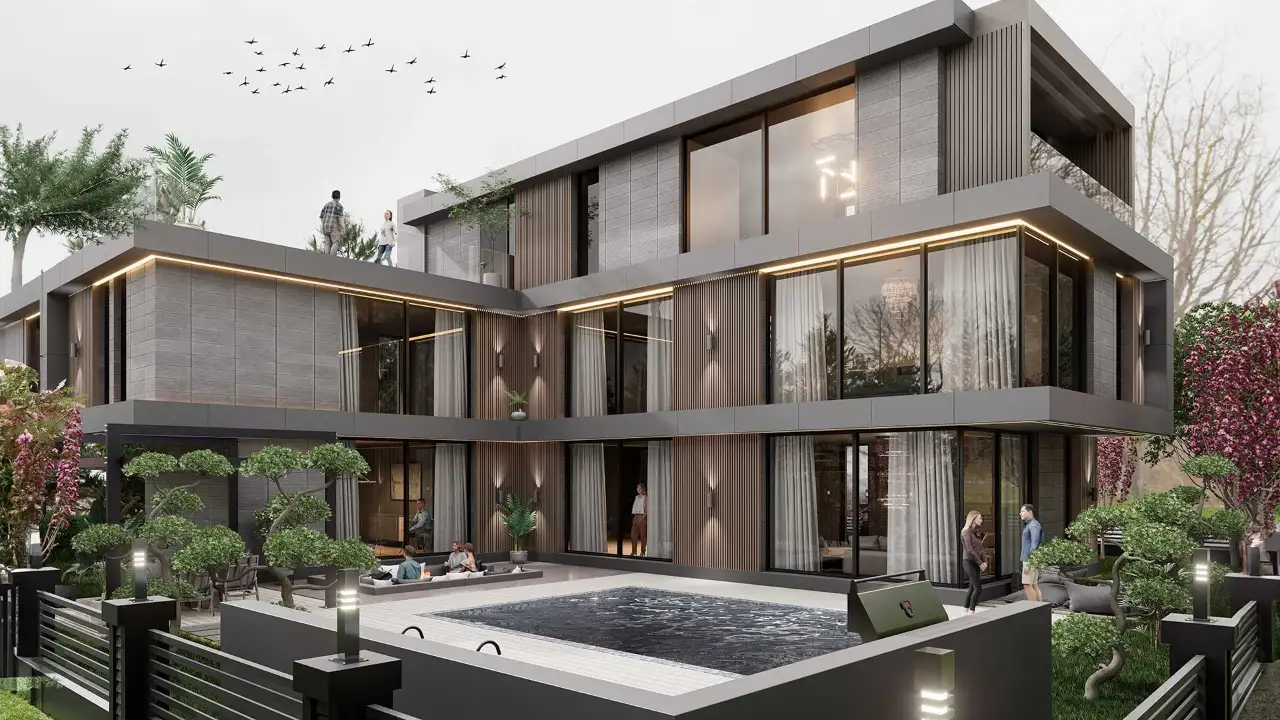
Architectural visualization is one of the most striking ways to bring a project to life. Realistic, compelling renders capture the spirit and details of a design and impress both your clients and your audience. Reaching that level, however, takes more than technical knowledge; it takes the right strategy and methods. That is where our realistic architectural rendering PDF guide, “Achieving Realistic Results in Architectural Rendering”, becomes the perfect companion for you!
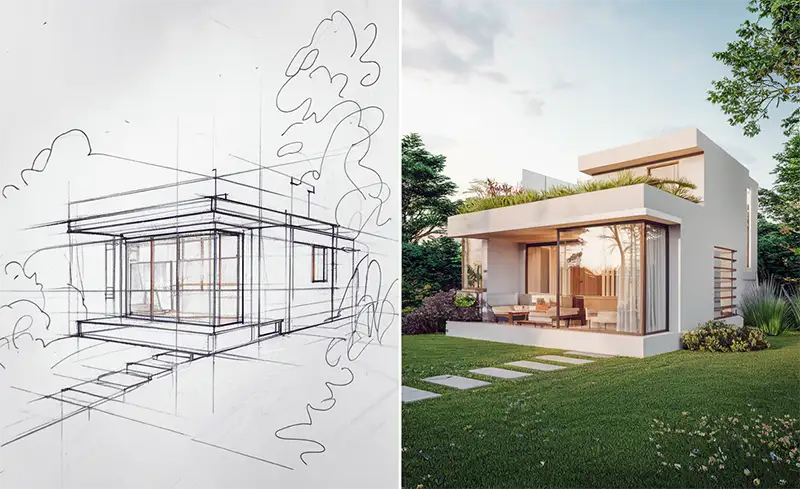
What Will You Find in the Realistic Architectural Rendering PDF Guide?
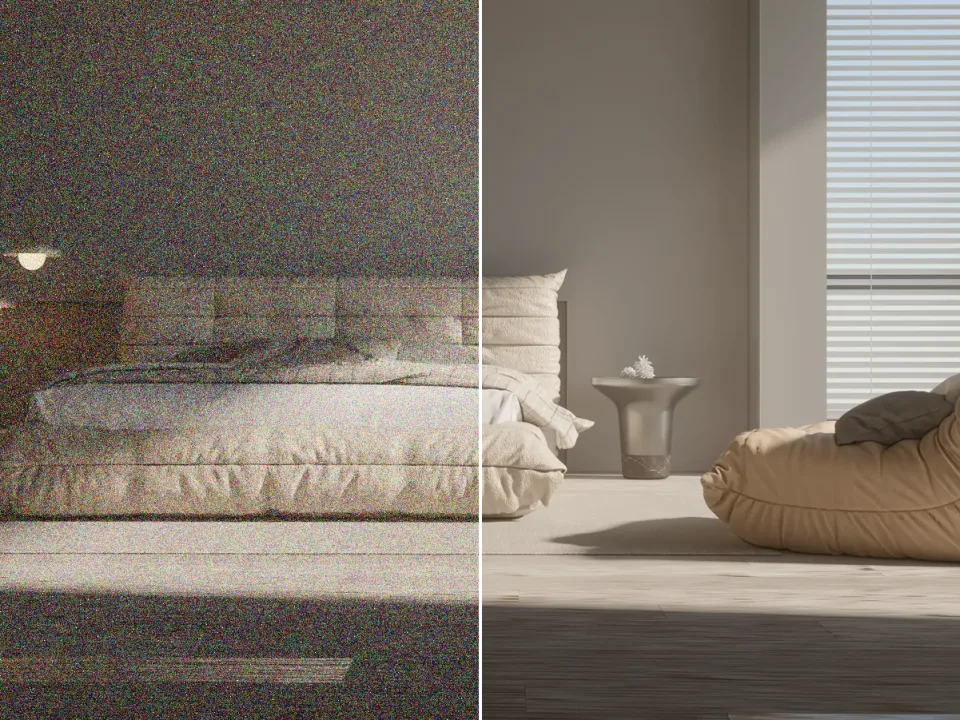
- Realistic rendering techniques: Ways to bring your scenes to life with light, shadow, textures and the right color palettes.
- Material and lighting tips: Practical tricks for using professional render engines such as V-Ray, Enscape and D5 Render effectively.
- Fast, efficient solutions: Advice that helps you manage complex projects with ease.
- Case studies: Real-world examples taken from professional projects.

With this content, you will not only gain technical knowledge but also present your projects to the real world more effectively.
Note: Looking for professional support in 3D visualization and architectural rendering? Take your projects to the next level with our services!
Make a Difference in 3D Rendering
Our Architectural Rendering Secrets PDF gives you a unique opportunity to optimize your architectural rendering workflow and combine your imagination with a professional vision. The details shared in the book summarize the experience we have gained over more than 20 years in the industry.
If you are looking for fast, effective solutions for your projects, our 3D architectural modeling and rendering services are here for you. You can easily reach us for anything you need through our WhatsApp line.
Why Our Book Sets You Apart
- Simple explanations, powerful techniques: The book presents complex information in an easy-to-follow way, making it a guide for users of every level.
- Real-world examples: Discover the methods used one-to-one in professional projects.
- Service support: We are here to help whenever you have questions about rendering.
Remember! While applying the techniques from the book to your projects, you can get professional results with the help of our 3D modeling and rendering services. We are happy to help you at every step.
Click here to get your book now!
The secret to standing out in the world of architectural visualization lies in the right techniques and a professional approach. Download the “Achieving Realistic Results in Architectural Rendering” PDF now to bring your projects to life and make a difference with professional results!
If you would like to work together, reach us instantly on our WhatsApp line and share your projects with us.
Take action and turn your ideas into reality!
Applying Realistic Architectural Rendering Rules to a Project: A Checklist
Reading a guide and applying it to a project are two very different things. In the studio we ask ourselves the same questions before every final image, and that habit is what turns the rules in the guide into real work. The first question is about the camera: is it at eye level, and do vertical lines stay vertical? Slightly leaning walls are enough to make a viewer feel something is off without knowing why. The second question is the light source. Where does the main light in the scene come from, and are the shadows consistent with that direction? Several strong lights competing with each other make an image look flat and artificial.
The third question is material scale. If the plank width of a parquet texture or the size of a brick does not match reality, the eye catches it no matter how detailed the model is. The fourth question is the story: who is this space for, and at what time of day? A book on the table, a scarf left on a chair or a half-open curtain brings life to an empty scene. Finally, post-production stays restrained; pushing saturation too far or sharpening everything makes the line between render and photograph more obvious.
Why Renders Look Fake and Who This Guide Is For
The same causes repeat in most renders that look fake: perfectly clean surfaces, razor-sharp edges, light that illuminates everything evenly and a sky that has nothing to do with the space. In real spaces, surfaces are slightly scratched, edges are softened, and light is strong in one place and weak in another. Deliberately adding these small imperfections to a scene accounts for much of what makes it realistic. Our step-by-step article on how to get photorealistic renders is a good companion to this guide.
The guide is written for architecture and interior design students who are new to rendering, designers who want to present their own projects and visualization artists who want to take their results to the next level. If you get stuck on a term in the booklet, check our architecture glossary.
Frequently asked questions
What is the most important setting for a realistic render?
There is no single magic setting for a realistic render; light is the most decisive factor. When the direction, intensity and color of light are set correctly, even ordinary materials look believable. A model built at the correct scale, a camera at eye level and realistic material values complete the picture.
Why do renders look fake?
Renders usually look fake because they are too perfect. Flawless surfaces, sharp edges, evenly spread light and exaggerated saturation do not exist in real spaces. Adding small roundings to edges, giving surfaces subtle texture and wear, and using one clear main light bring the image closer to a photograph.
Is an architectural rendering guide suitable for beginners?
Yes, because the guide explains complex topics in plain language, beginners can use it comfortably. Users who already know the basics can use it as a checklist to review their final images. Whatever render engine you use, the principles of light, camera and materials stay the same.
Related articles: The Best 3D Visualization Specialist · Best Render Program for Architects: Getting the Best Render · What Is Architectural Rendering? Realistic 3D Projects