Virtual Staging for Property Listings: Furnish Empty Homes Honestly
How virtual staging helps vacant listings: real-size furniture, honest disclosure, staging on photos vs 3D renders, and furnishing in SketchUp.
In a listing, a photo of an empty apartment often looks smaller, colder and more ordinary than the home really is. Looking at white walls and a bare floor, buyers and renters struggle to imagine living there; they cannot tell where a sofa would fit or whether the bedroom really takes a double bed. Virtual staging for property listings fills exactly that gap: a photo or 3D model of the empty space is furnished digitally with furniture that was never moved in. In this article we explain what virtual staging is, how it is used for vacant listings, how to prepare an honest image and when a 3D rendering is the better route.
What is virtual staging?
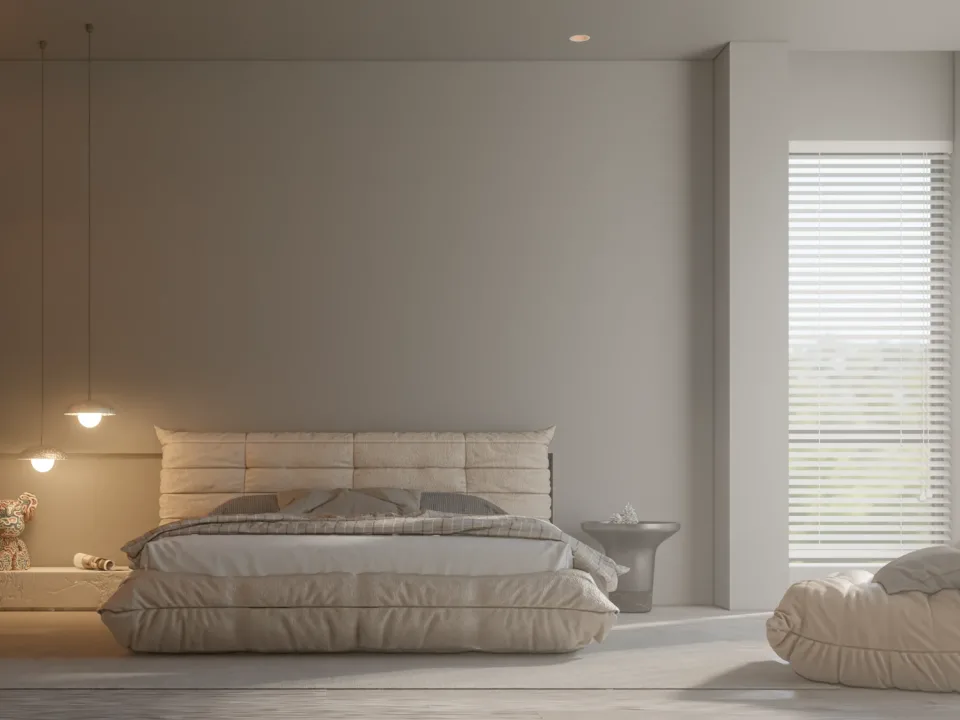
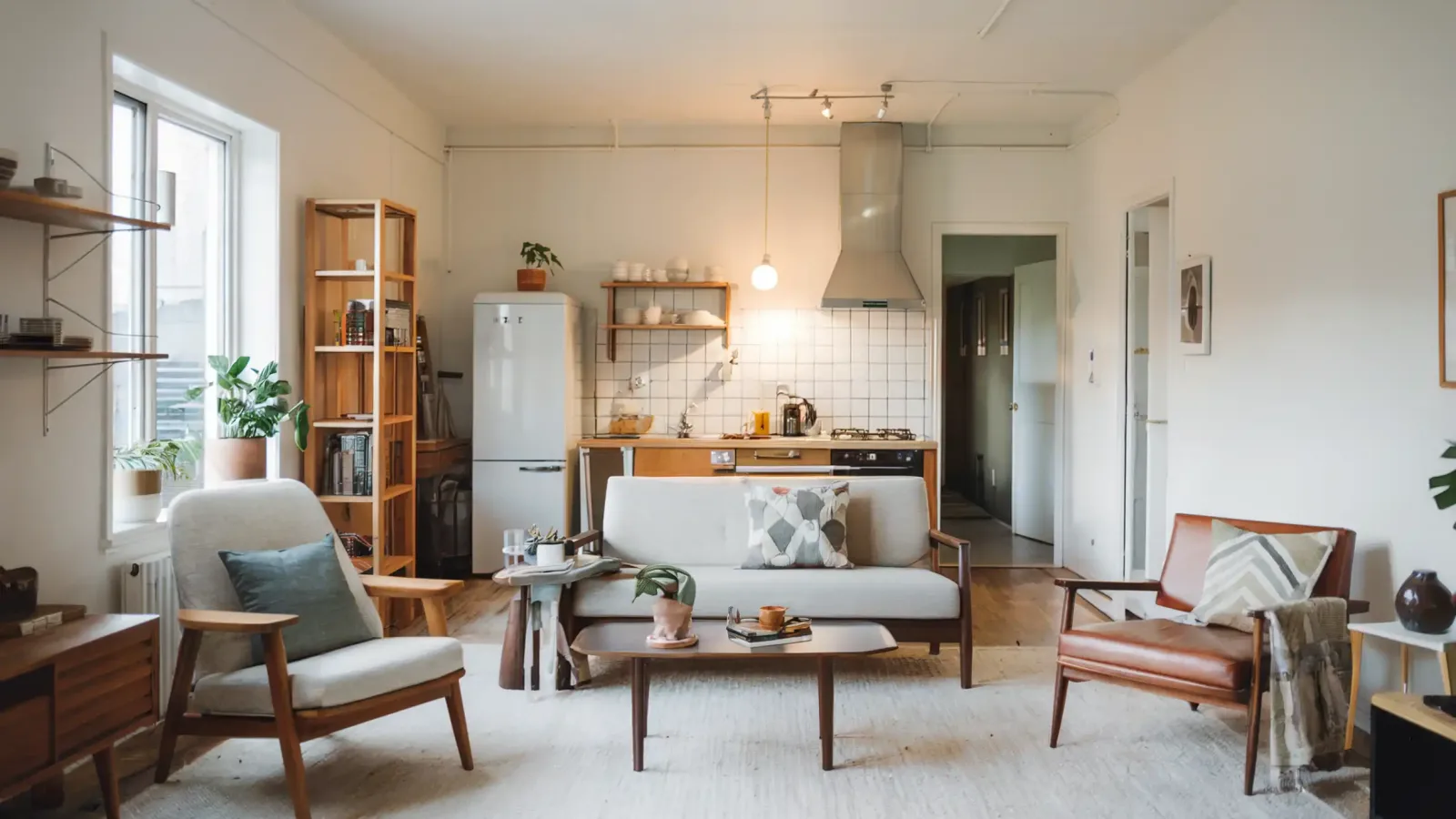
Virtual staging means digitally furnishing an image of an empty or cleared-out space with furniture, rugs, lighting and small decor items. In physical home staging, furniture is rented, delivered and arranged; in virtual staging, all of this happens on the image. The same room can be shown in different styles, items can be swapped, and the listing is ready even while the property is vacant.
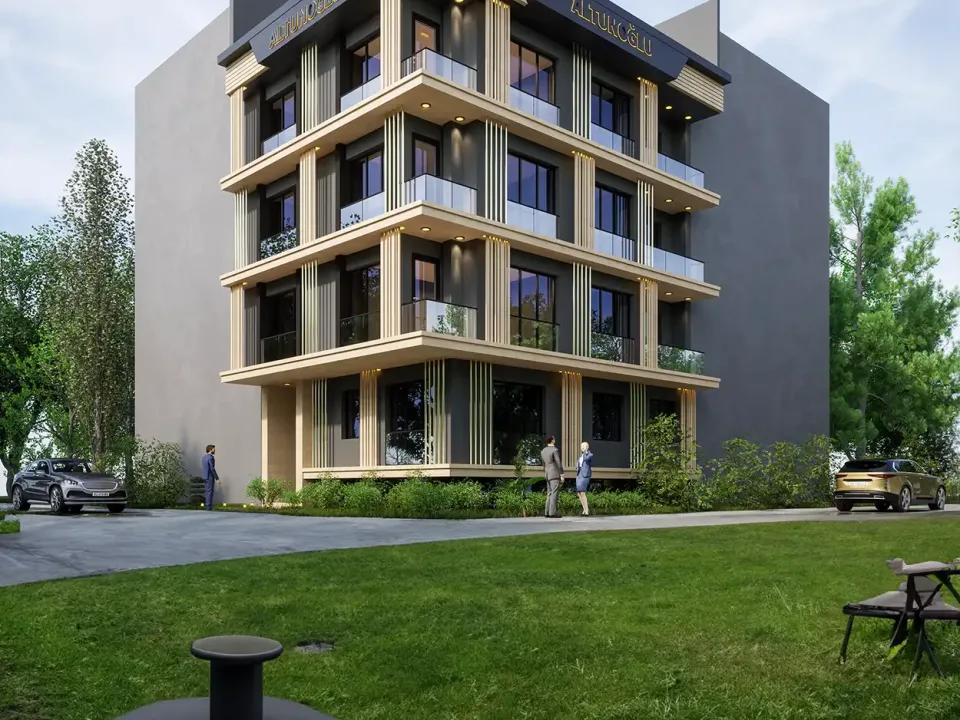
There are two main methods. In the first, furniture is placed on top of an existing photo; perspective, light direction and shadows must match the photo exactly. In the second, a 3D model is built to the room’s dimensions and the image is rendered from scratch. For apartments that are not finished yet or cannot be photographed, the second route is the only option.
Why virtual staging works for vacant listings
Scale and layout become clear
An empty room has no reference for depth and size. Once a sofa, dining table or bed at real dimensions is placed in it, viewers immediately understand how many people the room comfortably holds. That is why choosing furniture at true size is the most important rule; pieces shrunk to make the room look bigger mislead buyers and lead to disappointment at the viewing.
A sense of living appears
People buy a feeling as much as square meters. A breakfast corner in morning light, a study with bookshelves or a warm bedroom can make someone scrolling past a listing stop. We also covered the general logic of sales-focused visuals in our article on 3D visualization for off-plan sales.

Different suggestions for different buyers
The same room can be shown as a study in one image and a child’s room in another. This flexibility helps buyers see their options, especially in small rooms with an uncertain use or in open-plan living areas. When choosing a furniture style, think about the property’s target audience: a simple, practical layout for a young couple and a comfortable, fuller layout for a large family tell the same room in very different ways. Keeping colors neutral makes it easy for viewers to imagine their own belongings in the space.
How to prepare honest virtual staging
The strength of virtual staging is also its risk: the more convincing the image, the more important it is to stay true to reality. These principles help keep trust:
- Add only movable items: Furniture, rugs, curtains and decor may be added; permanent elements such as walls, windows, flooring, views or fixtures are not changed.
- Do not hide defects: Cracks, stains or damage should not be covered up with furniture.
- Disclose it: State clearly on or right next to the image that it is virtually staged, and include a photo of the empty room in the listing when possible. Some listing platforms and countries apply their own rules for this; checking the terms of the platform where you publish is the safest approach.
- Keep the light consistent: Furniture shadows should fall in the same direction as the window light, and reflections should match the floor. Inconsistent light makes an image look fake at a glance.

On a photo or as a 3D rendering?
If the apartment is finished and well photographed, staging on the photo is a quick solution. But if the photo is dark, distorted by a wide-angle lens or the room is still under construction, rendering from a 3D model gives a more reliable result. With the 3D method the camera angle is chosen freely, the same room can be shown in different light and furniture sits at its real dimensions. If a project has several apartment types, the model can later be reused for a virtual tour. You can find how interior images are planned in detail in our guide to ordering interior renderings.
Preparing a furnished scene in SketchUp
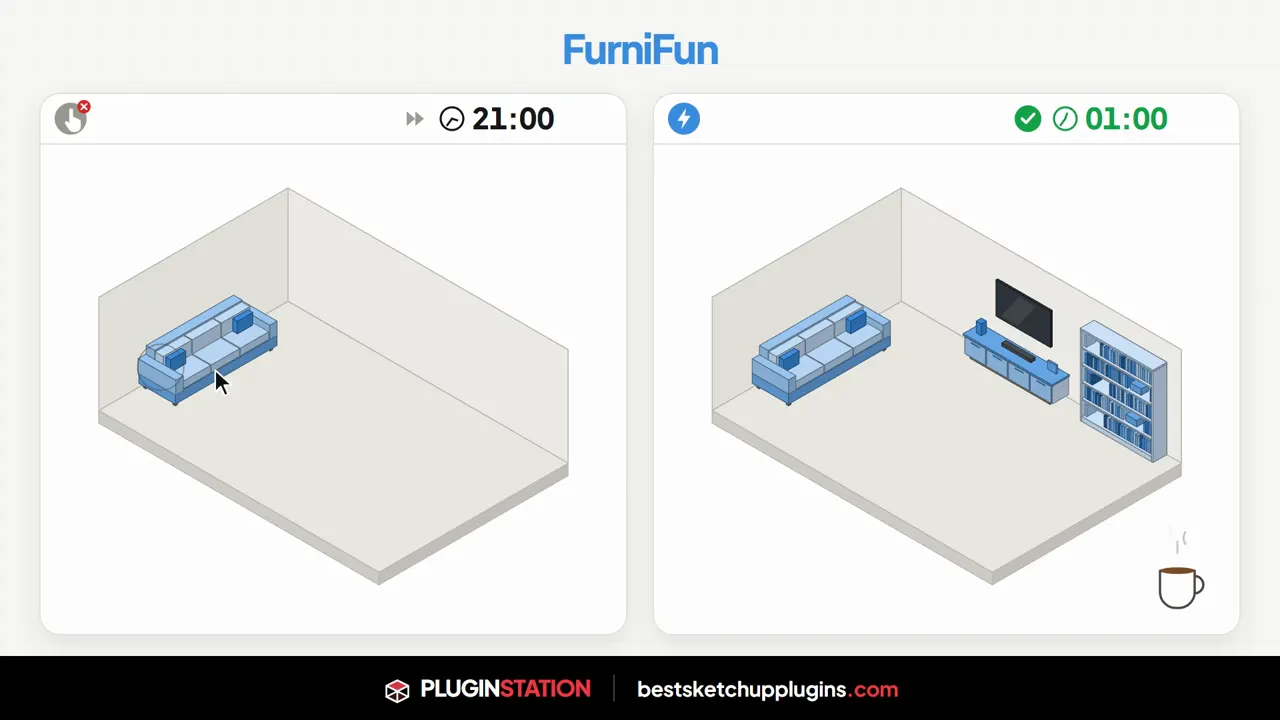
For designers who build the model themselves, furnishing room after room takes the most time. To speed up this step you can use the FurniFun SketchUp furniture plugin: pick one of 18 furniture types, click the start and end points along a wall, and the piece builds itself to size. An empty apartment model quickly turns into a lived-in space ready for rendering.
Frequently asked questions
What is the difference between virtual staging and physical home staging?
In physical staging the furniture is actually moved in and visitors tour the furnished home. Virtual staging happens only in the image; the home is empty at the viewing. That is why it is important to state that a listing image is virtually staged.
Which rooms should be virtually staged?
The living room, the main bedroom and the kitchen or dining area are usually the spaces people are most curious about. Small rooms with an uncertain use also give buyers ideas when shown with different functions.
Can an unfinished apartment be virtually staged?
Since it cannot be photographed, a 3D model is built from the architectural drawings and a furnished interior rendering is produced. The result can be used for sales and pre-leasing before construction ends.

Want your vacant apartments to look like lived-in homes in your listings? Browse our architectural visualization projects or send us your plans and photos on WhatsApp; we will get back to you with scope and timing.